3D Printing Upgrades for my Keyboard MegaShelf: Quality and Functionality

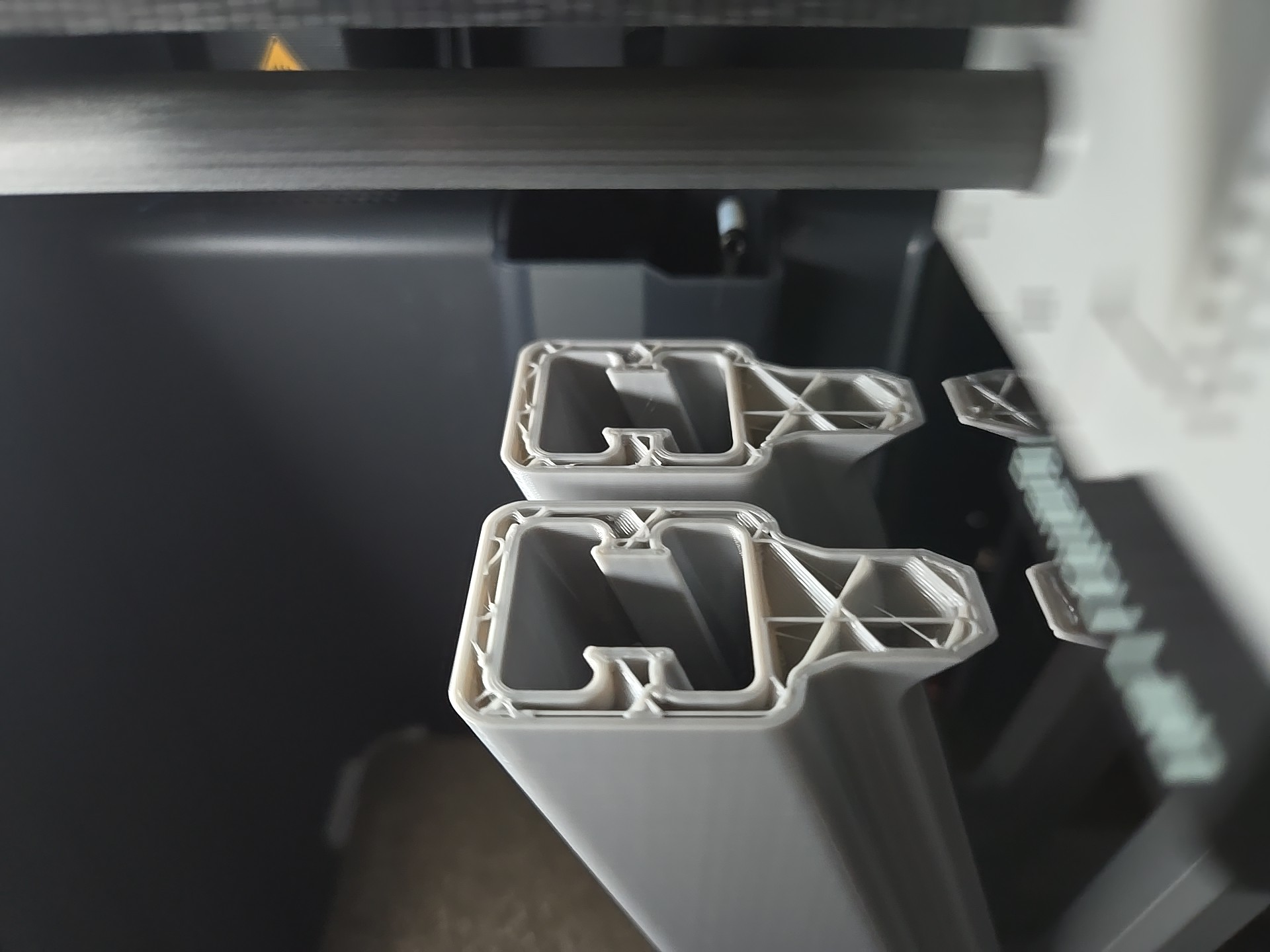
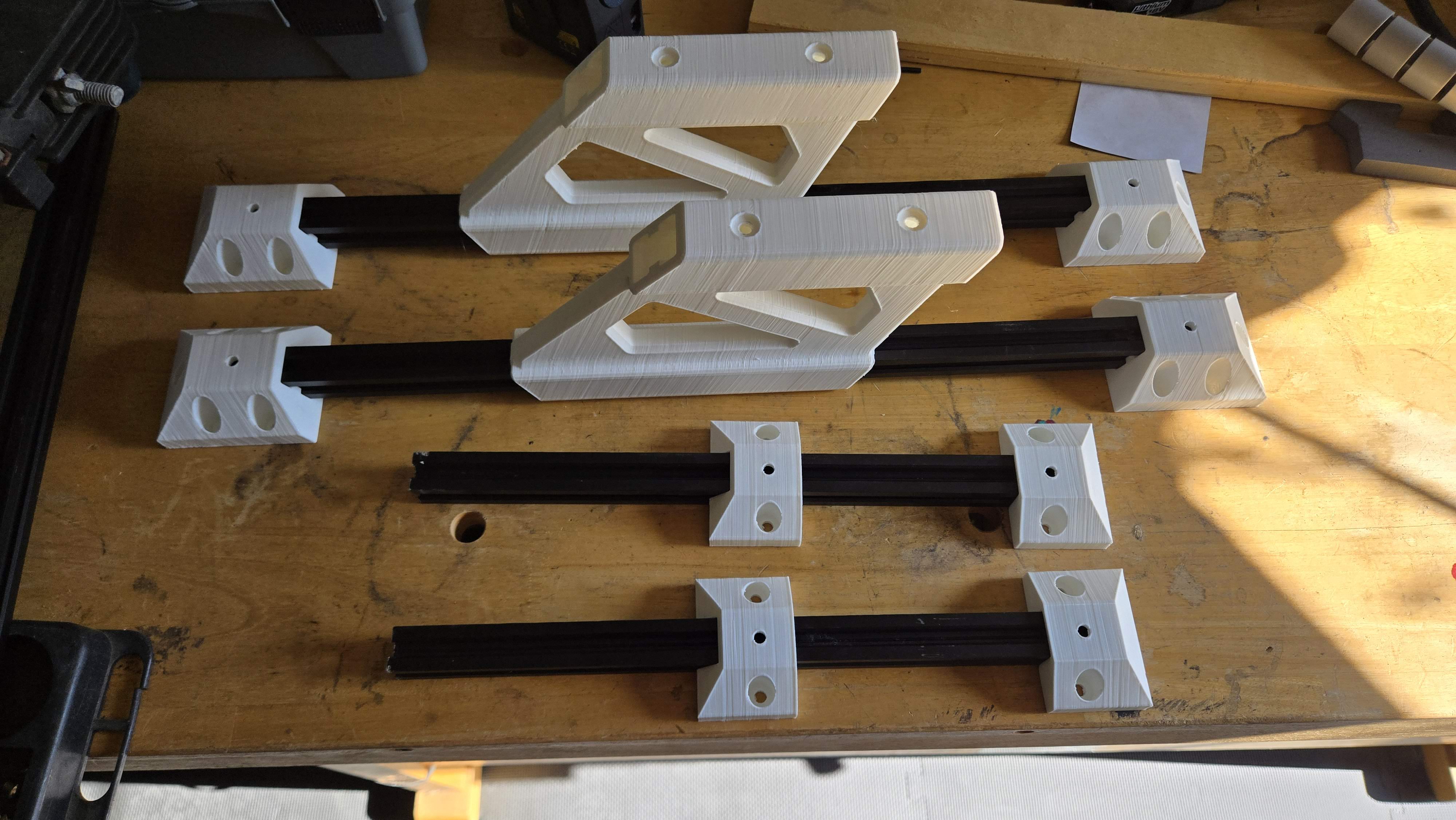
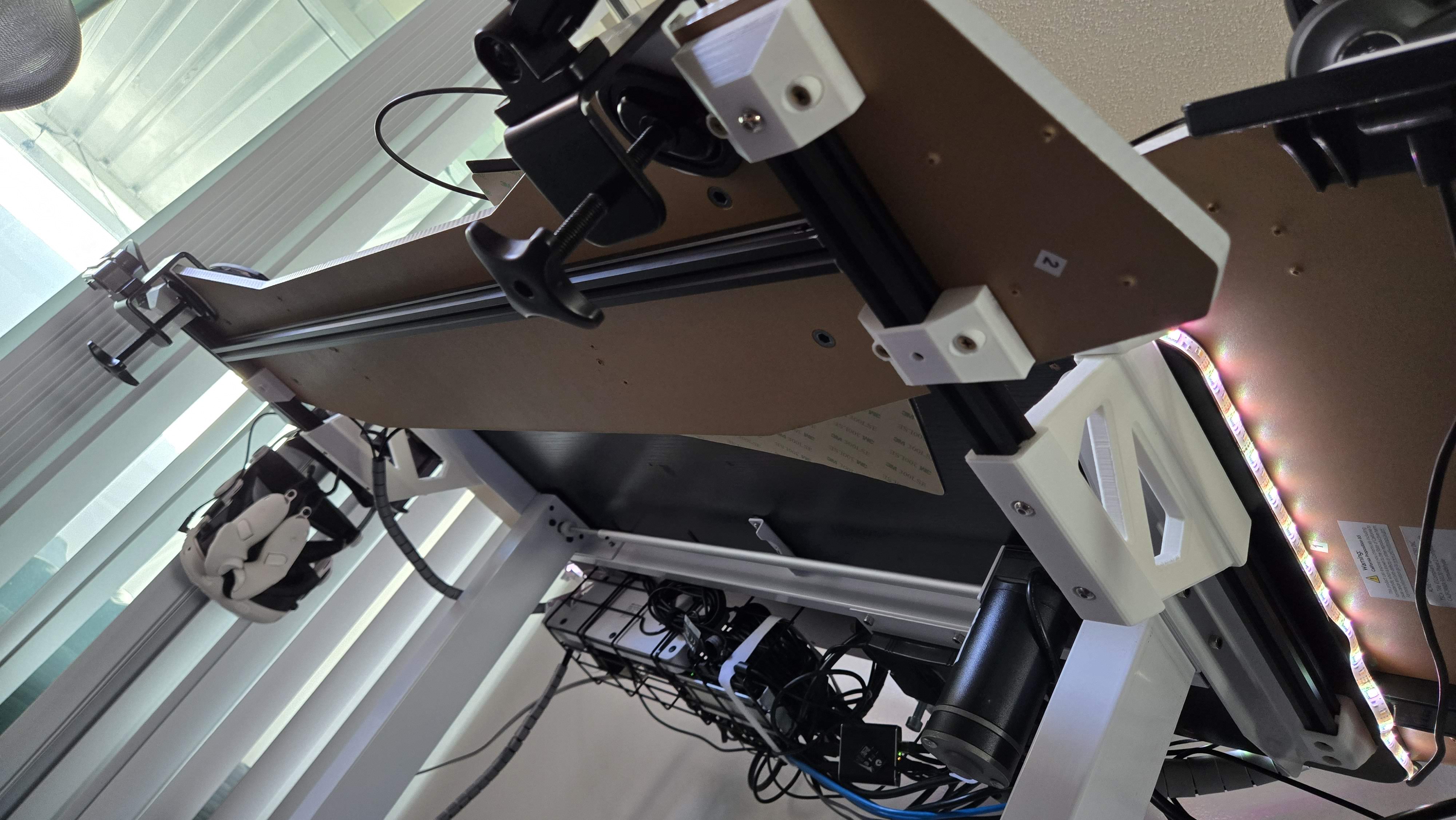
I decided to print my keyboard shelf parts on the P1S on PETG and gray color. But before that, I wanted to implement some changes to improve the mounting and sliding action.

Things I wanted to address in order of importance:

  1. Improve sliding action and allow for grease
  2. Use more standard screw length eliminating my custom spacers
  3. Use PETG instead of PLA since the latter started shaving against the aluminum
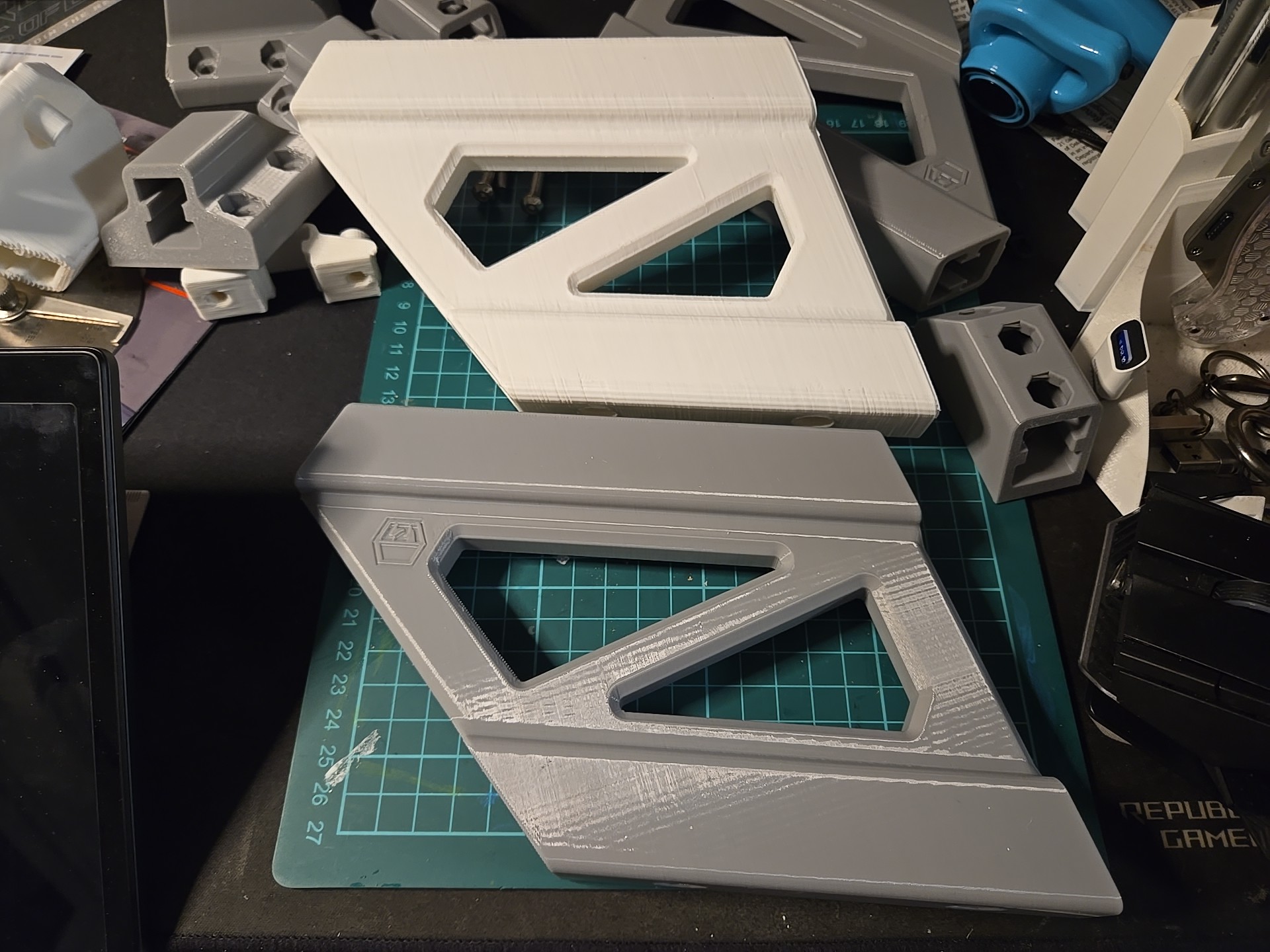
  4. Replace the ugly print quality of the older ones
  5. Another color (gray, also neutral but different from desktop)

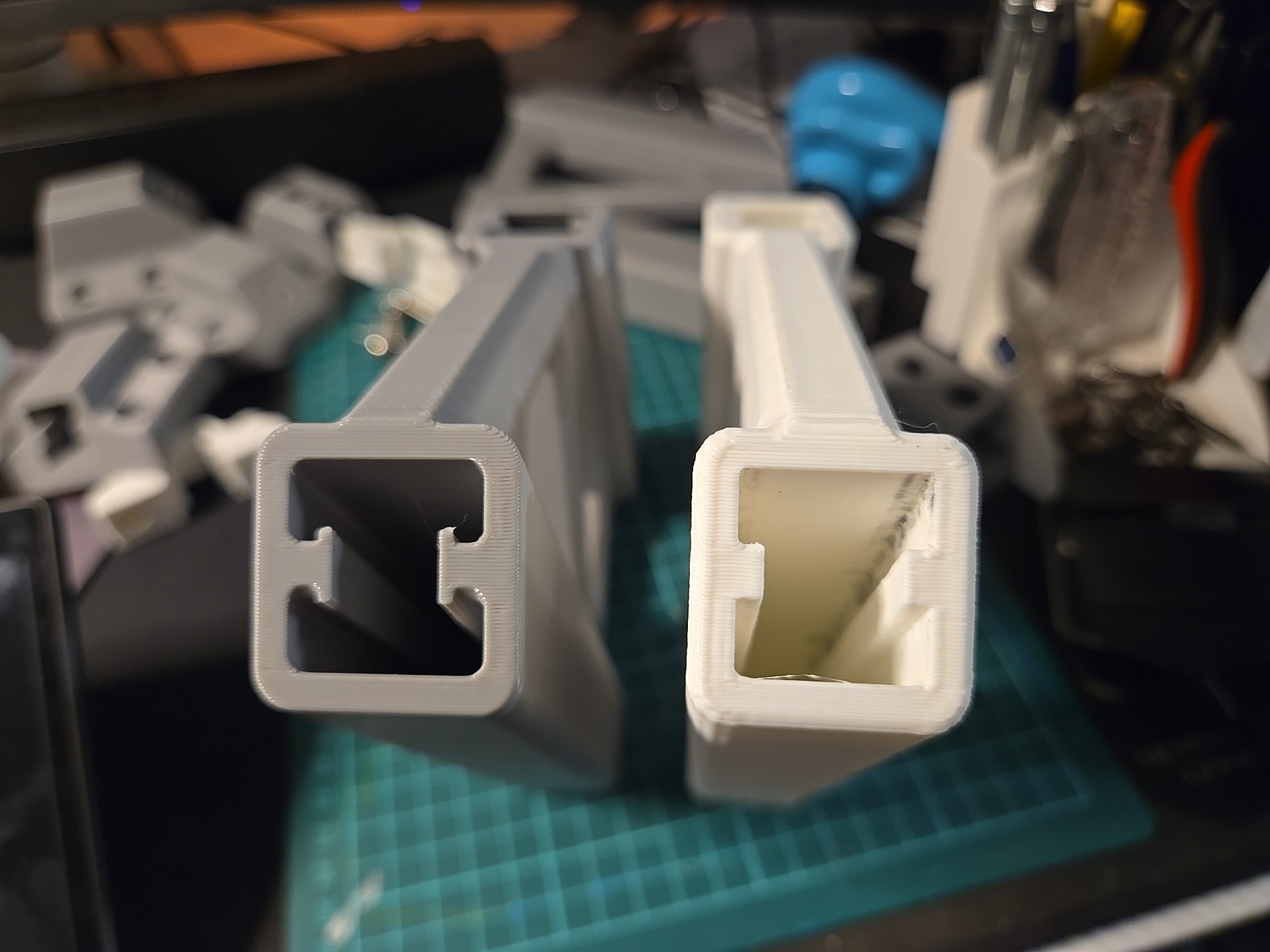
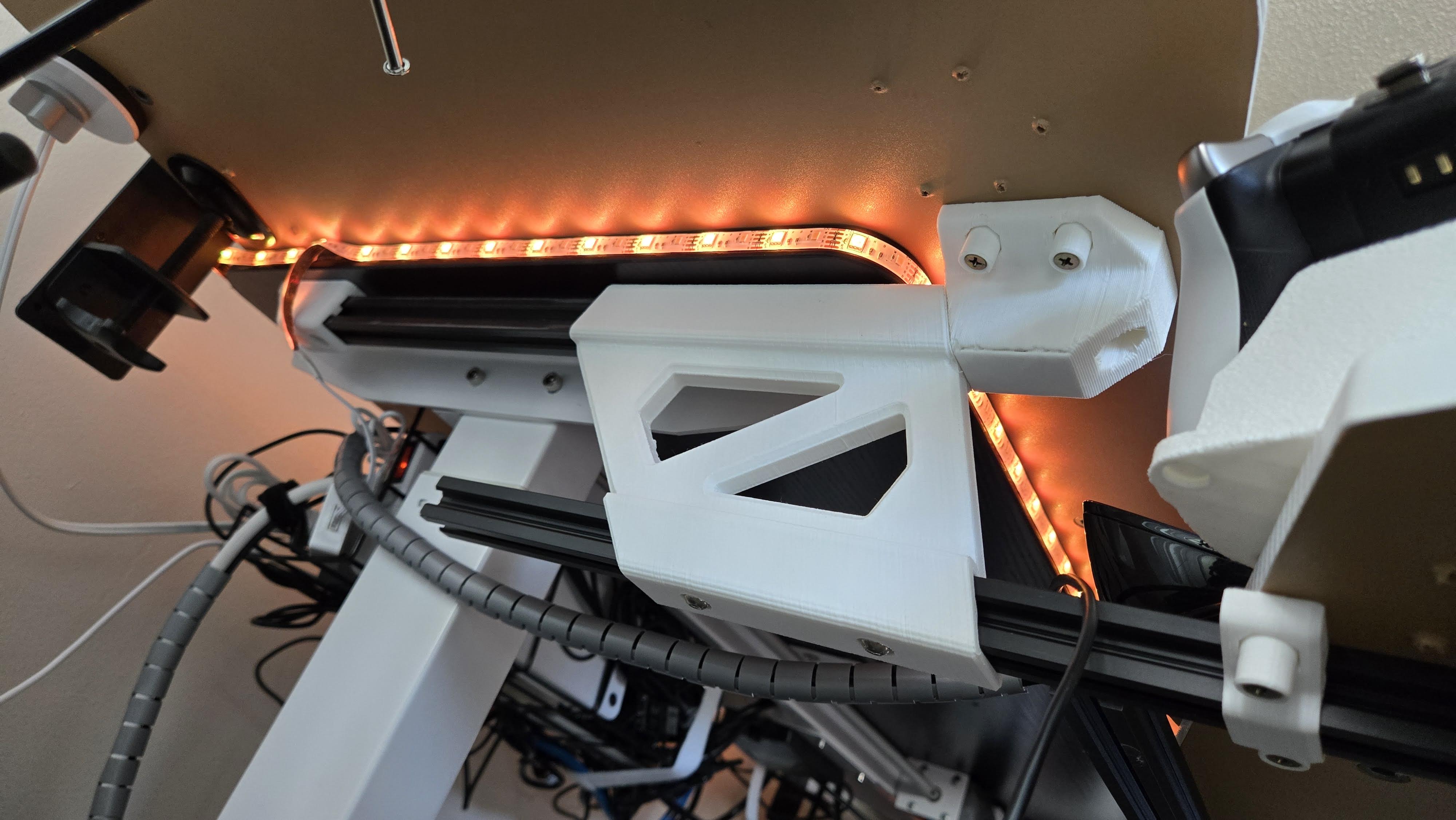
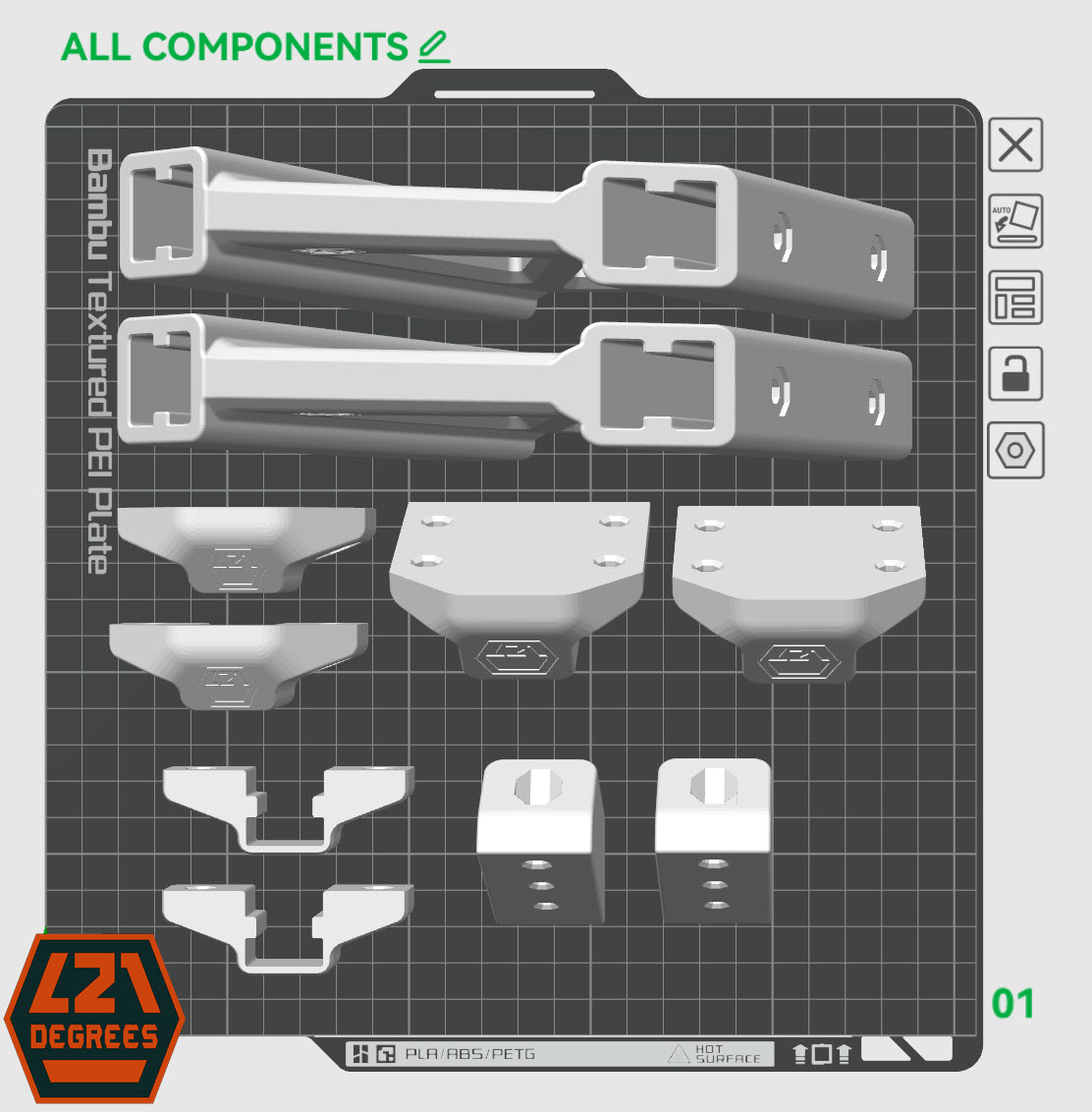
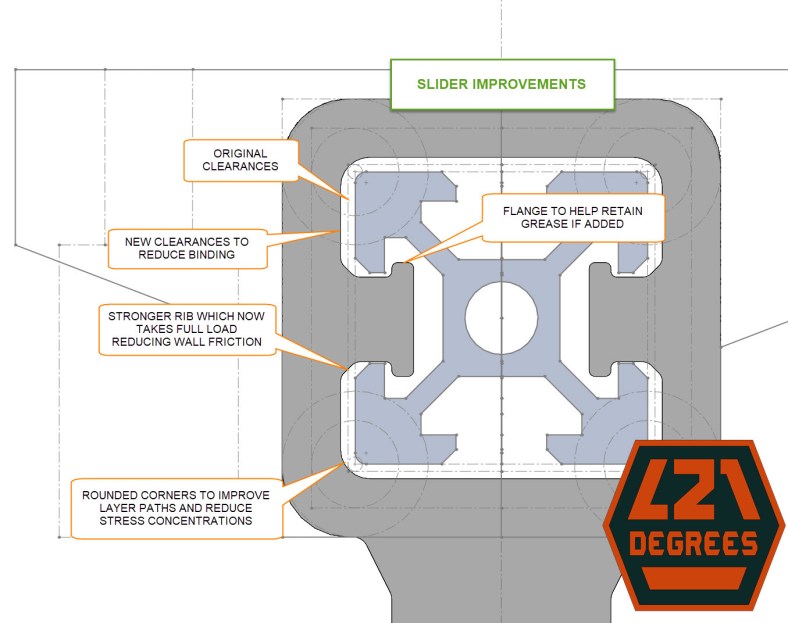
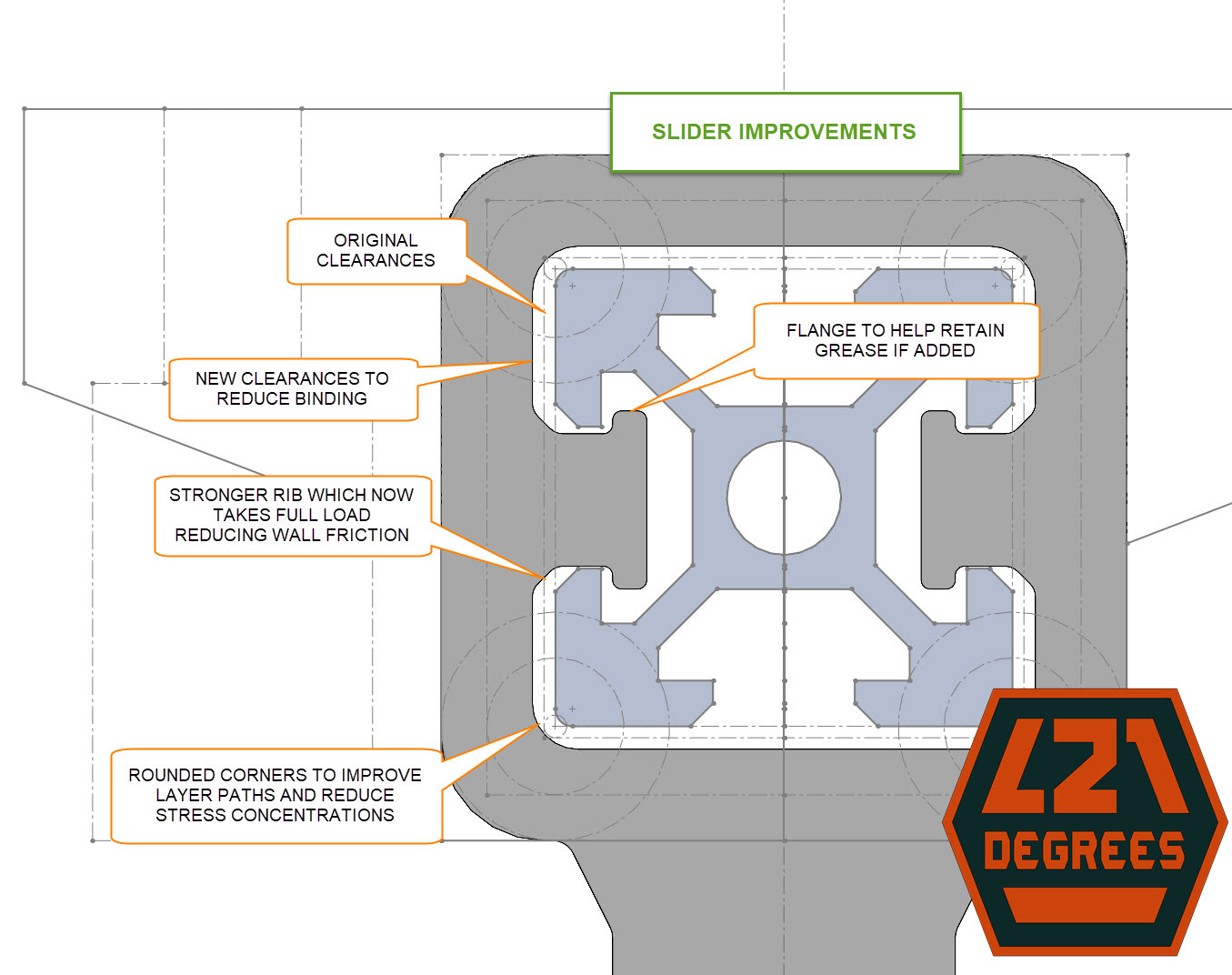
The image below shows the changes but in summary, I increased the side clearances to reduce/eliminate wall friction, strengthened the slider ribs and added a flange to help retain grease if added, and increased corner fillets (rounding) to reduce/eliminate stress concentrations:
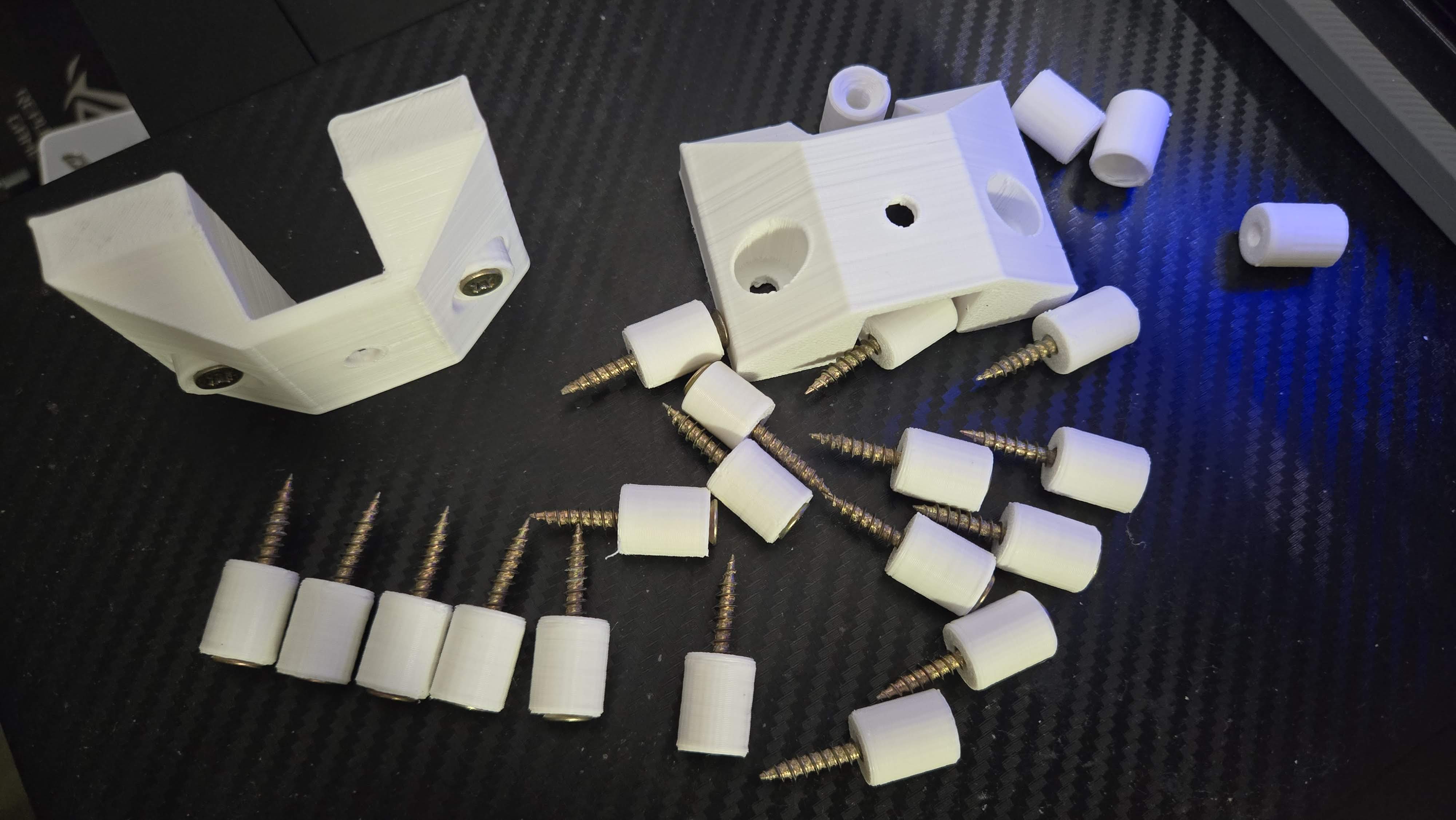
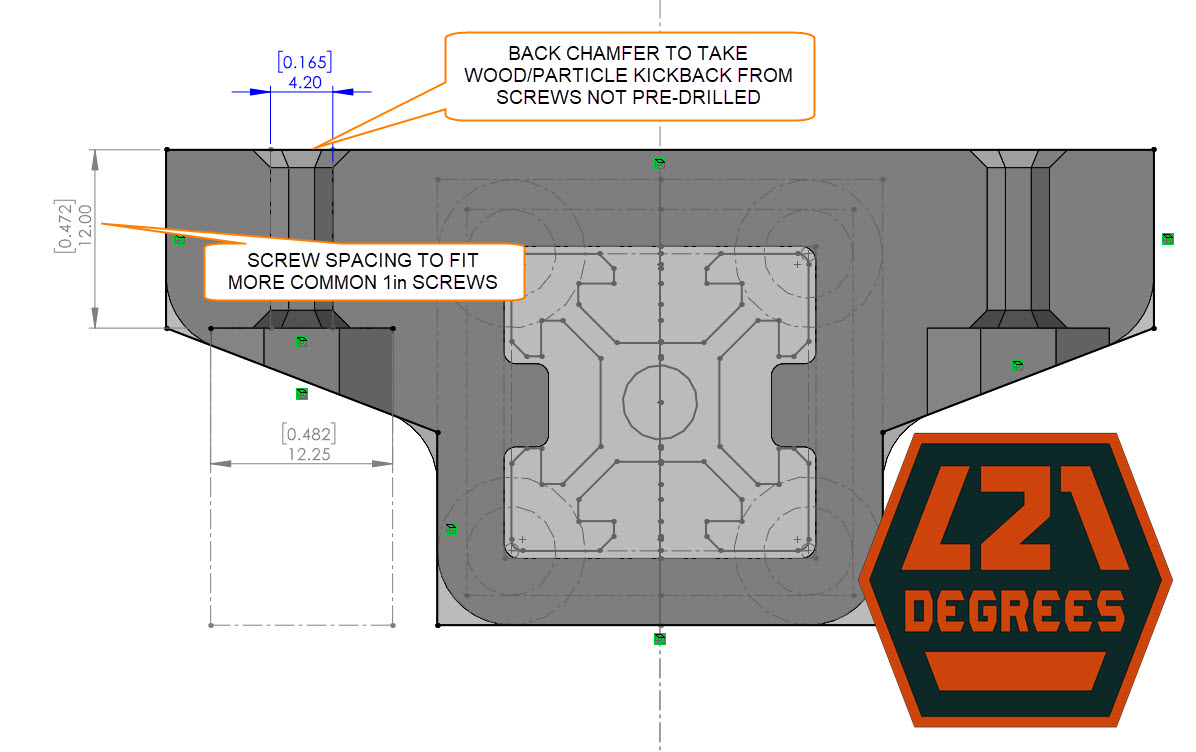
For the screw mounting, the shortest screw length I found at the hardware store was 1″ so I adjusted the mount spacing to take 1/2″ so they would thread 1/2″ into my 3/4″ desktop. Also, I didn’t pre-drill holes for them so some material would kick-back/lift out around the screw which separated the flat surface on the mounting brackets so I added chamfering around the mounting holes to help take it:
Available to download at MakerWorld: https://makerworld.com/en/models/878613
And recently uploaded to Printables: https://www.printables.com/model/1144913-keyboard-megashelf-sliding-keyboard-and-peripheral

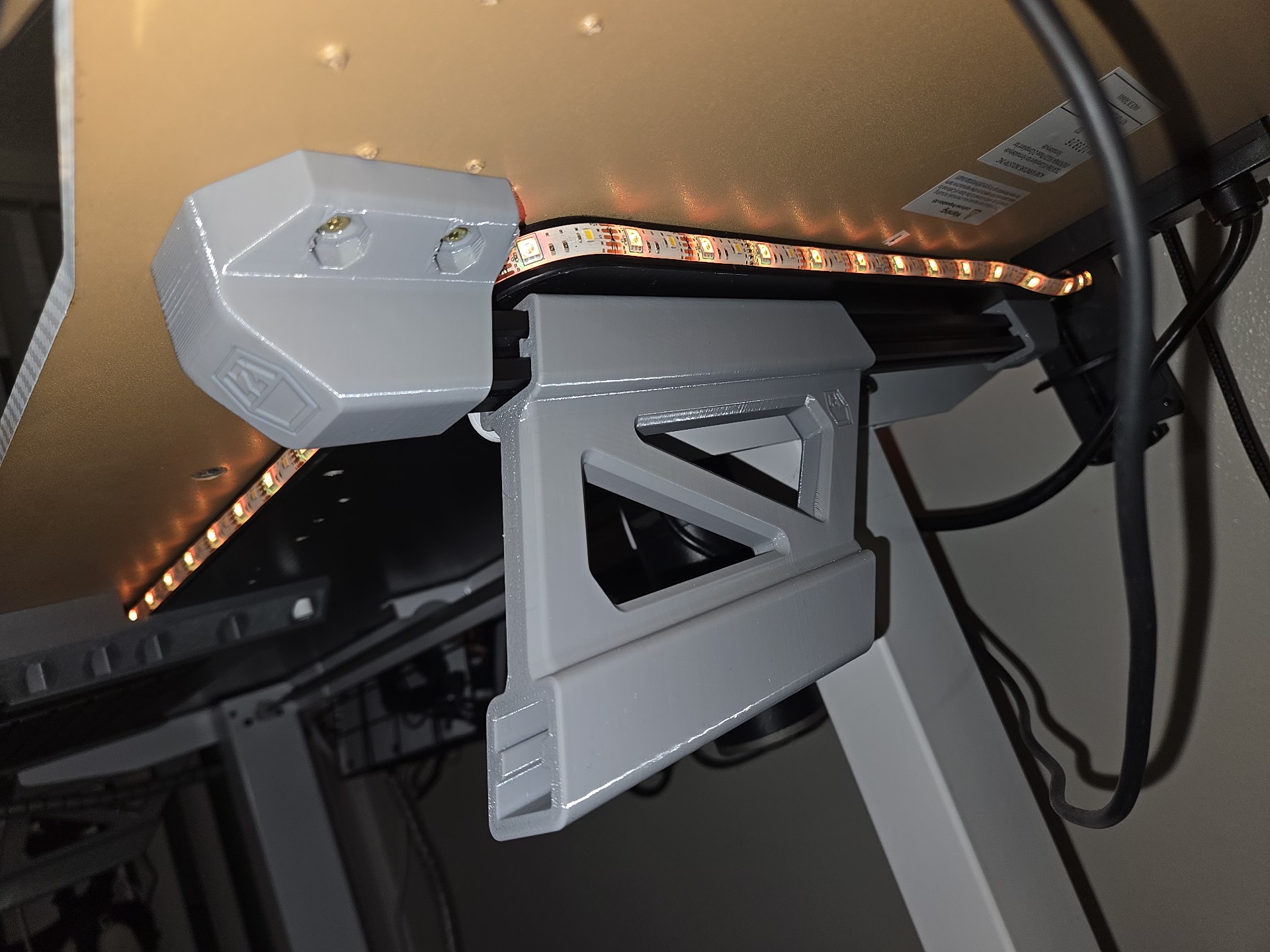
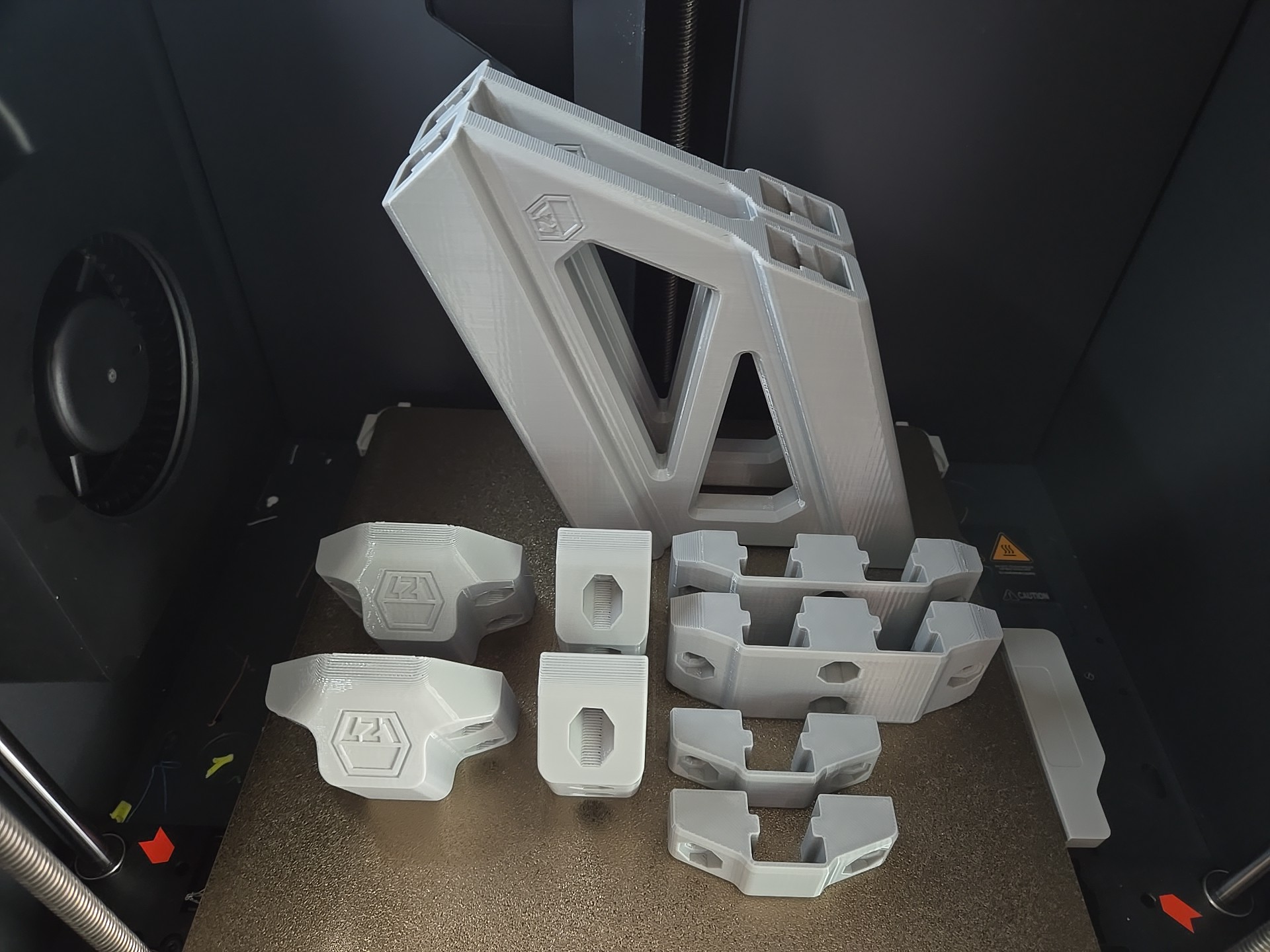
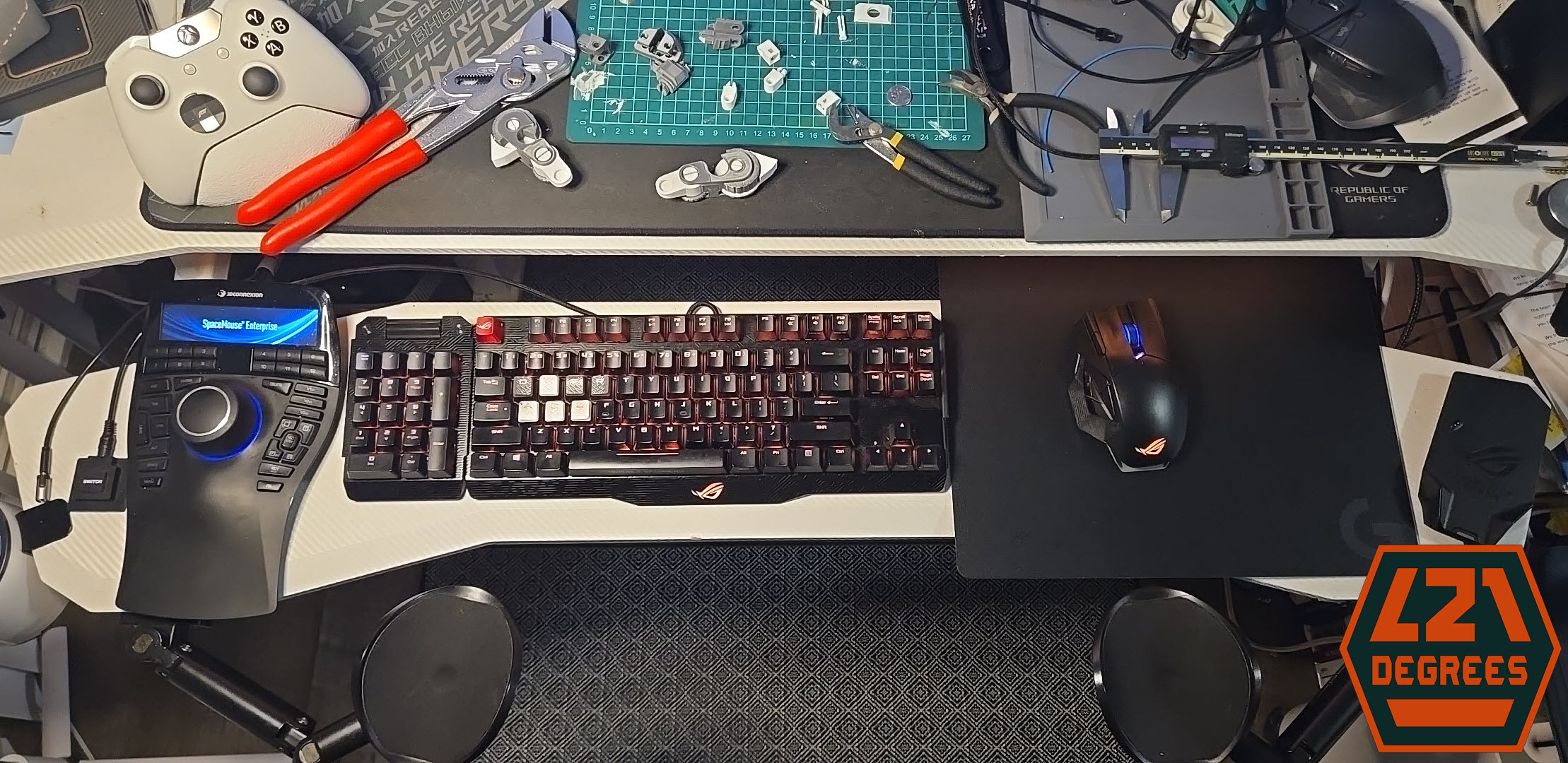
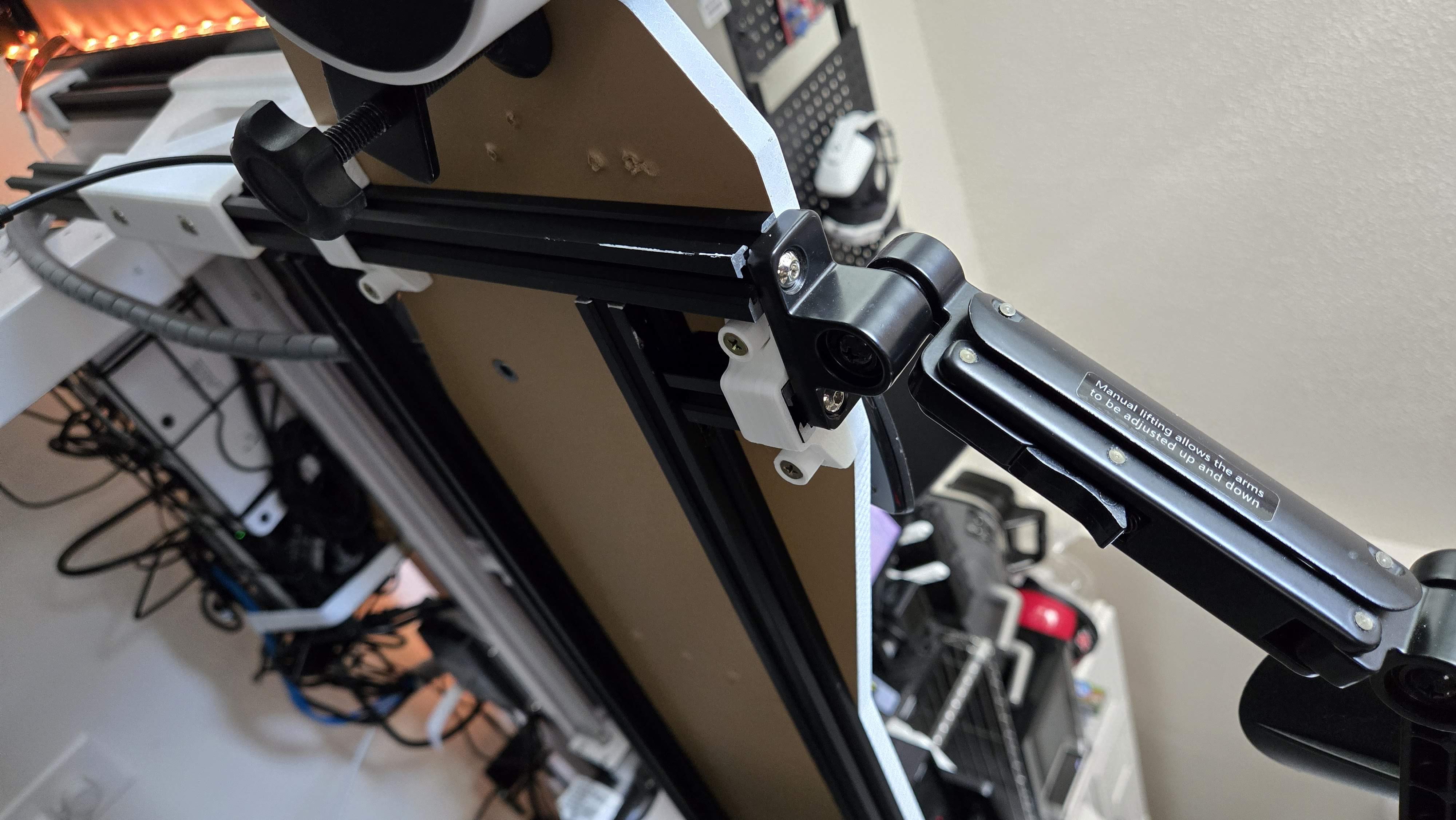
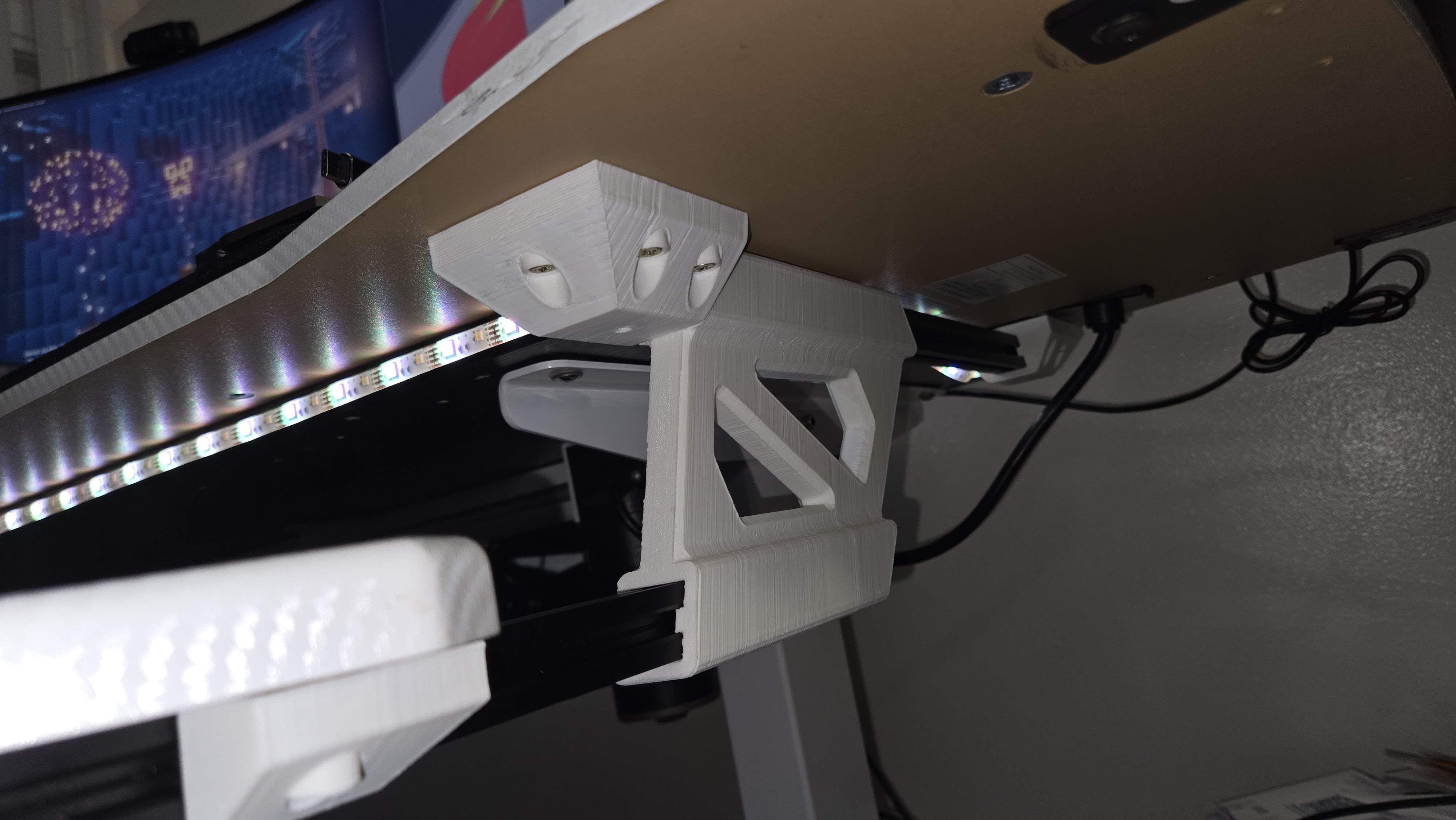
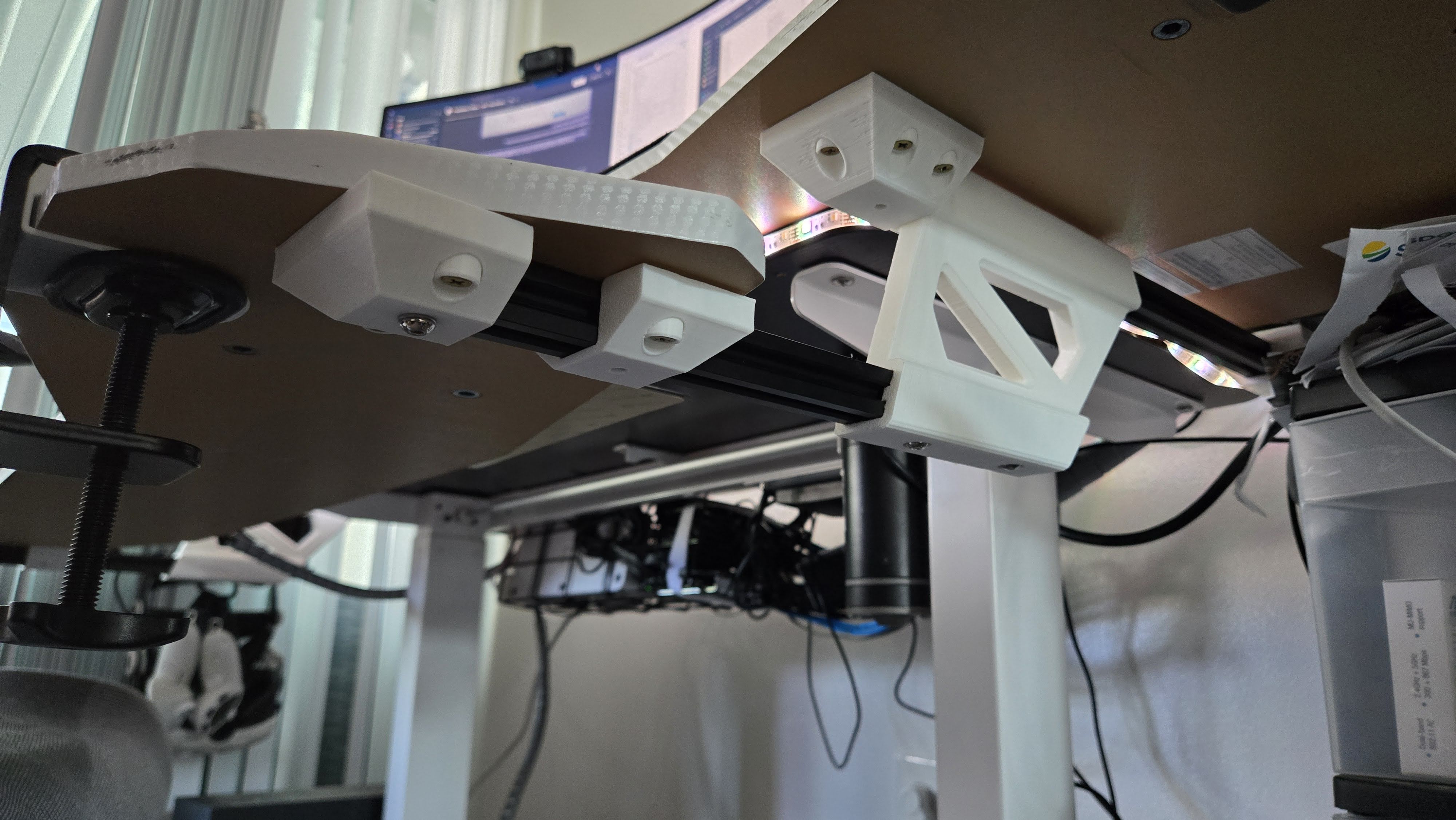
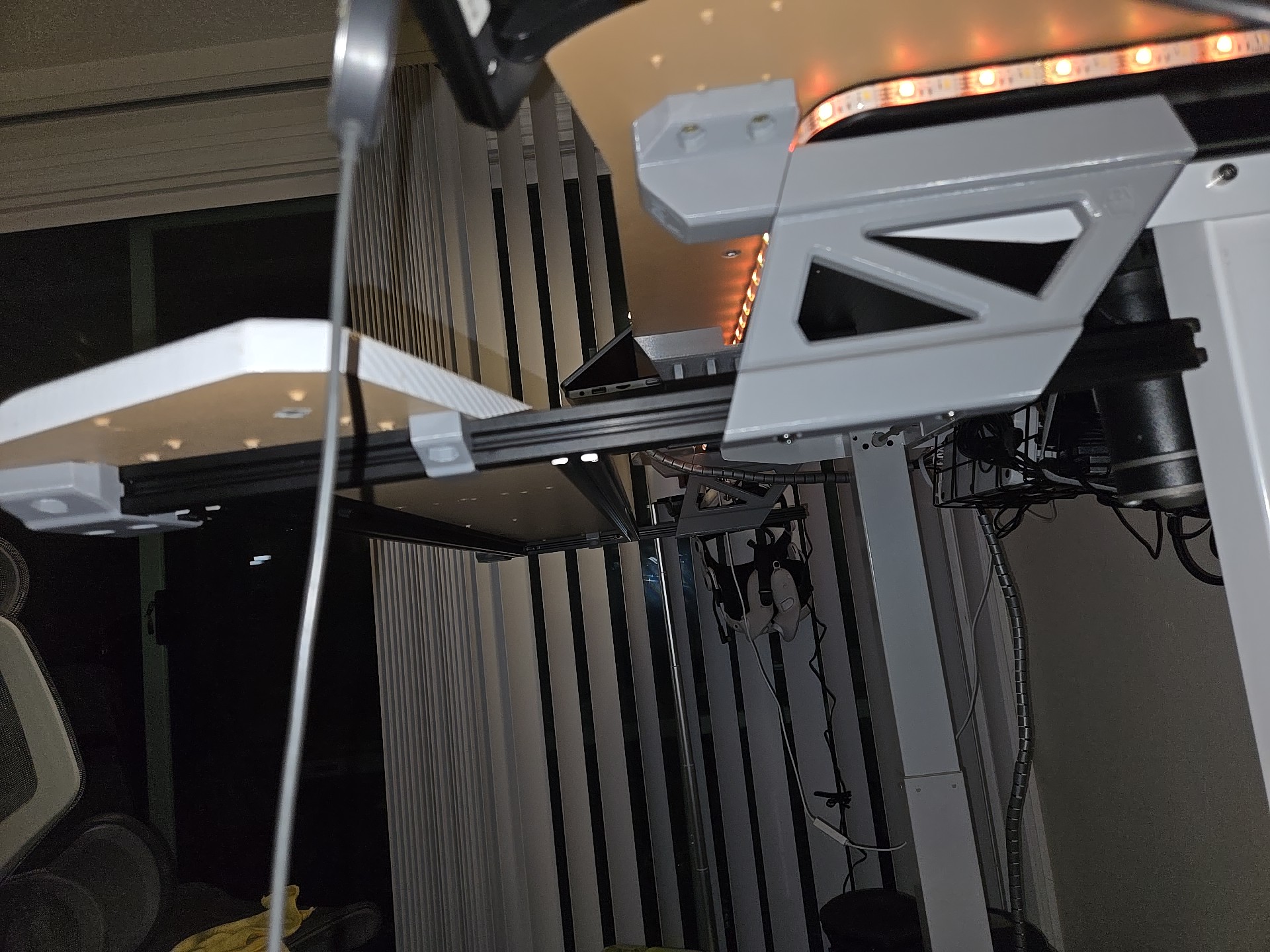
Here’s a gallery of the newly printed components:
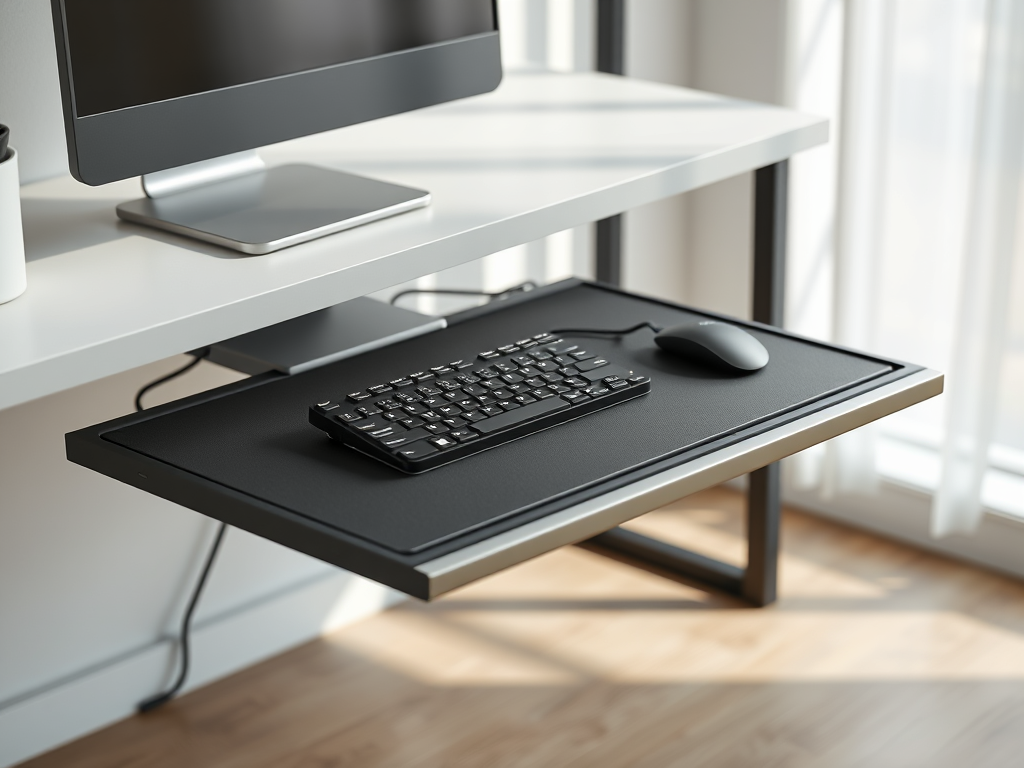
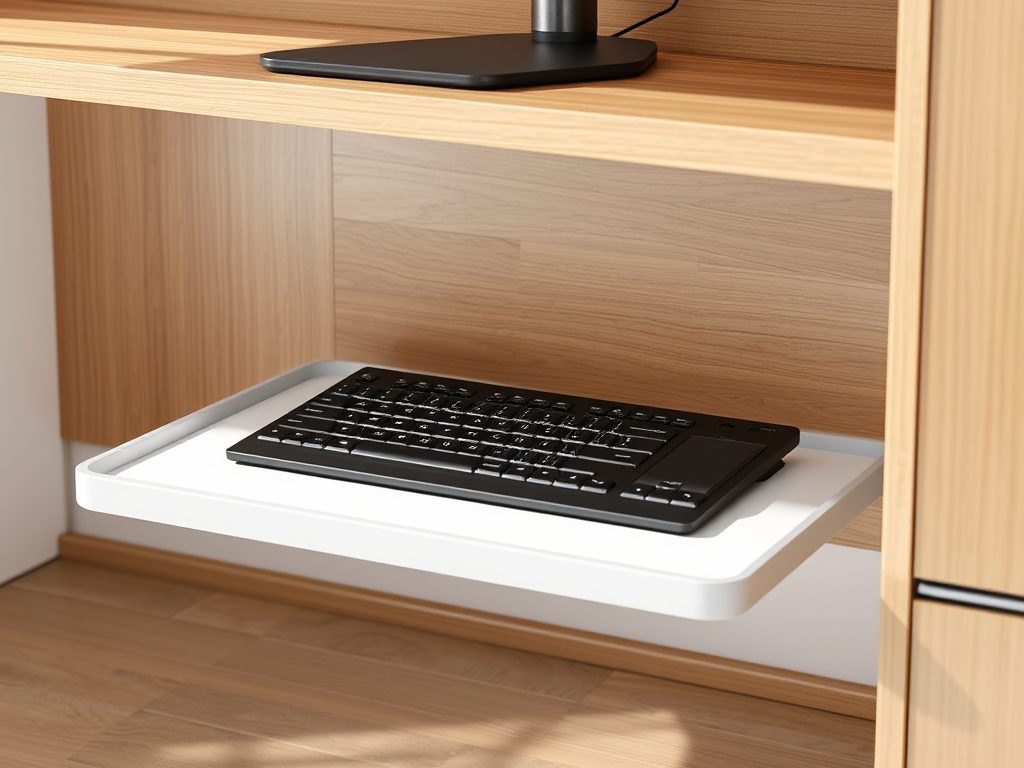
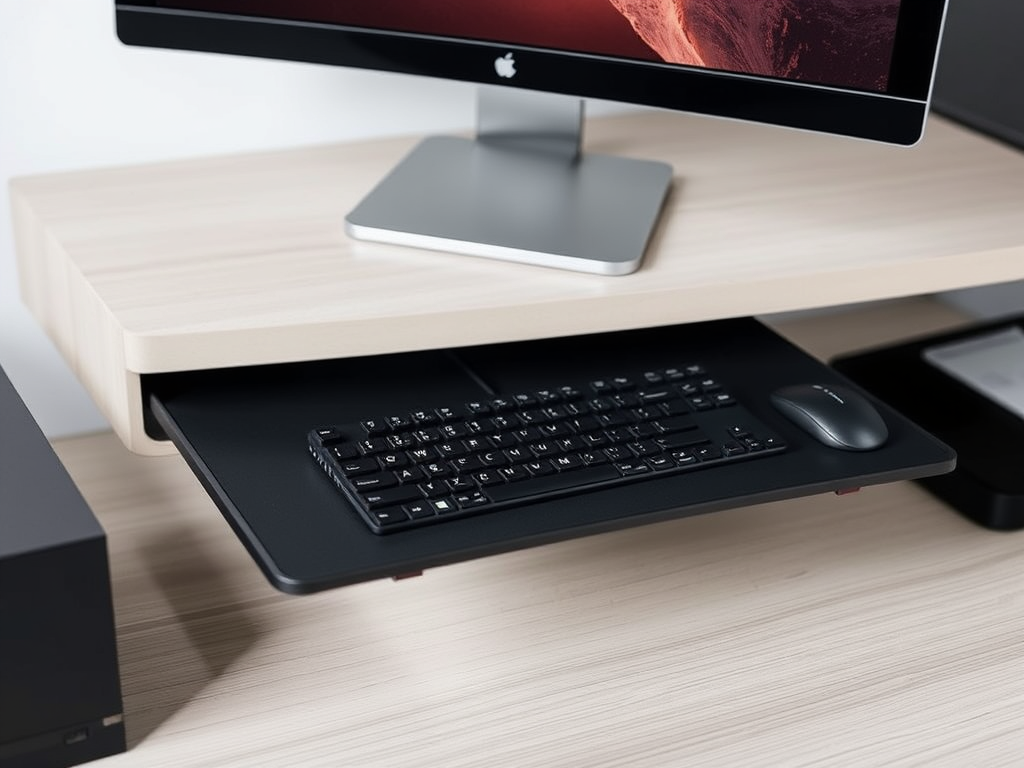
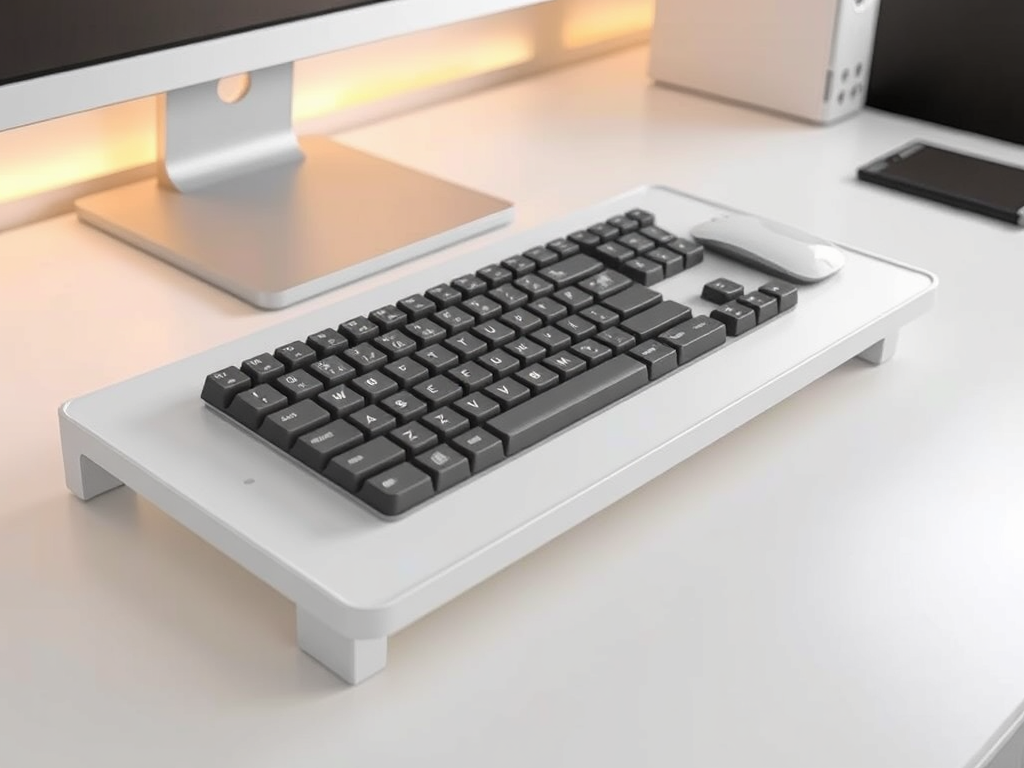
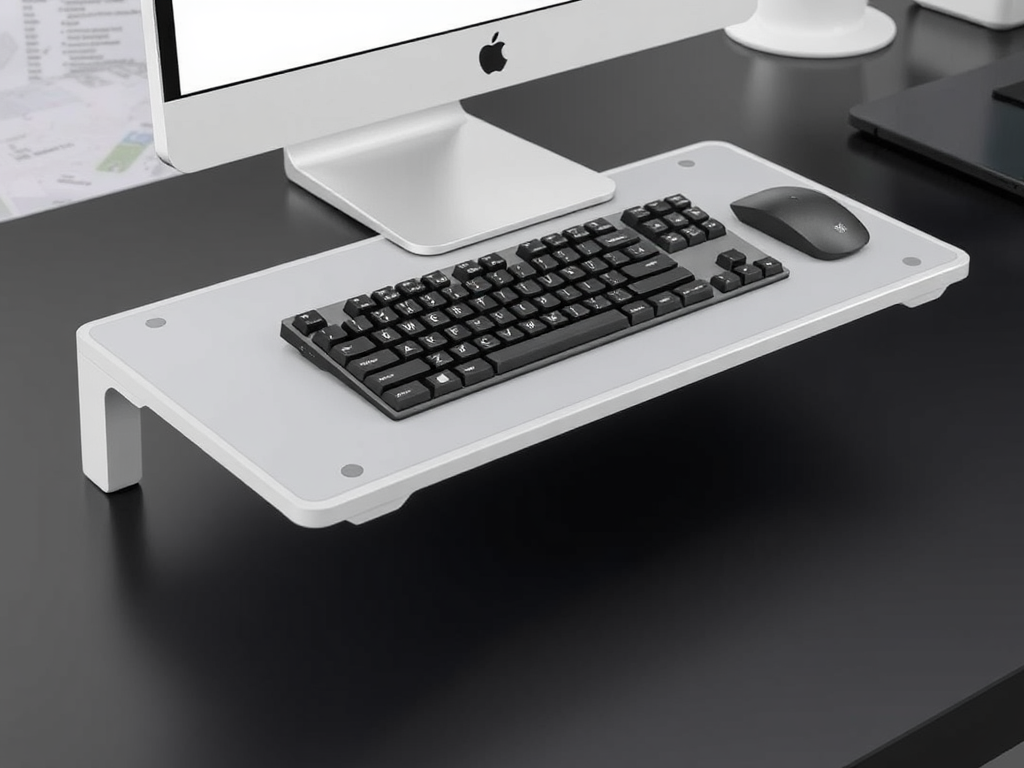
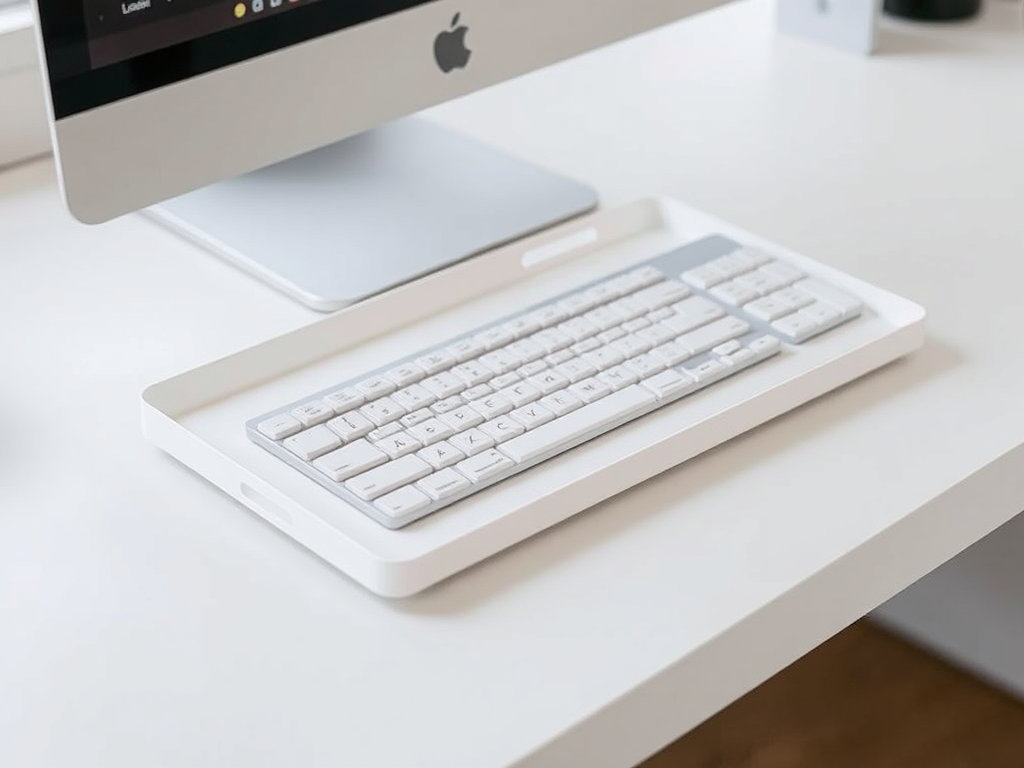
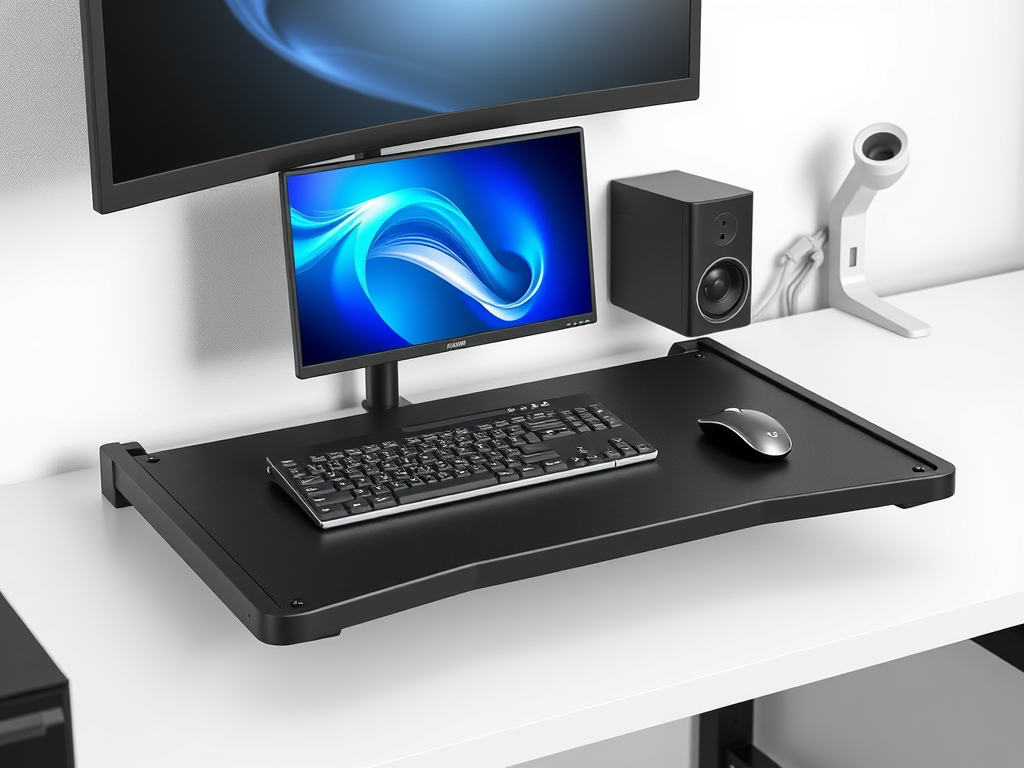
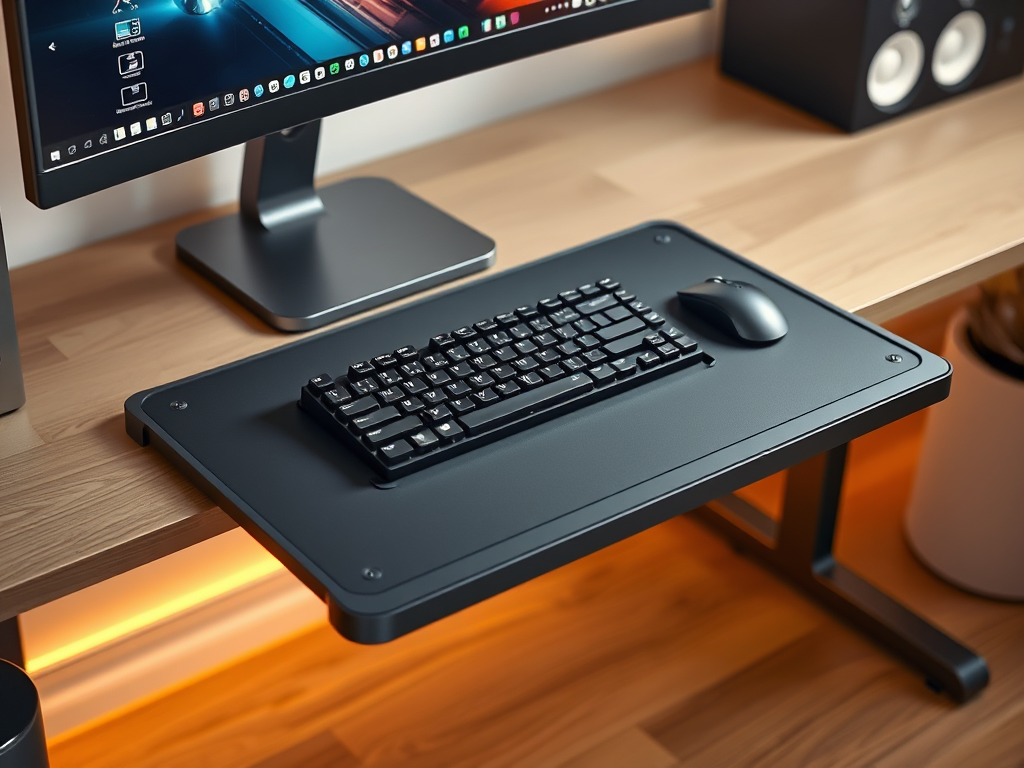
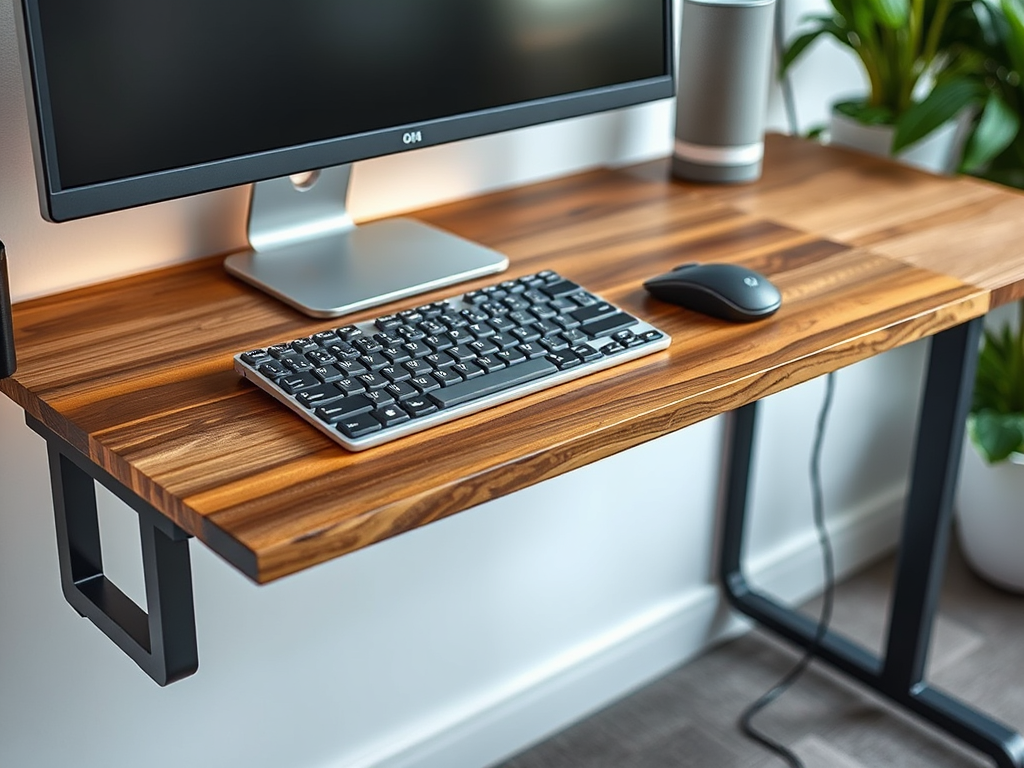
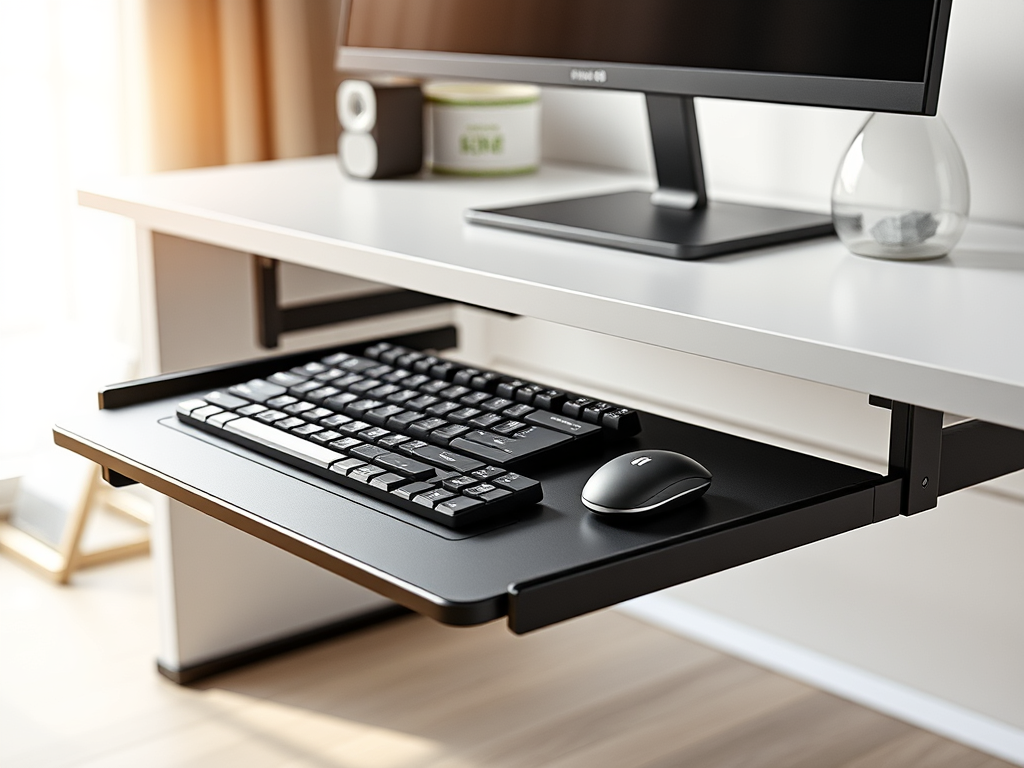
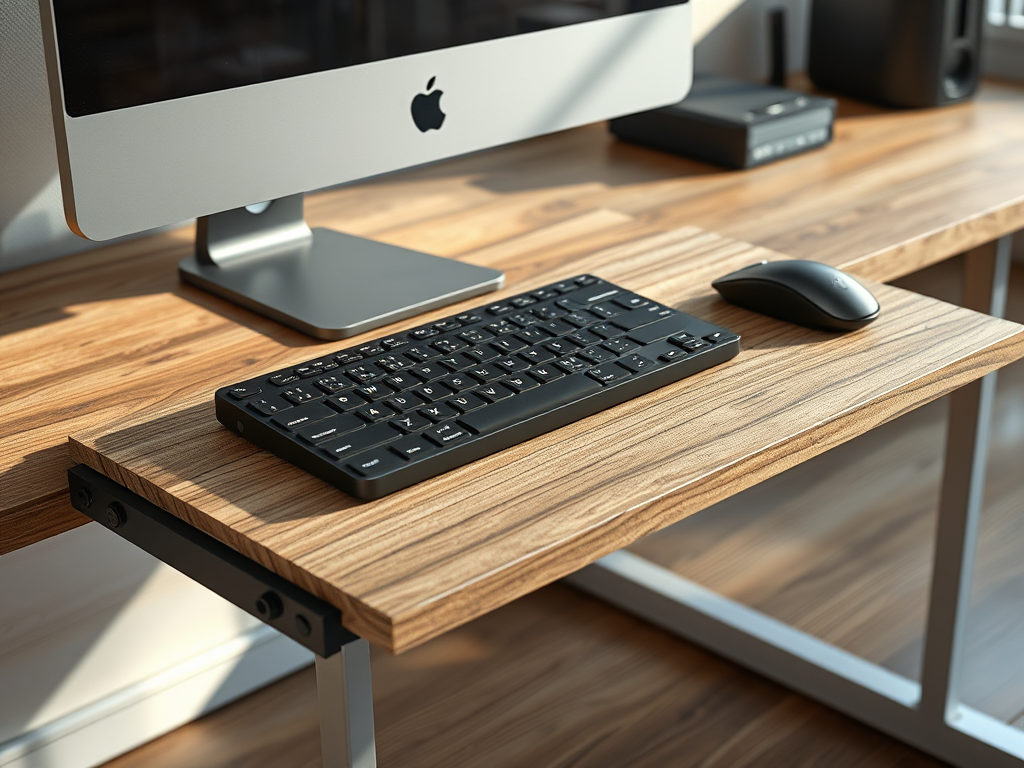
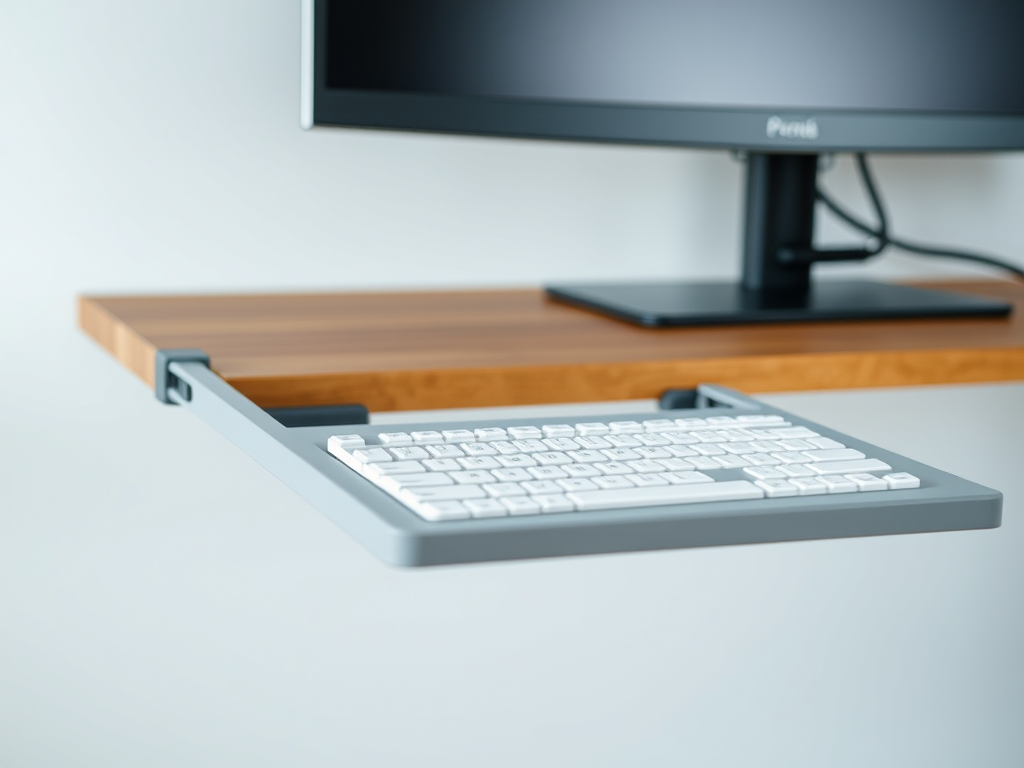
*BONUS* AI generated images for keyboard trays:
Keyboard MegaShelf, sliding keyboard tray

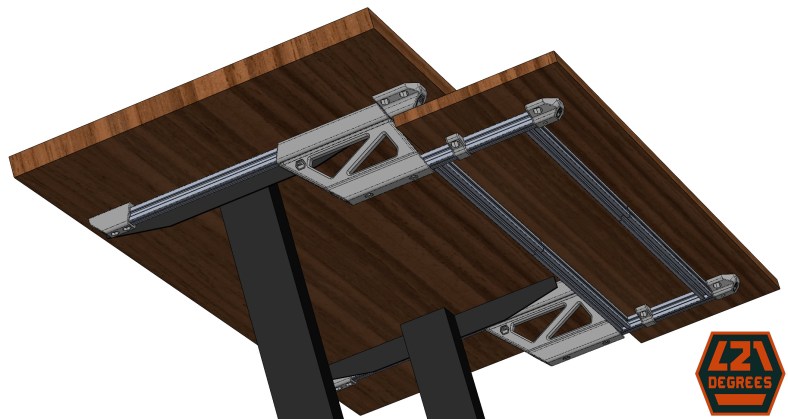
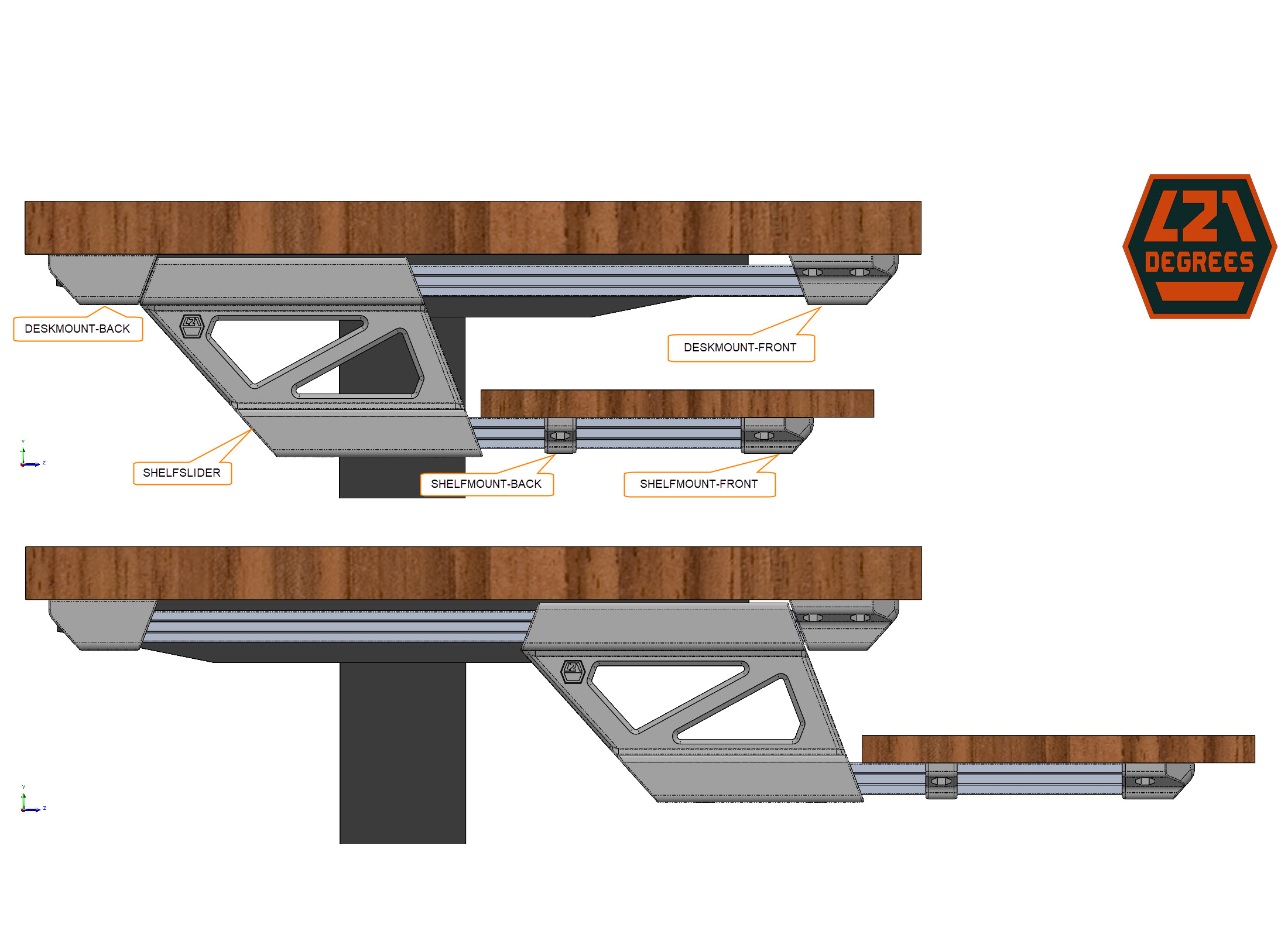
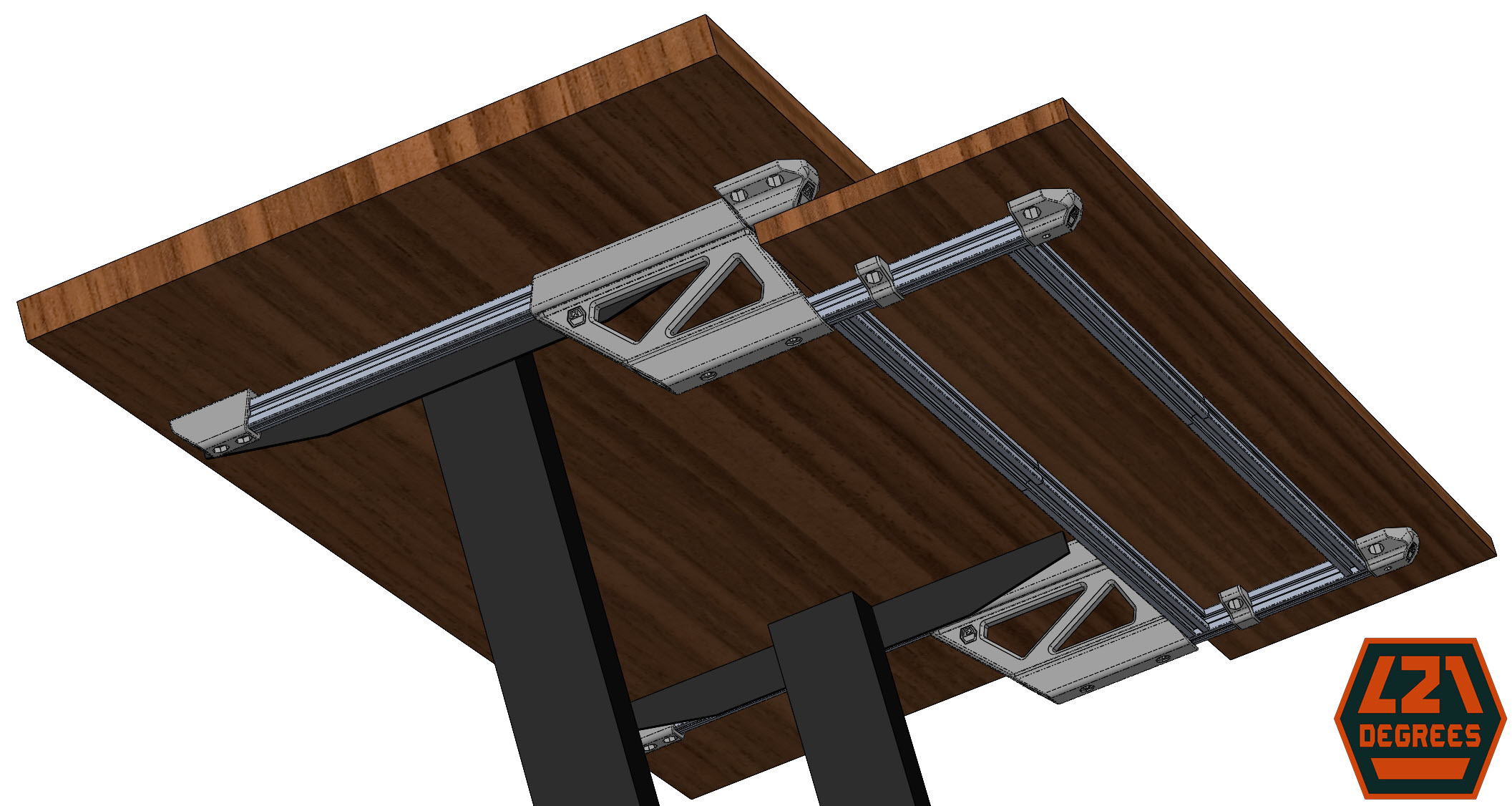
This is a set of brackets that mounts a shelf that slides under a desk.

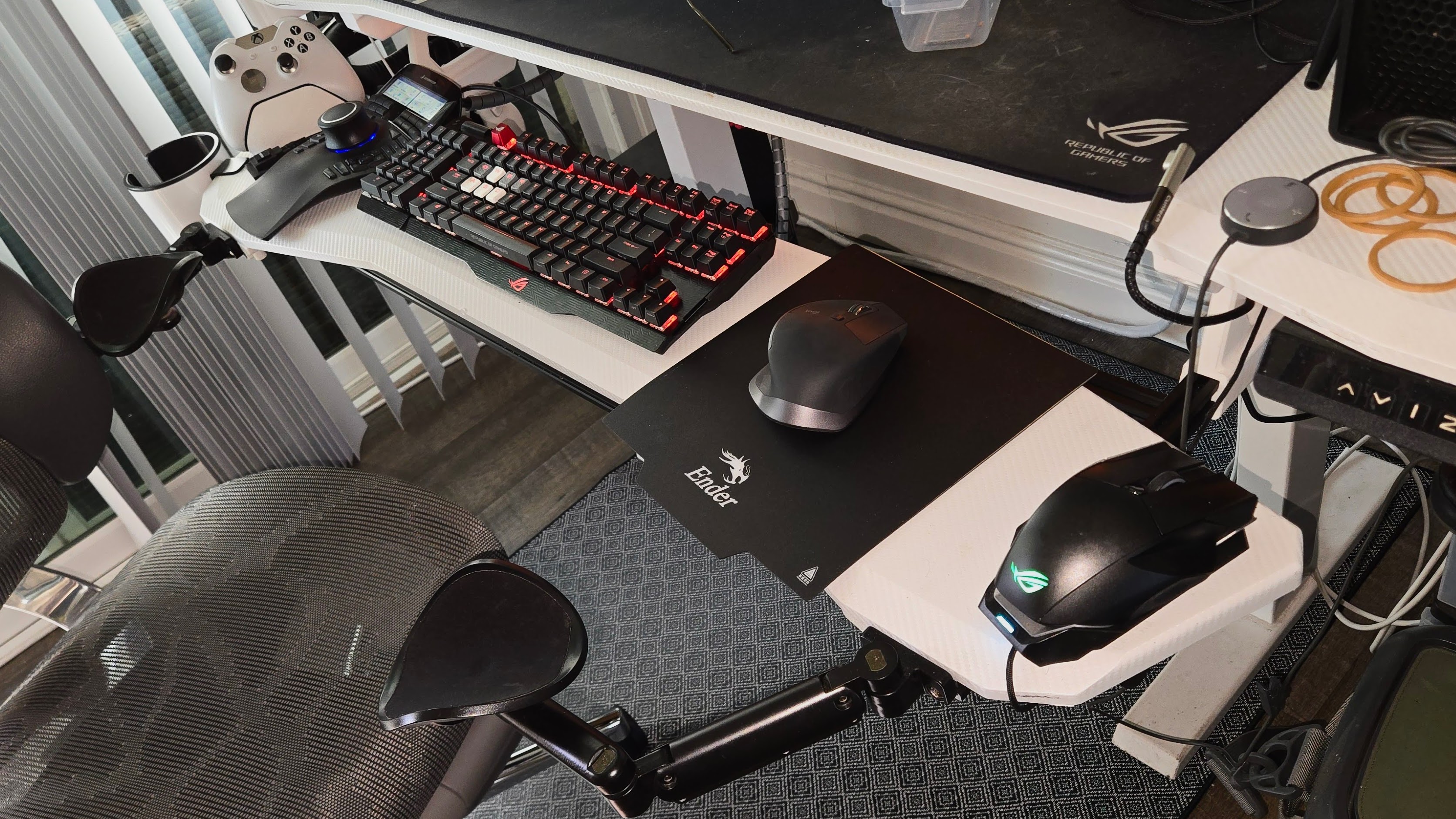
Hi! This design is the result of my need to free desk space and lower the keyboard height as the desk is too tall for me. I spent over an hour looking for sliding keyboard trays and none met my needs/wants.

Designed in SolidWorks for Makers, printed with a Creality Ender 3 V2 printer with custom 1st Layer firmware and board.

Features:

  • Big enough to hold plenty of peripherals and more
  • Slides under desk to reduce footprint and add some dust protection
  • Solid. Very solid. Even when extended, the natural binding of the peripheral and hand weight “locks” the shelf in any position
  • Uses common or easily available materials, this aluminum extrusion is very stiff and practical
  • Can be adapted to any desk and shelf size without changing the 3D prints, fully dependent on the extrusion lengths

Designed for 3D printing, considerations:

  • The front desk mount piece uses four screws since it will hold most of the weight
  • The recommended print orientation maximizes the layers along the shear forces
  • No supports required, nada.
  • The extrusion mating parts include an inner “rib” that makes contact in the extrusion slots before the side walls to reduce sliding friction and considerably increasing the holding strength
  •  Not only functional, but also spent some time shaping for a nicer look and feel

Downsides:

  • It binds when trying to slide-in or out caused by uneven force on the ends when doing so, the solution is to frame the shelf with additional length-wise aluminum extrusion to force squareness
  • It doesn’t make tacos but it does free your desk to hold them

For the future: Can’t stop thinking about using v-slot wheels for that smooth and satisfying slide but initial thoughts makes it look clunky, obtrusive, and more expensive. But I like the challenge and more options are good so stay tuned!

All-in-all, I’m extremely happy with this solution, it’s very solid, holds peripherals clearing my desk and stows away. I’m publishing this free hoping that my time and effort go further than just meeting my needs.

Published and available to download in Maker World

Prototyping gallery: