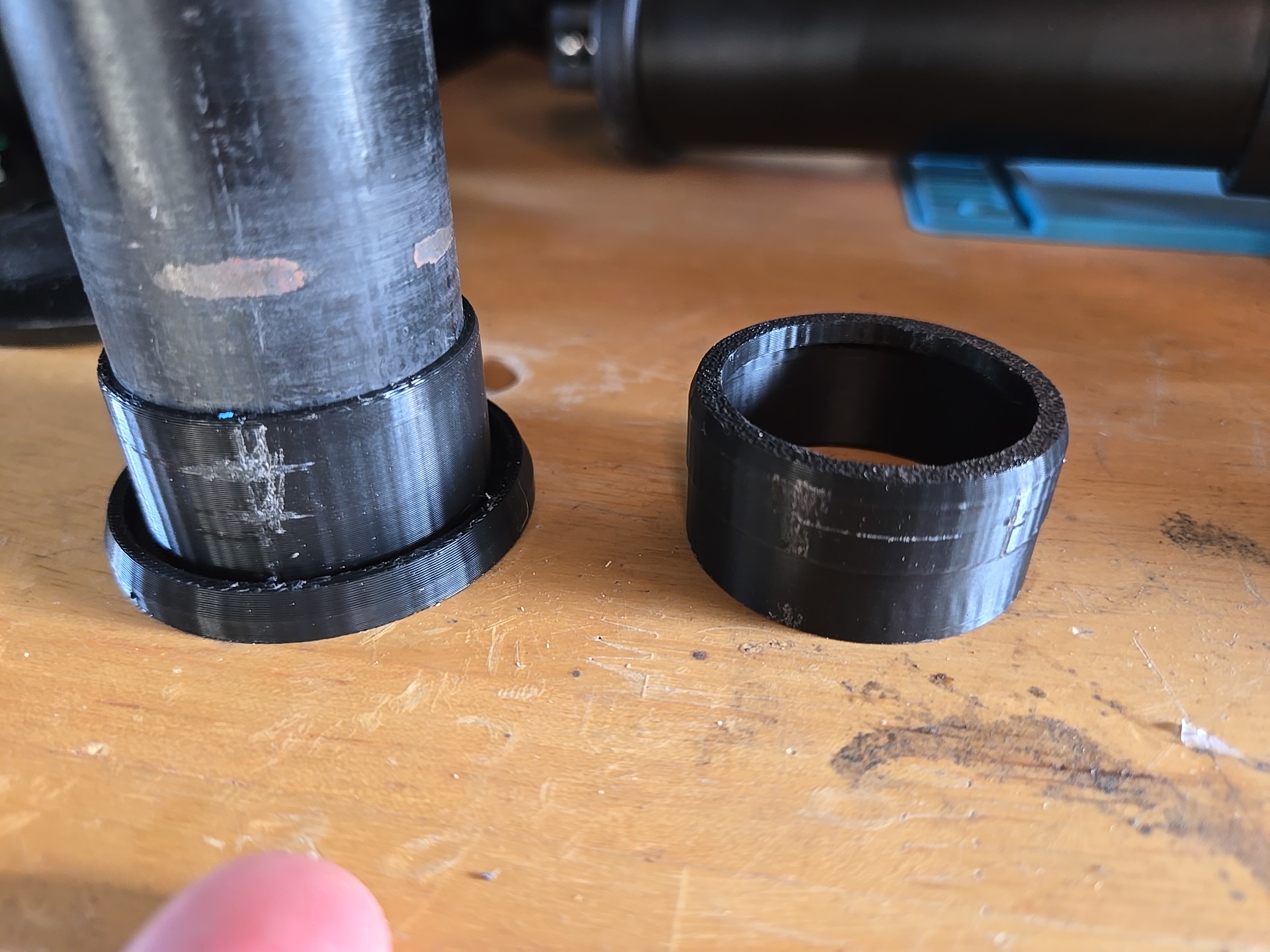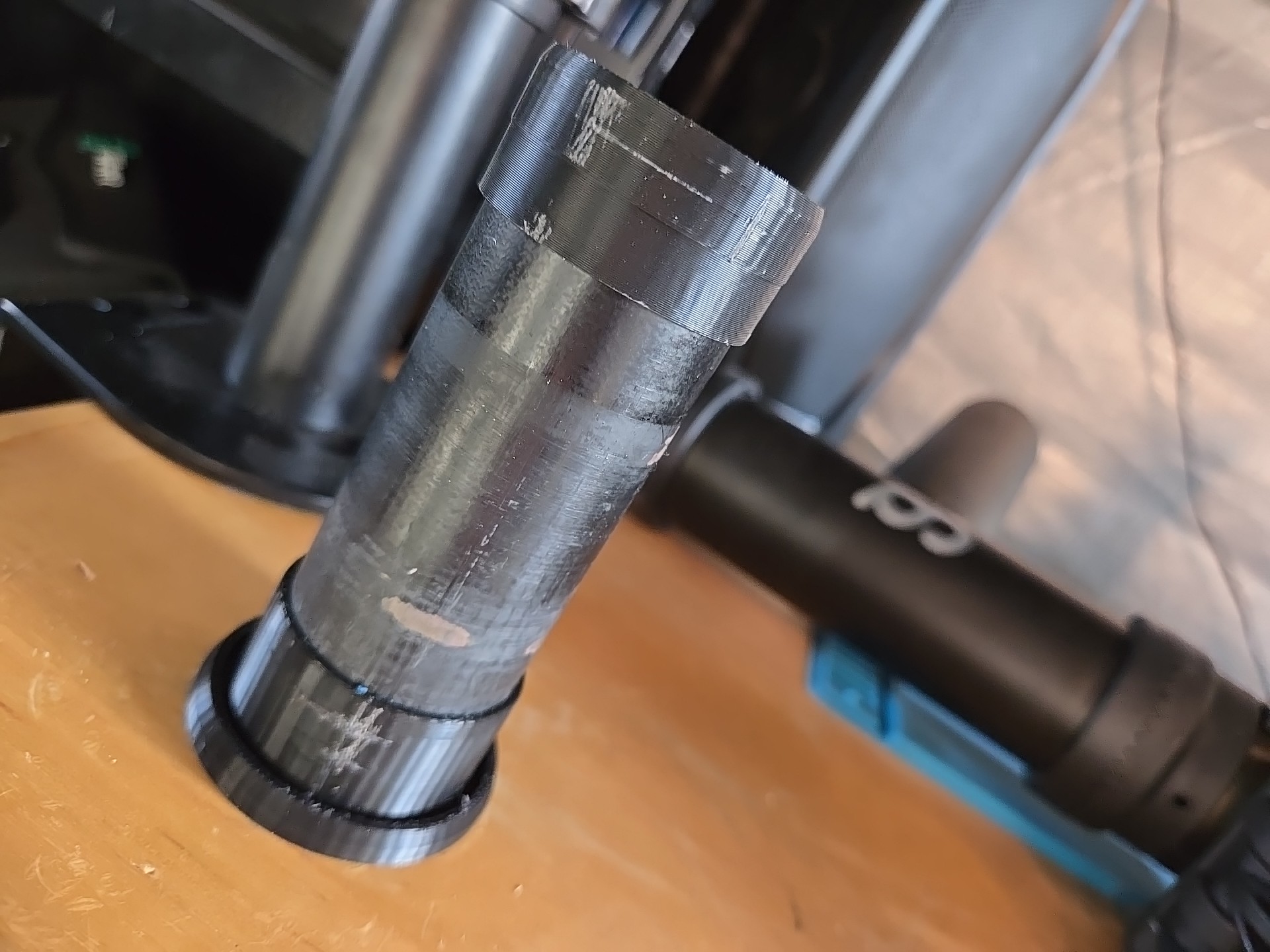
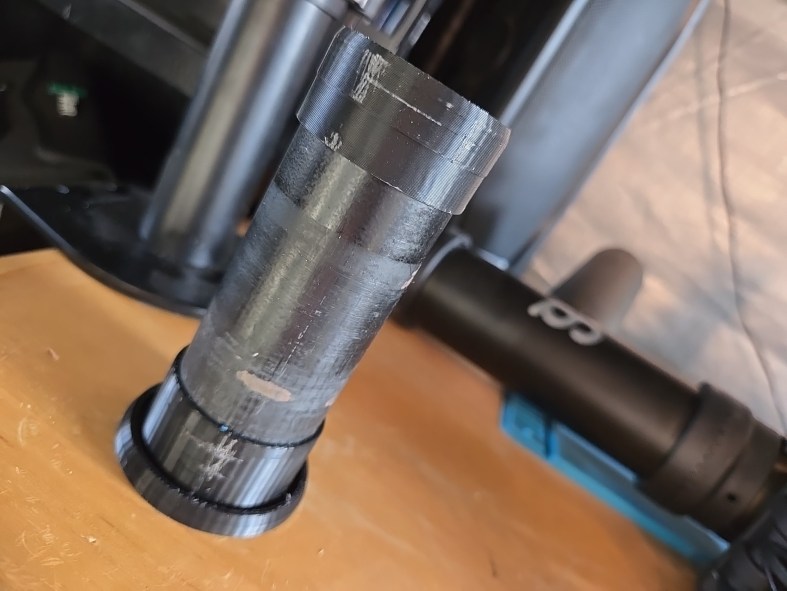
Custom tube spacer for bike repair stand

Story time

This is a simple one but solved elegantly and quickly because of CAD and 3D printing, I have an old bike repair stand that was falling apart, still working but overall wobbly and unreliable. I’ve been thinking about restoring it, but I got my hands on a much nicer and reliable one.
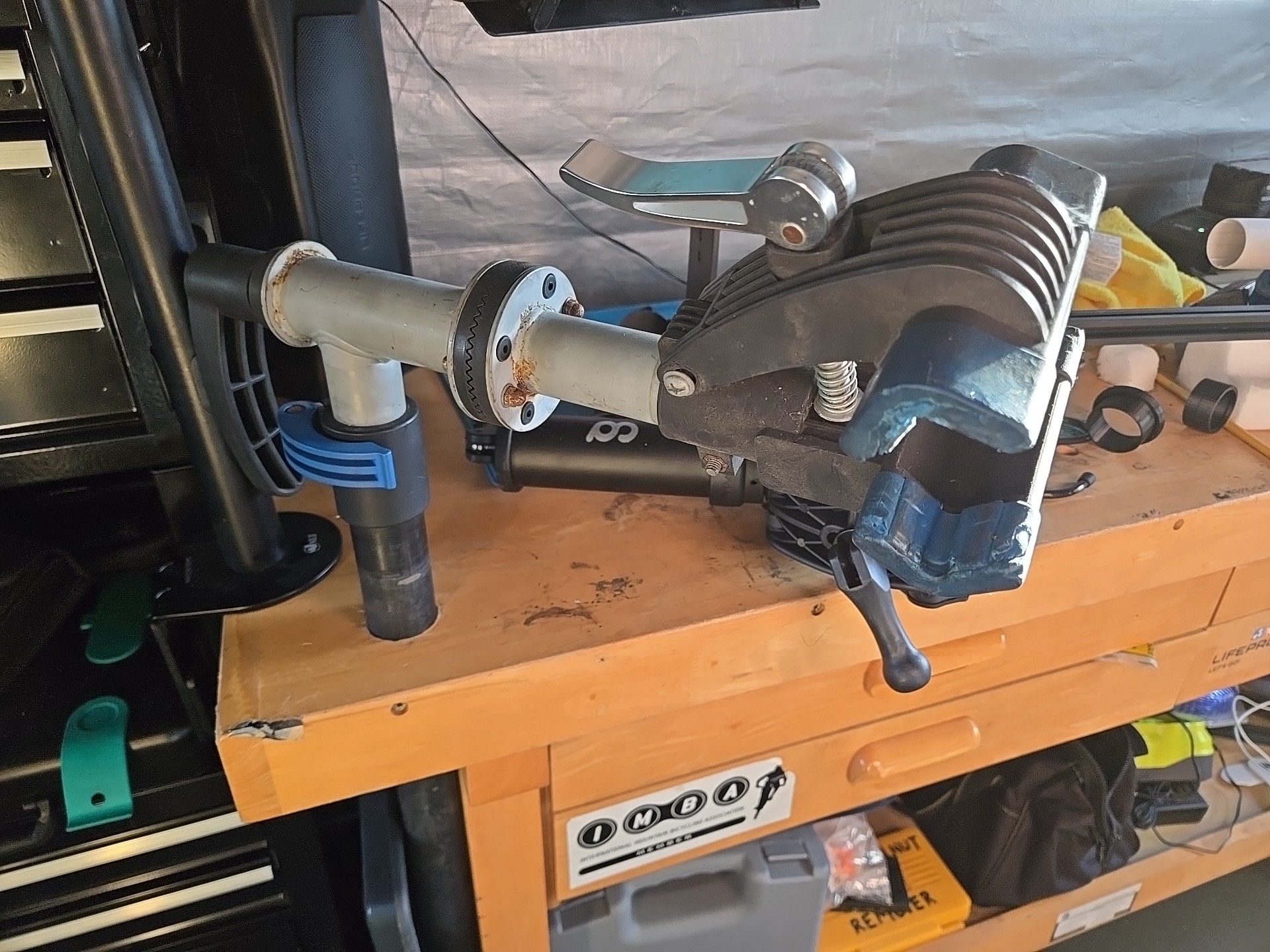
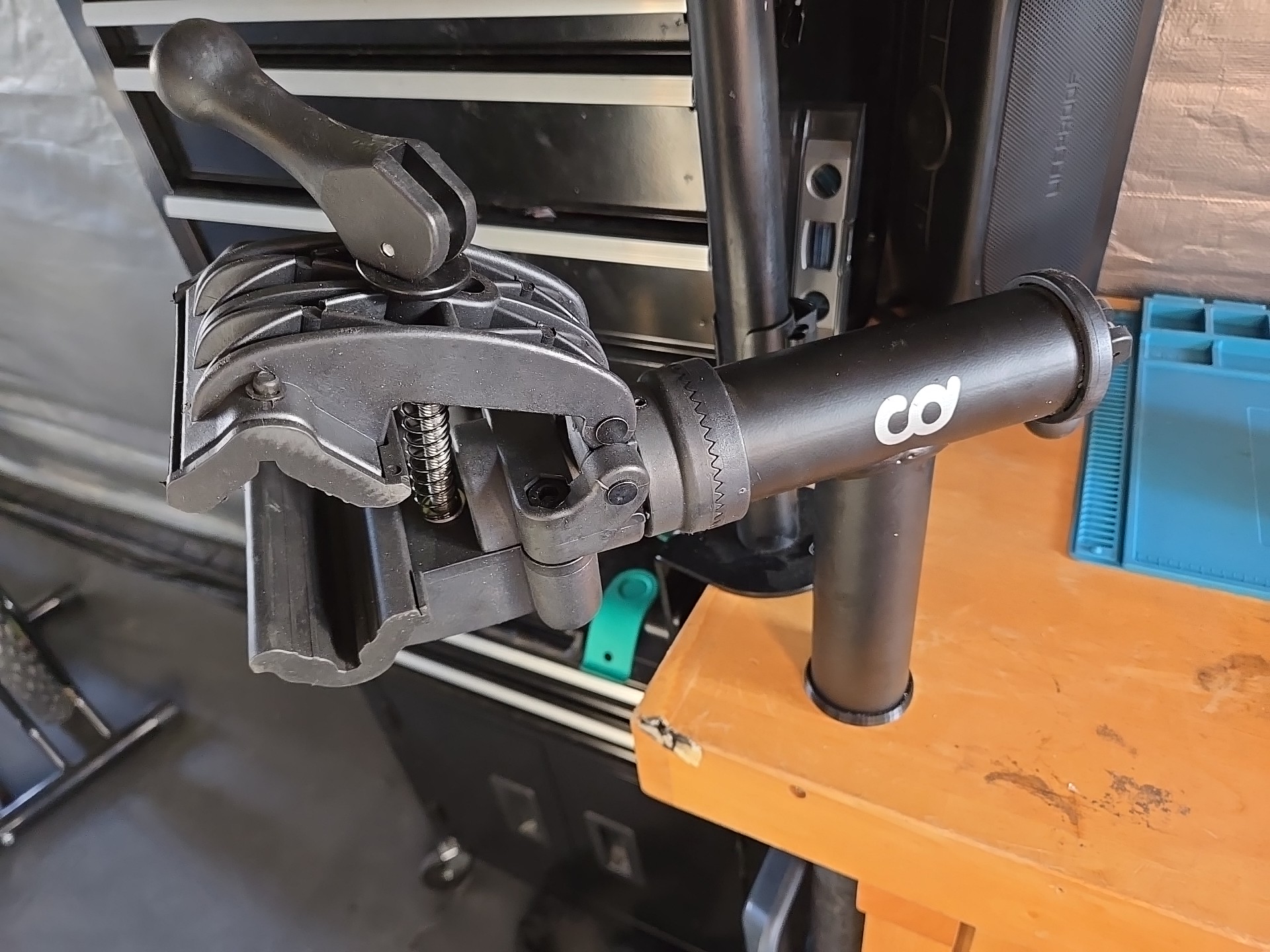
The old one was mounted by getting its main tube through the top and hose clamps to the leg. The new one had a huge bracket that could either be screwed to the wall or to a countertop. I already had a big tube firmly attached to the bench so I wanted to reuse that. Well, the new stand’s tube is bigger than the old one’s so I needed to add a spacer to it and there’s a million ways to do that. I have CAD and a 3D printer so I took that route.

I was going to write something simple and short; this is just a solution to fit one tube over a smaller one but here I am, starting SolidWorks and a design walkthrough. I can’t stop now, sorry.

Design

The fixed tubing protruded about 5 inches from the benchtop, but the spacer didn’t have to go the whole way through, I didn’t want both to bind and also it was an unneeded waste of material and time, so I thought of making it in two parts, a base and a cap.

I usually start by sketching and sometimes modeling the reference material, in this case it would be the fixed tube and the new stand tubing but it was supposed to be something quick so I sketched the outer diameter + clearance of the fixed tube and the inner diameter plus clearance of the new stand tubing to use as reference for the cross-section.
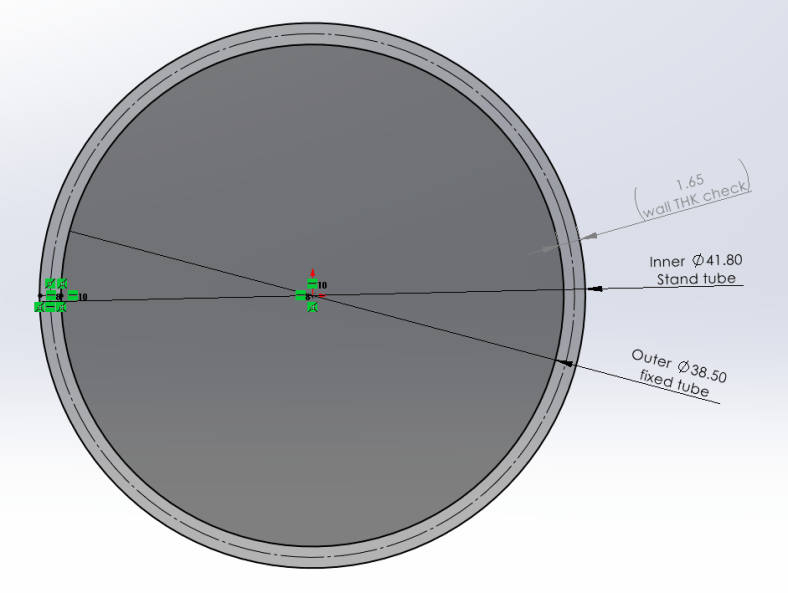
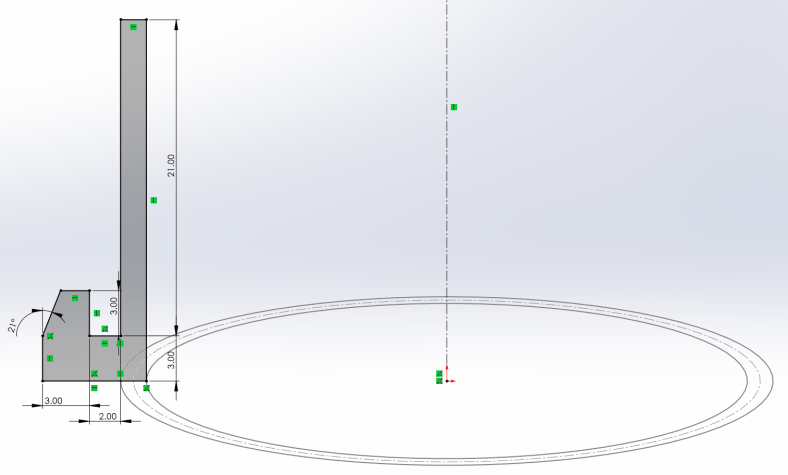
Started with the base, added a bottom flange to protect the benchtop from the stand tube as it rotates and then flanged again up to hide its edge. Revolve feature, straight-forward.
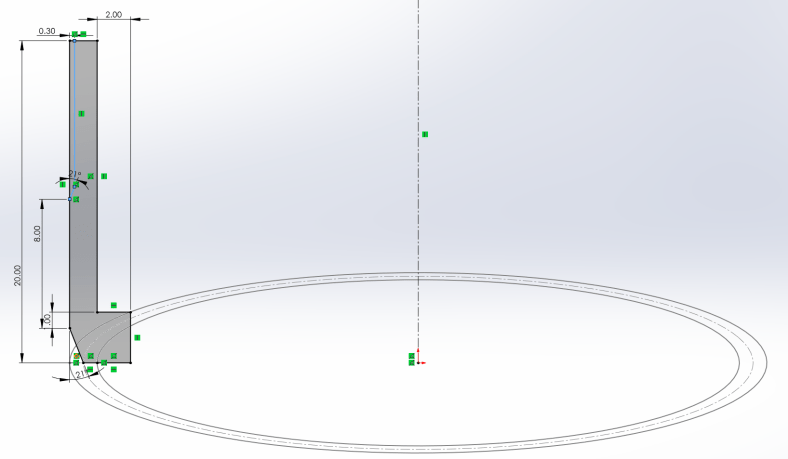
Then the cap, designed inverted for ease of 3D printing, added a flange as a stop over the fixed tube and a chamfer to facilitate the stand insertion. Again, revolved sketch.

And this is it, I reduced outside material on the cap to reduce friction from the stand. For testing, I printed small sections of each (about 6mm) to quickly test fit and kept tweaking the first sketch until I got a good press-fit for the fixed tube and a slip-fit for the new stand.
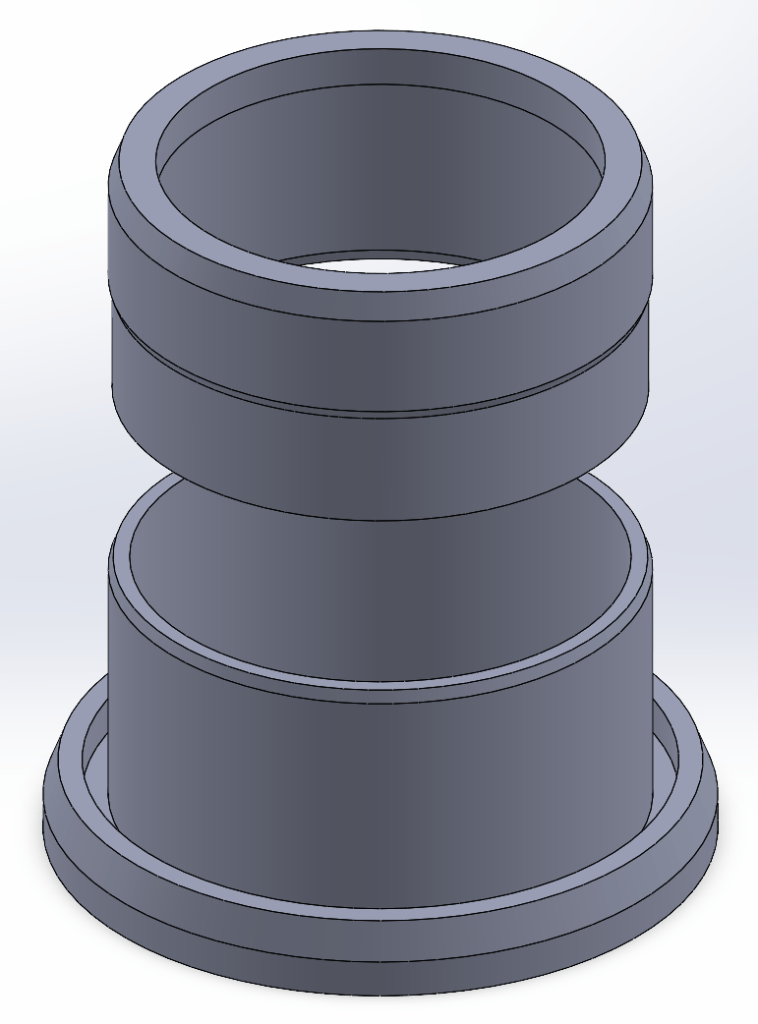
Product listing if interested:


https://cyclingdealusa.com/products/cyclingdeal-wall-bench-mount-bike-repair-stand-premium-bicycle-mechanics-maintenance-workstand-with-adjustable-360-degree-rotatable-clamp-head-for-mtb-mountain-road-bikes-up-to-25kg-55-lbs

Why I didn’t restore the old stand?

I didn’t because it hadn’t crossed my mind, and I got the new one almost for free which is a very nice upgrade overall in usability and materials. Now that I think of it, it could be a cool future project, but then I don’t think that the 3D printed PLA/PETG parts would stand better than the original injection molded ABS.

What would I have used if I didn’t have a 3D printer? Masking tape? I don’t know, what would be your approach with your skills and equipment? Machining? Turning? Getting rid of the tube and screw the stand to the wall or bench? My bike “shop” is a 7ft x 5ft portable shed so no walls and didn’t want to reduce the bench top area with the big bracket.
FanSwap design

I just posted some designing details for FanSwap as a project in this site, this is a high-level thought process, posting it as a project will make it easier to follow as I update it, it’s available on the left menu but I won’t make you look there, you can also click here.

3D Printing Upgrades for my Keyboard MegaShelf: Quality and Functionality

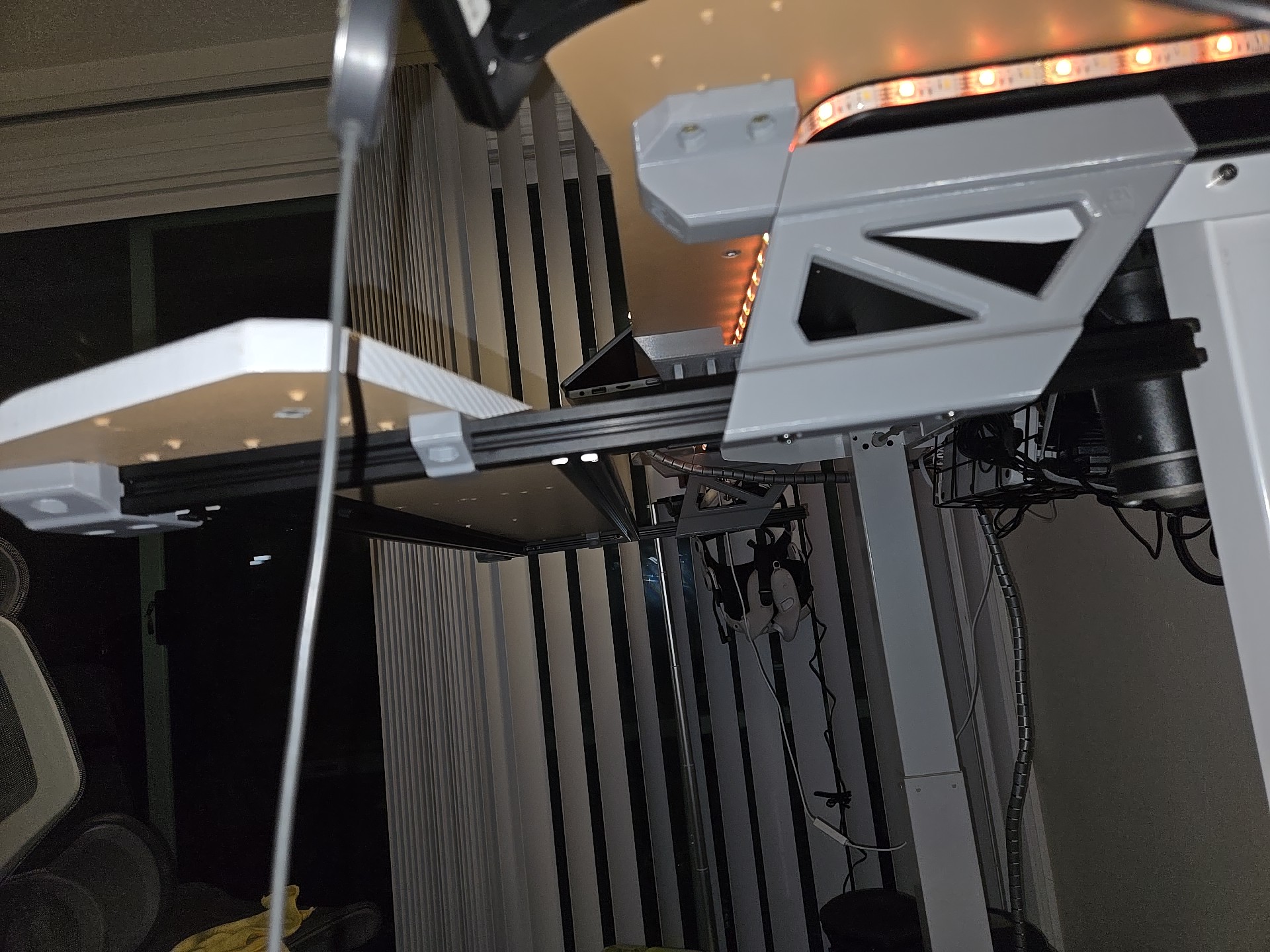
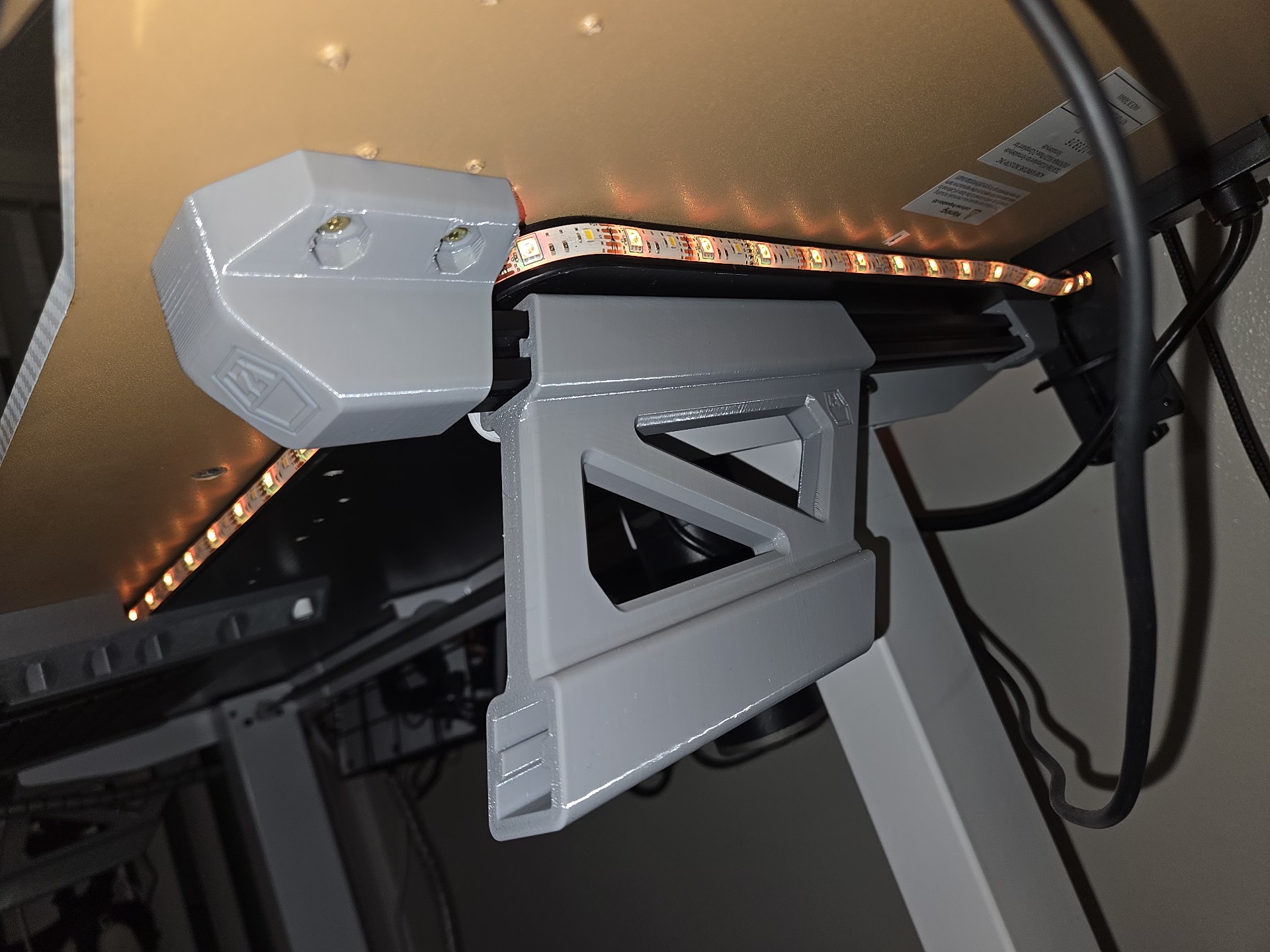
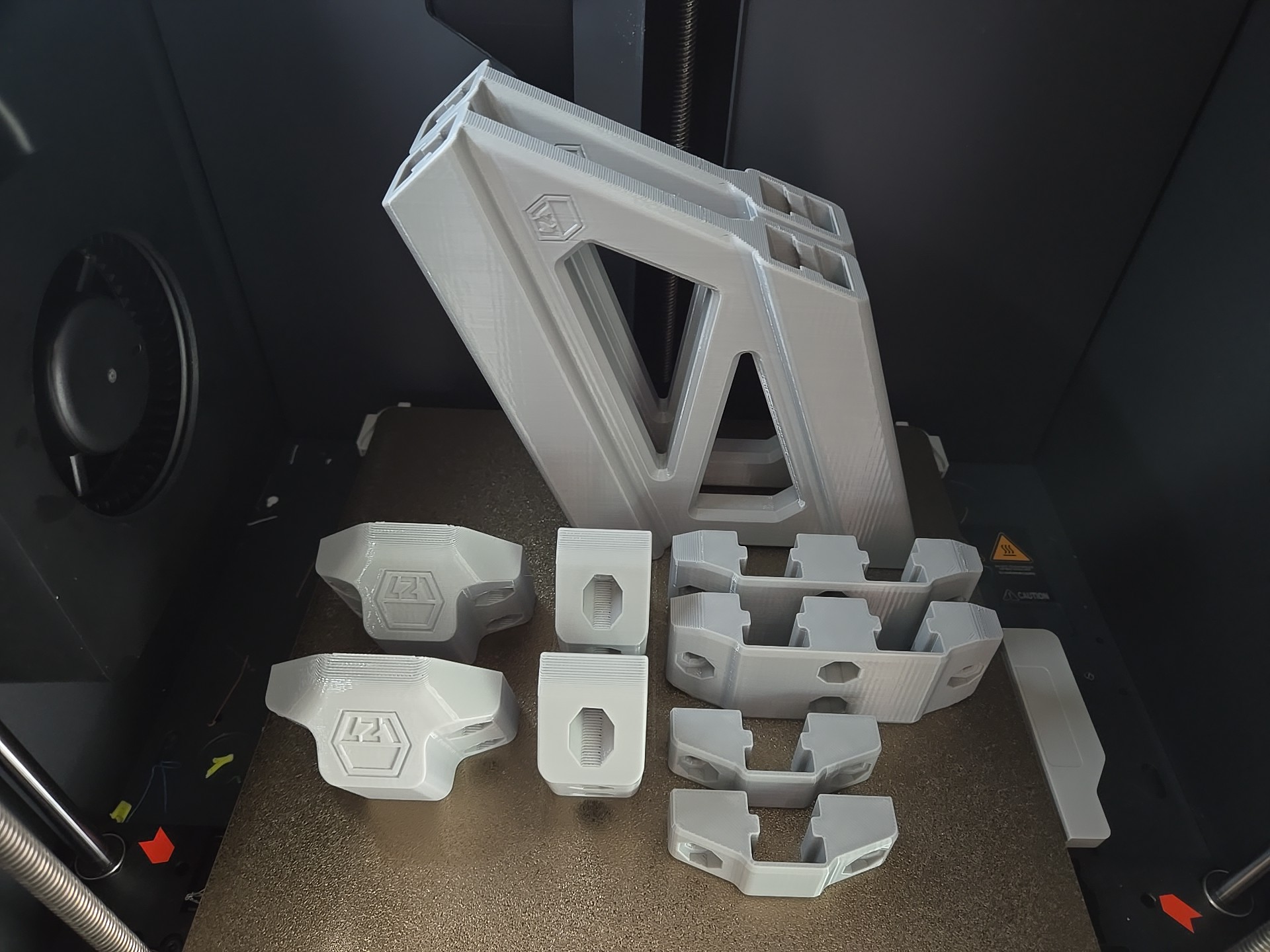
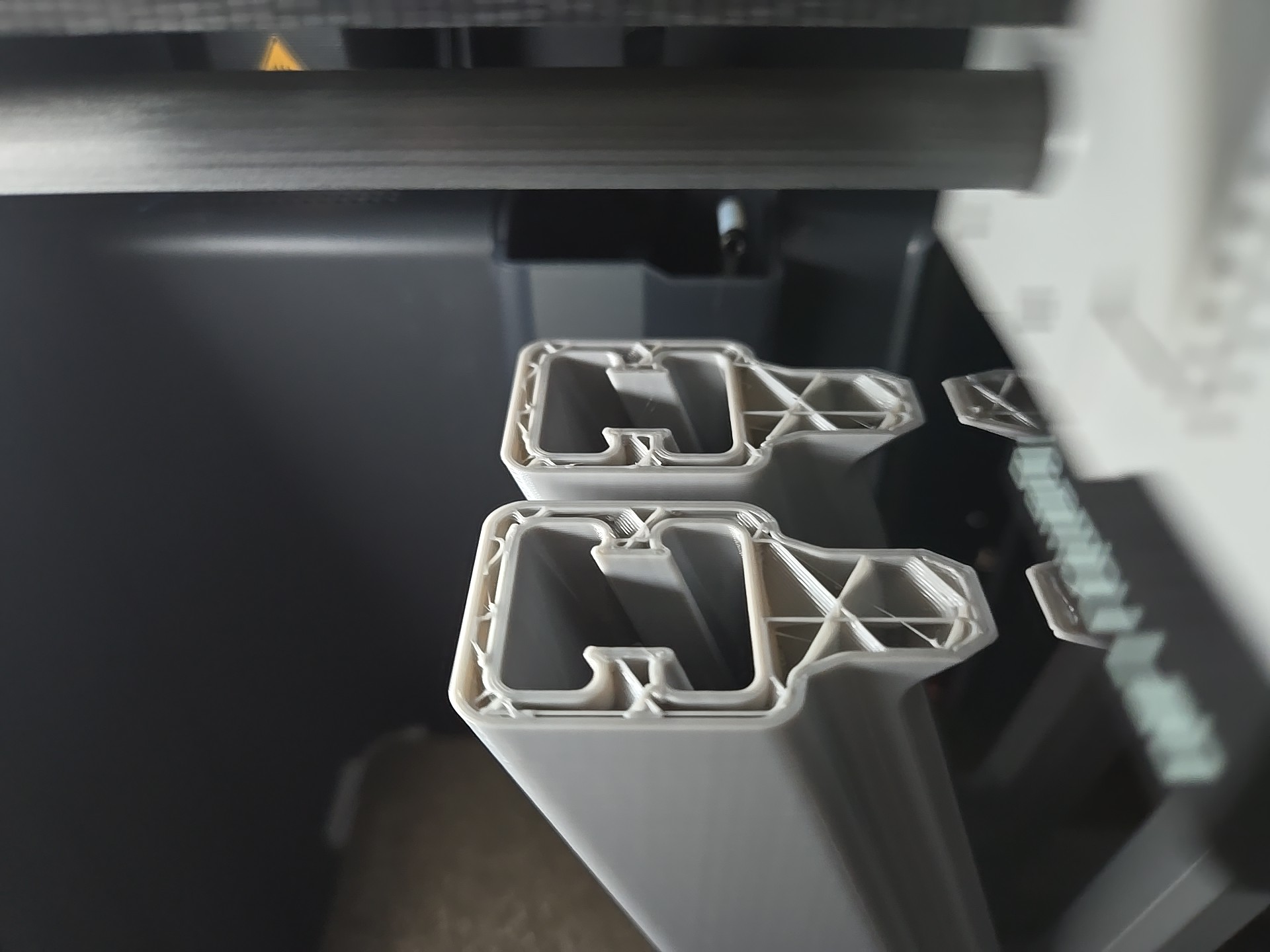
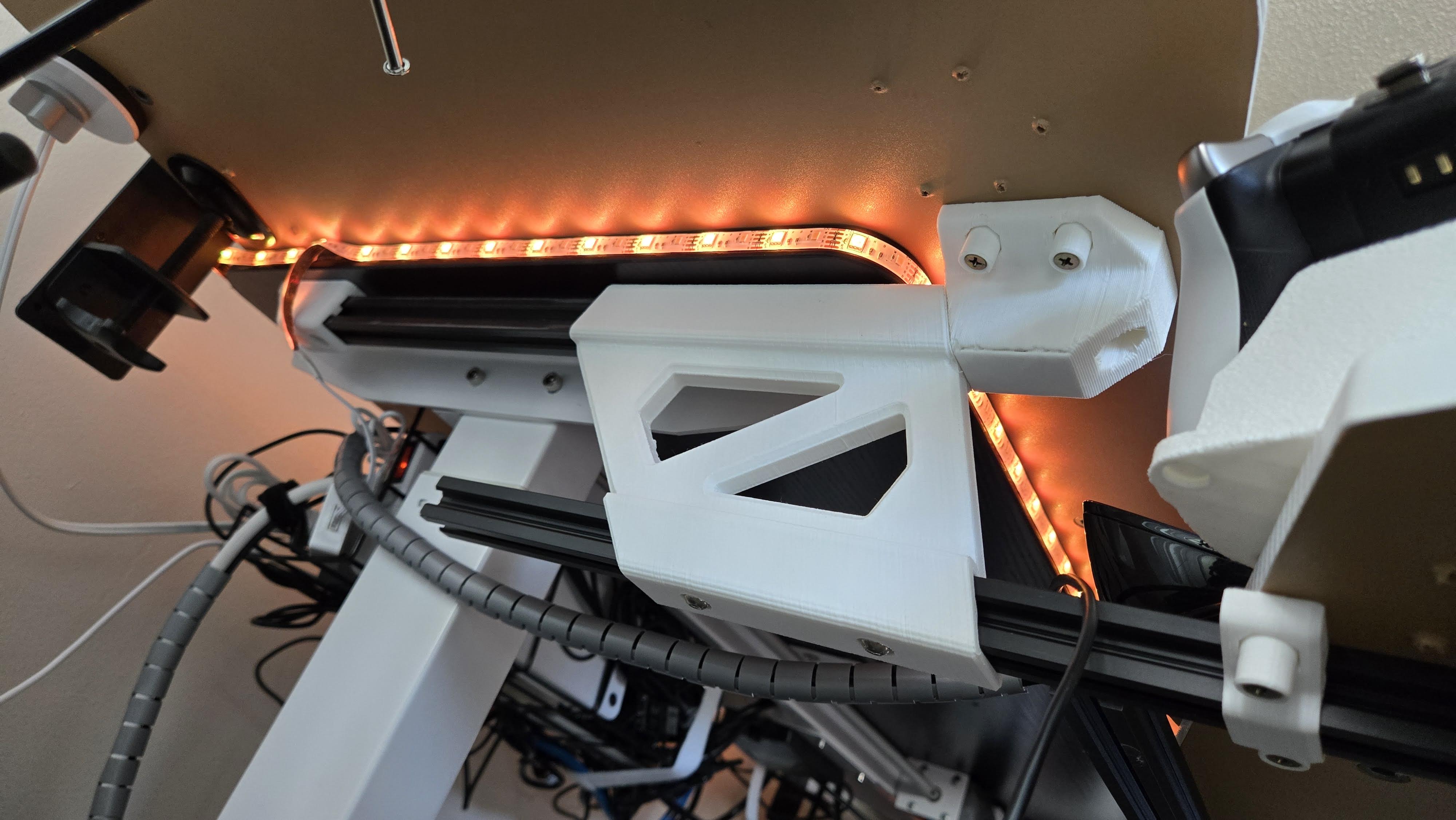
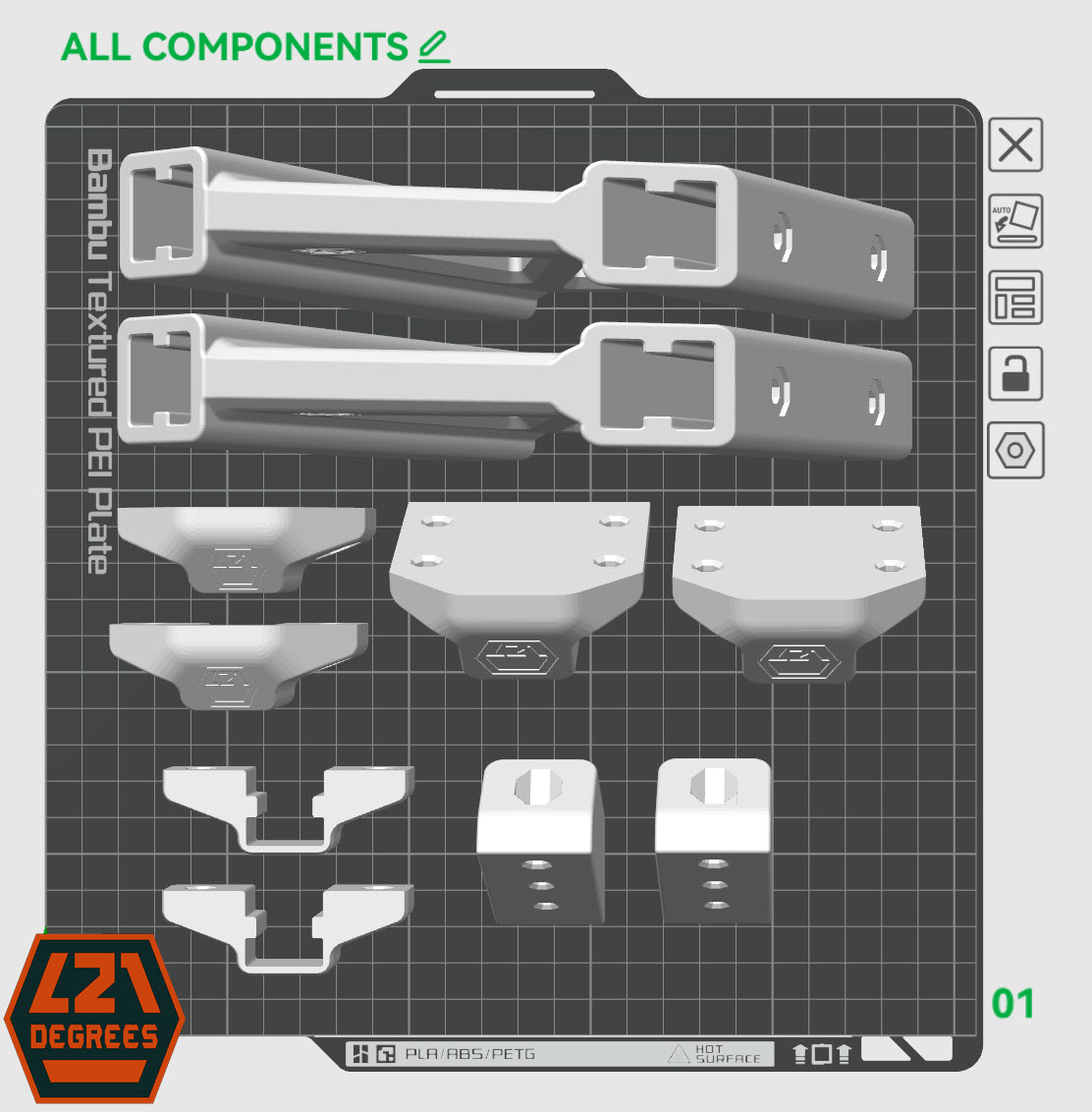
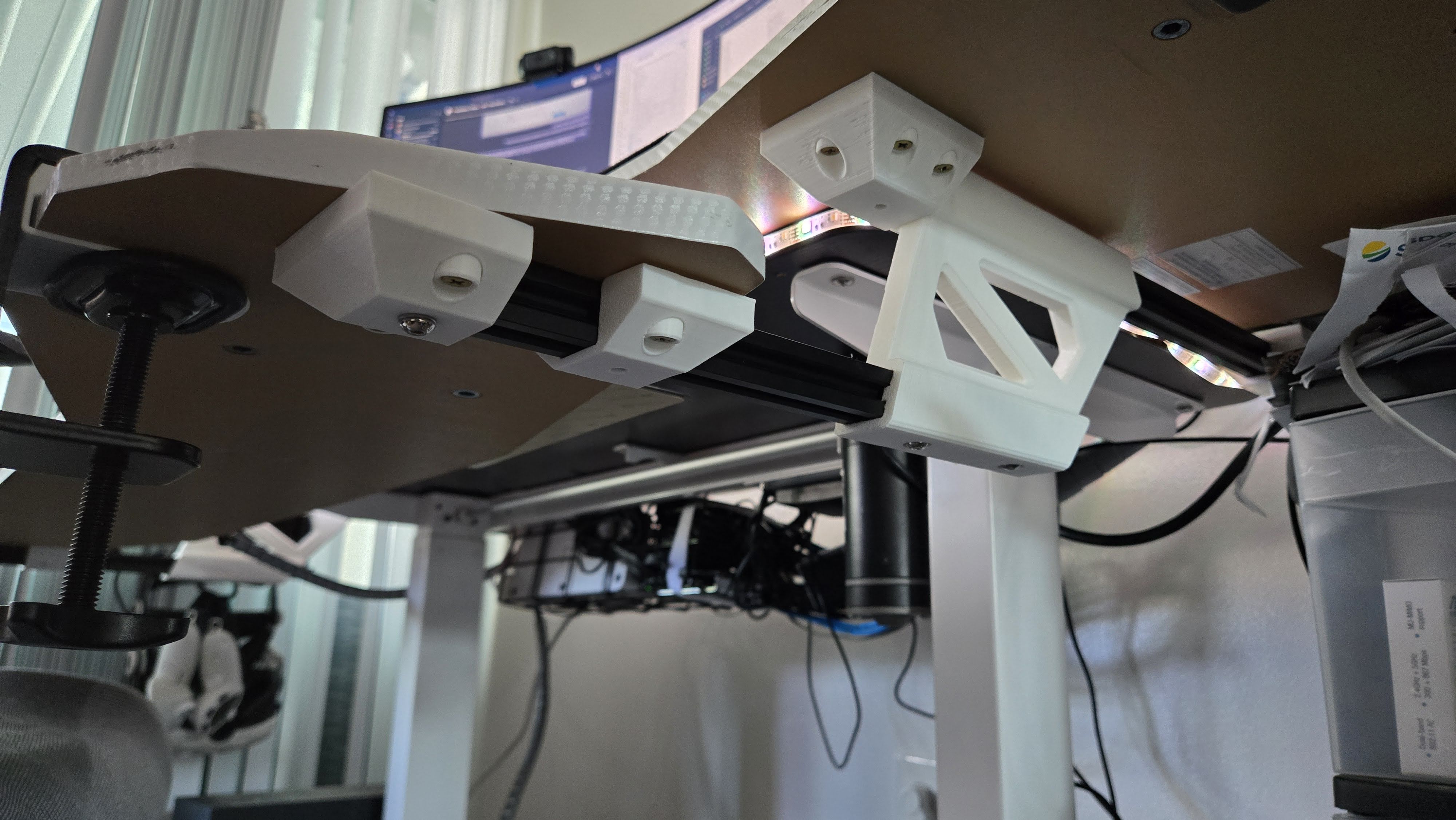
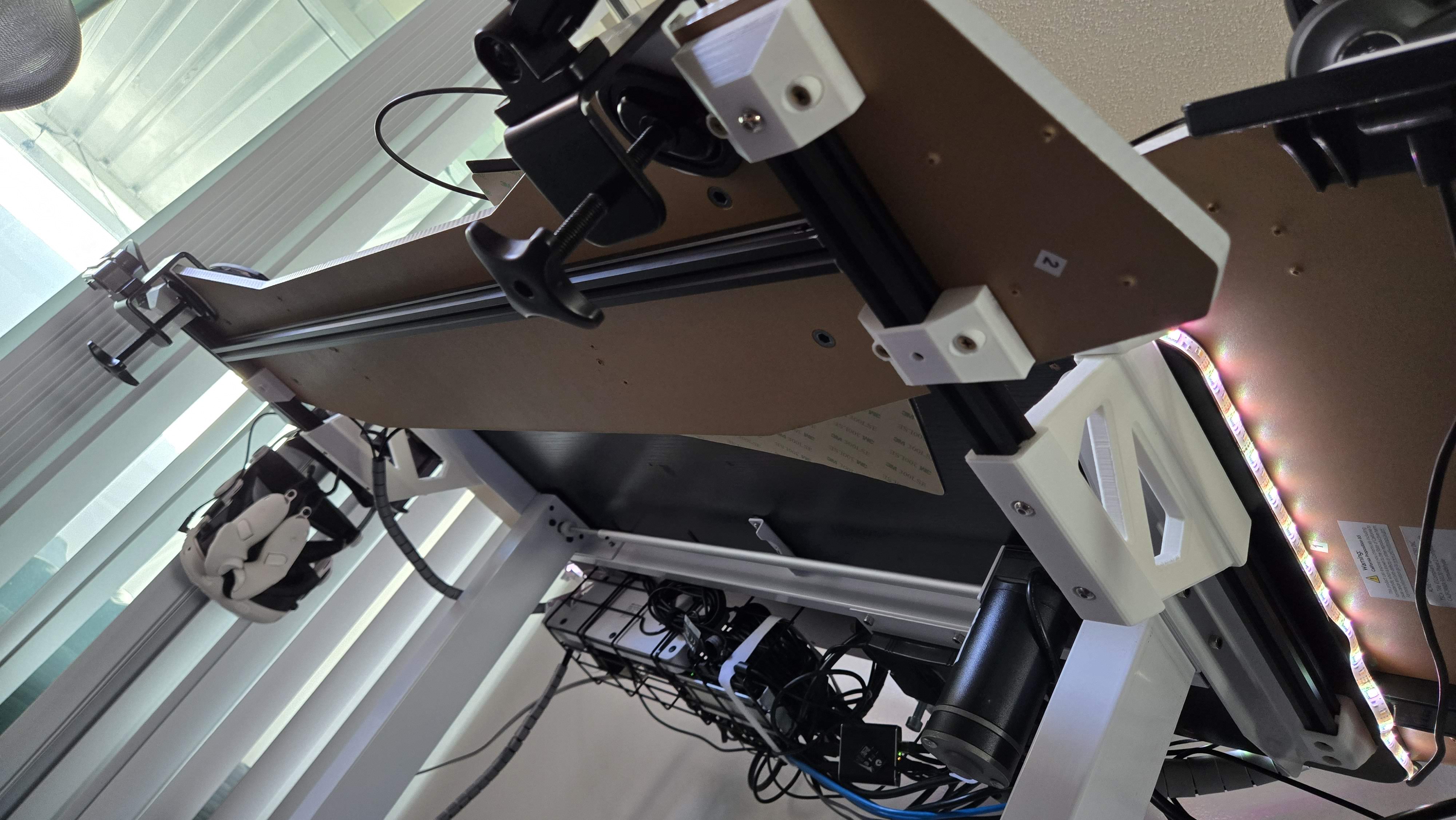
I decided to print my keyboard shelf parts on the P1S on PETG and gray color. But before that, I wanted to implement some changes to improve the mounting and sliding action.

Things I wanted to address in order of importance:

  1. Improve sliding action and allow for grease
  2. Use more standard screw length eliminating my custom spacers
  3. Use PETG instead of PLA since the latter started shaving against the aluminum
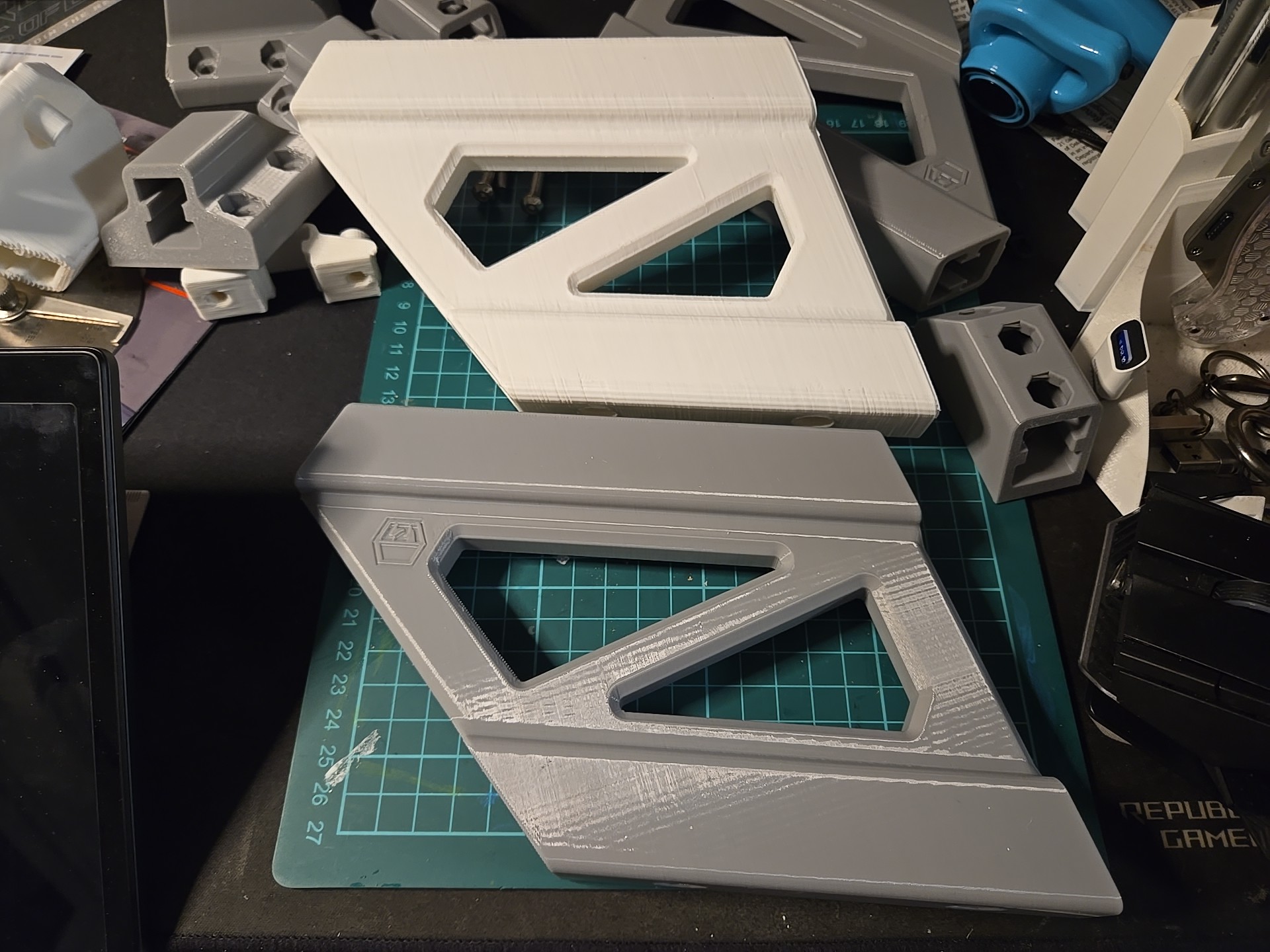
  4. Replace the ugly print quality of the older ones
  5. Another color (gray, also neutral but different from desktop)

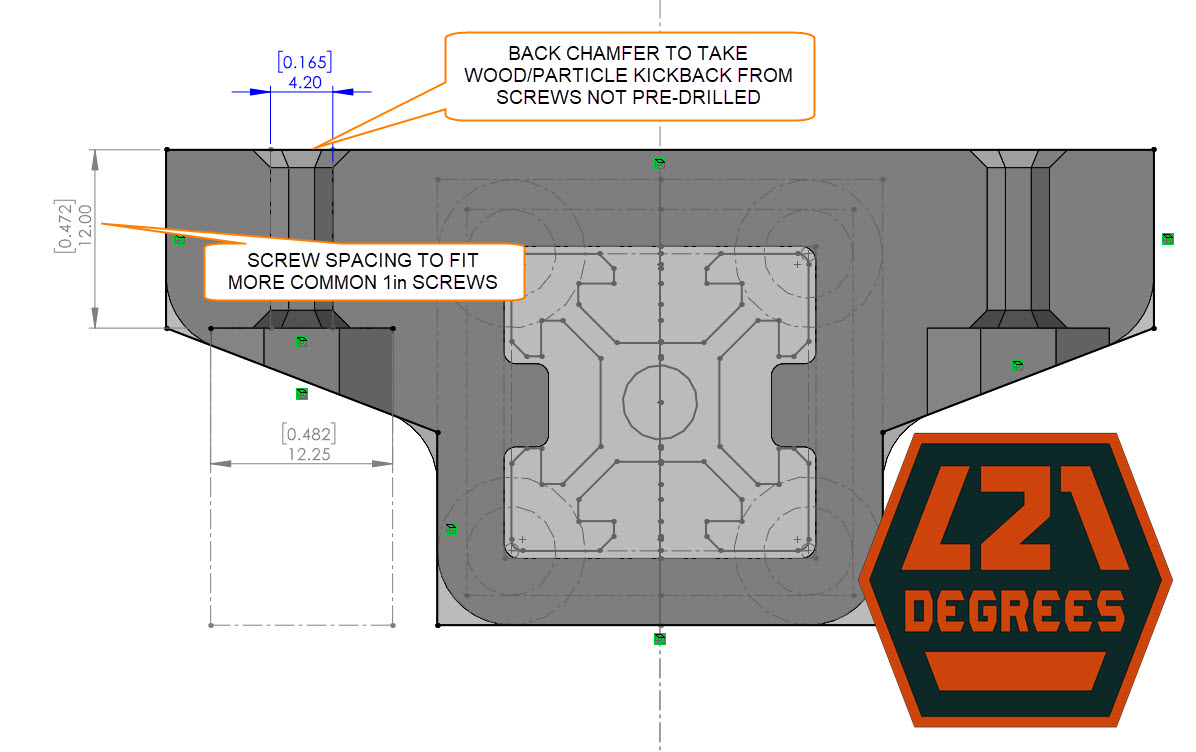
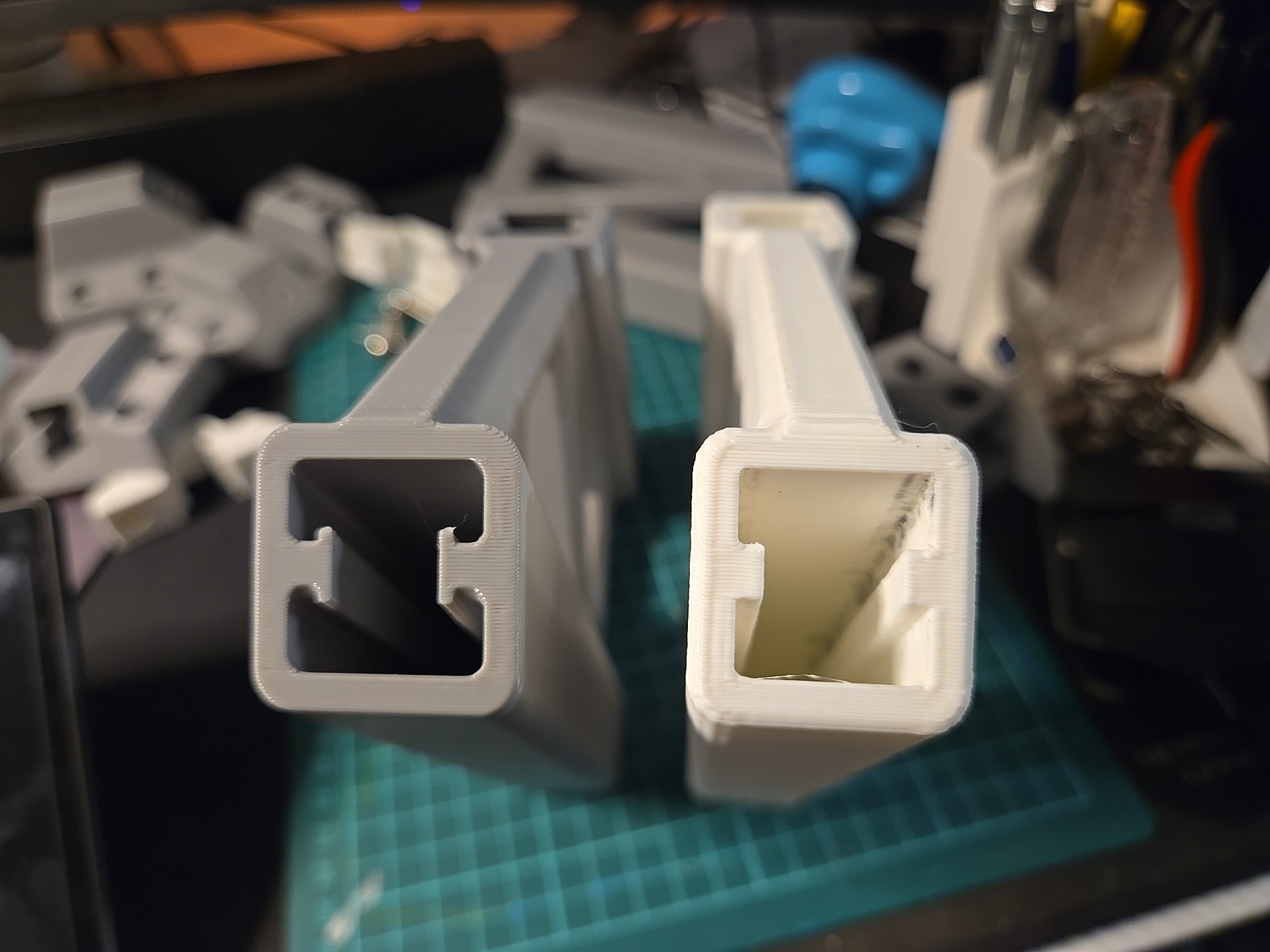
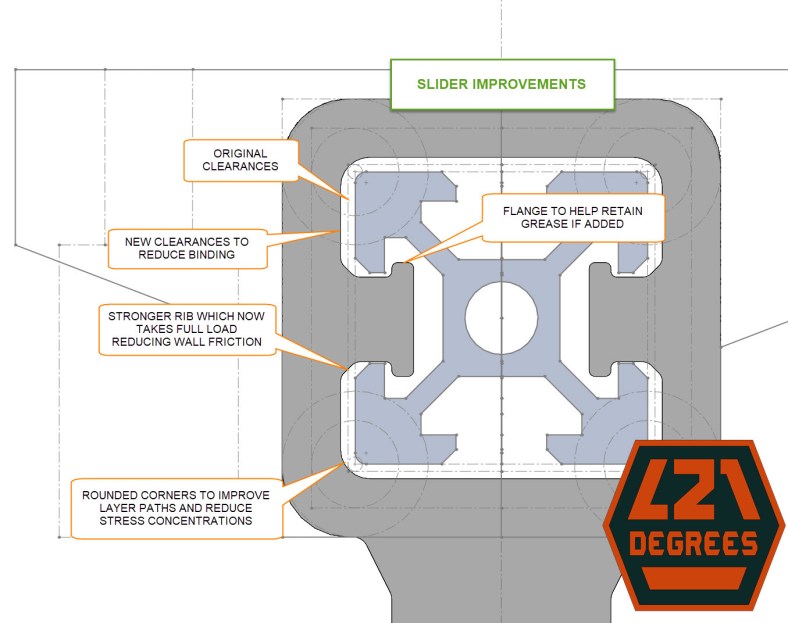
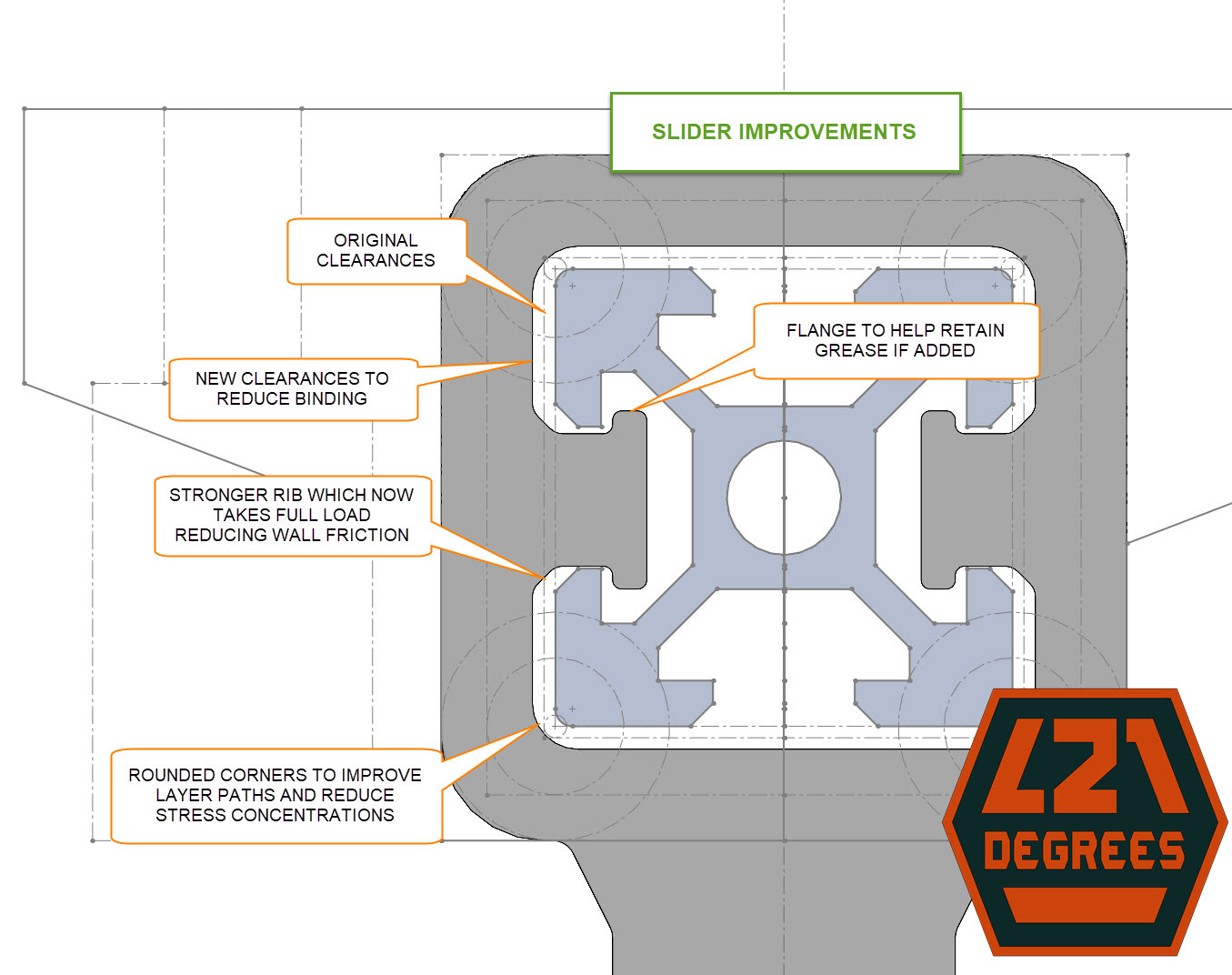
The image below shows the changes but in summary, I increased the side clearances to reduce/eliminate wall friction, strengthened the slider ribs and added a flange to help retain grease if added, and increased corner fillets (rounding) to reduce/eliminate stress concentrations:

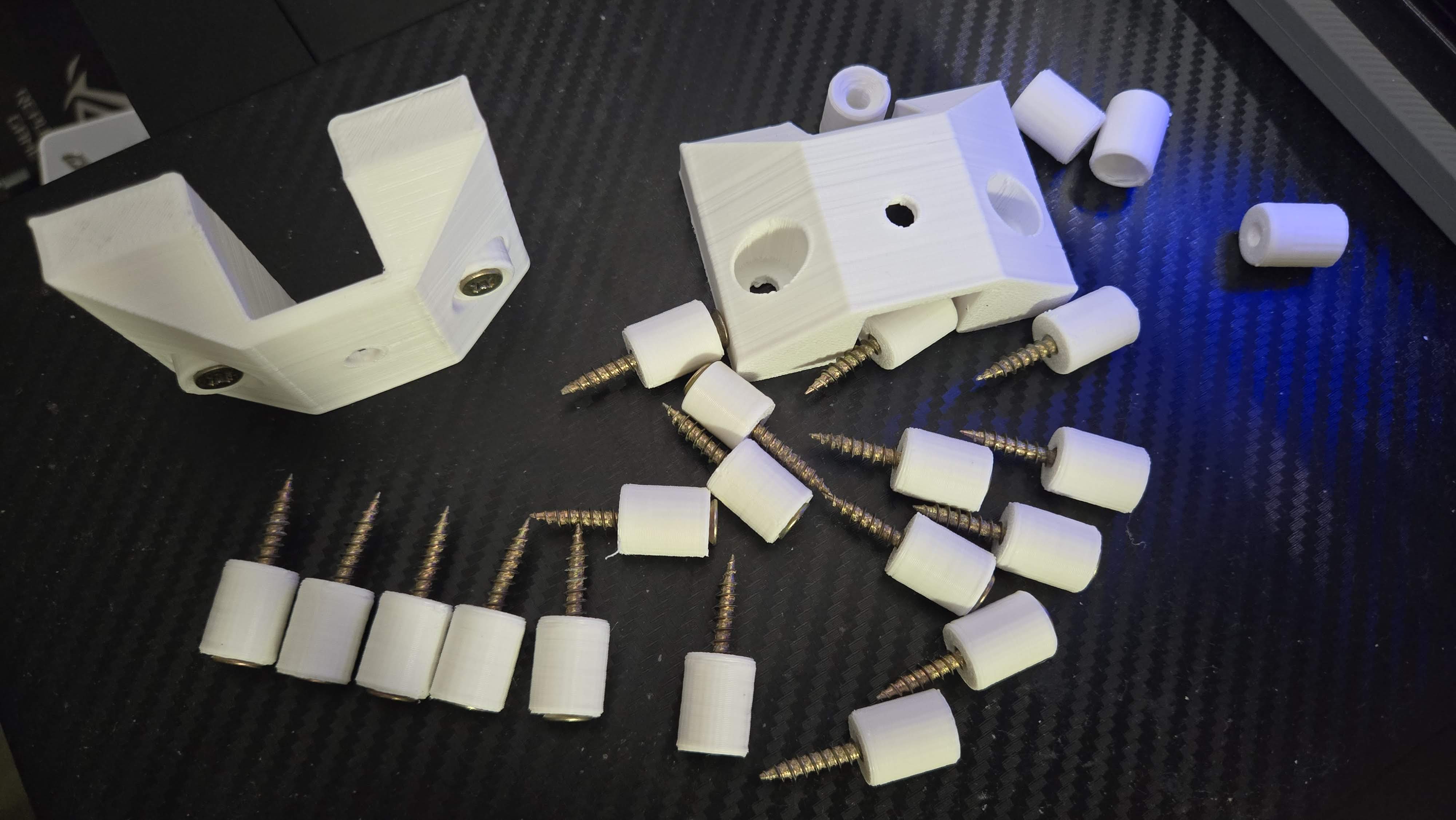
For the screw mounting, the shortest screw length I found at the hardware store was 1″ so I adjusted the mount spacing to take 1/2″ so they would thread 1/2″ into my 3/4″ desktop. Also, I didn’t pre-drill holes for them so some material would kick-back/lift out around the screw which separated the flat surface on the mounting brackets so I added chamfering around the mounting holes to help take it:

Available to download at MakerWorld: https://makerworld.com/en/models/878613
And recently uploaded to Printables: https://www.printables.com/model/1144913-keyboard-megashelf-sliding-keyboard-and-peripheral

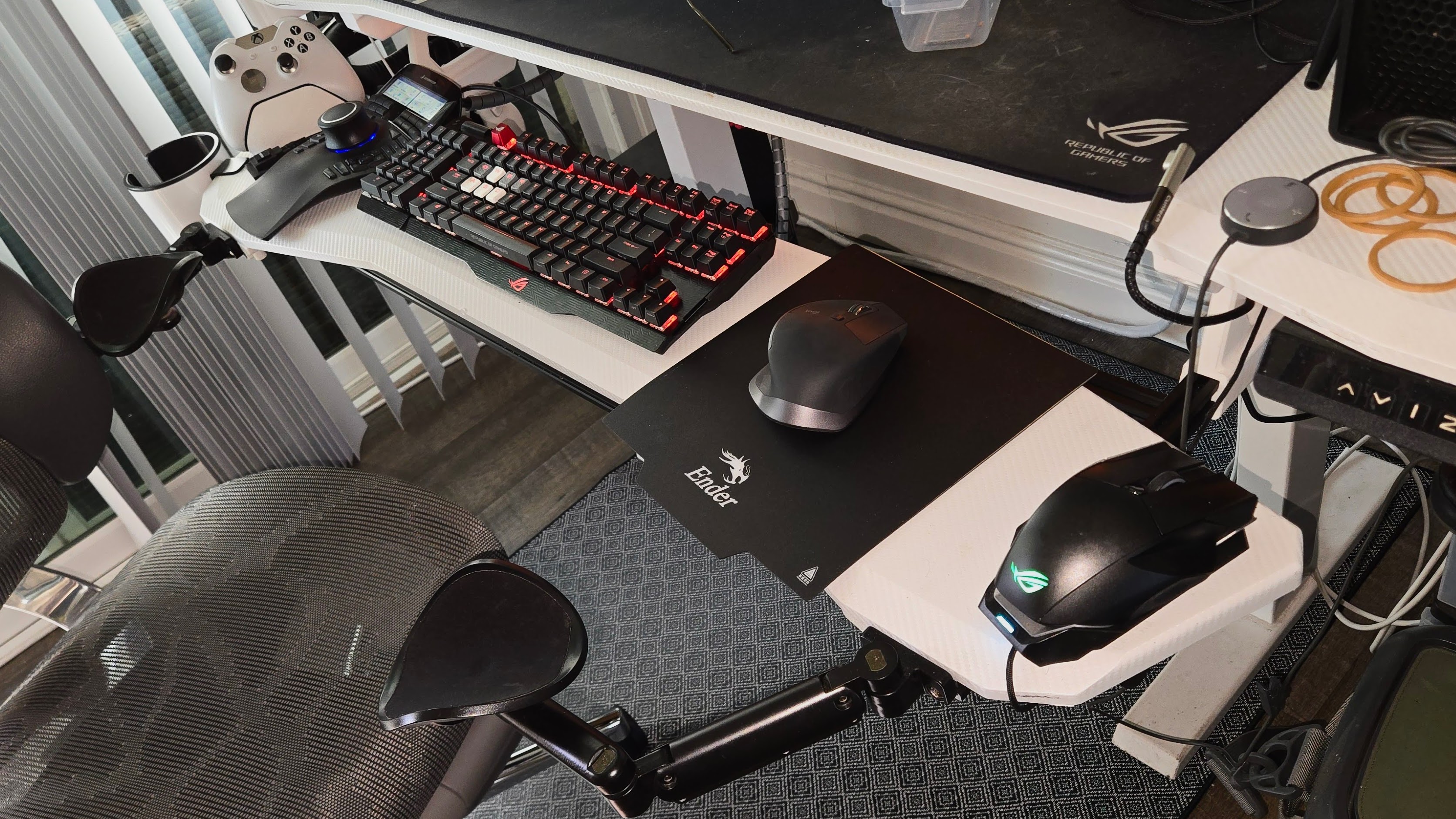
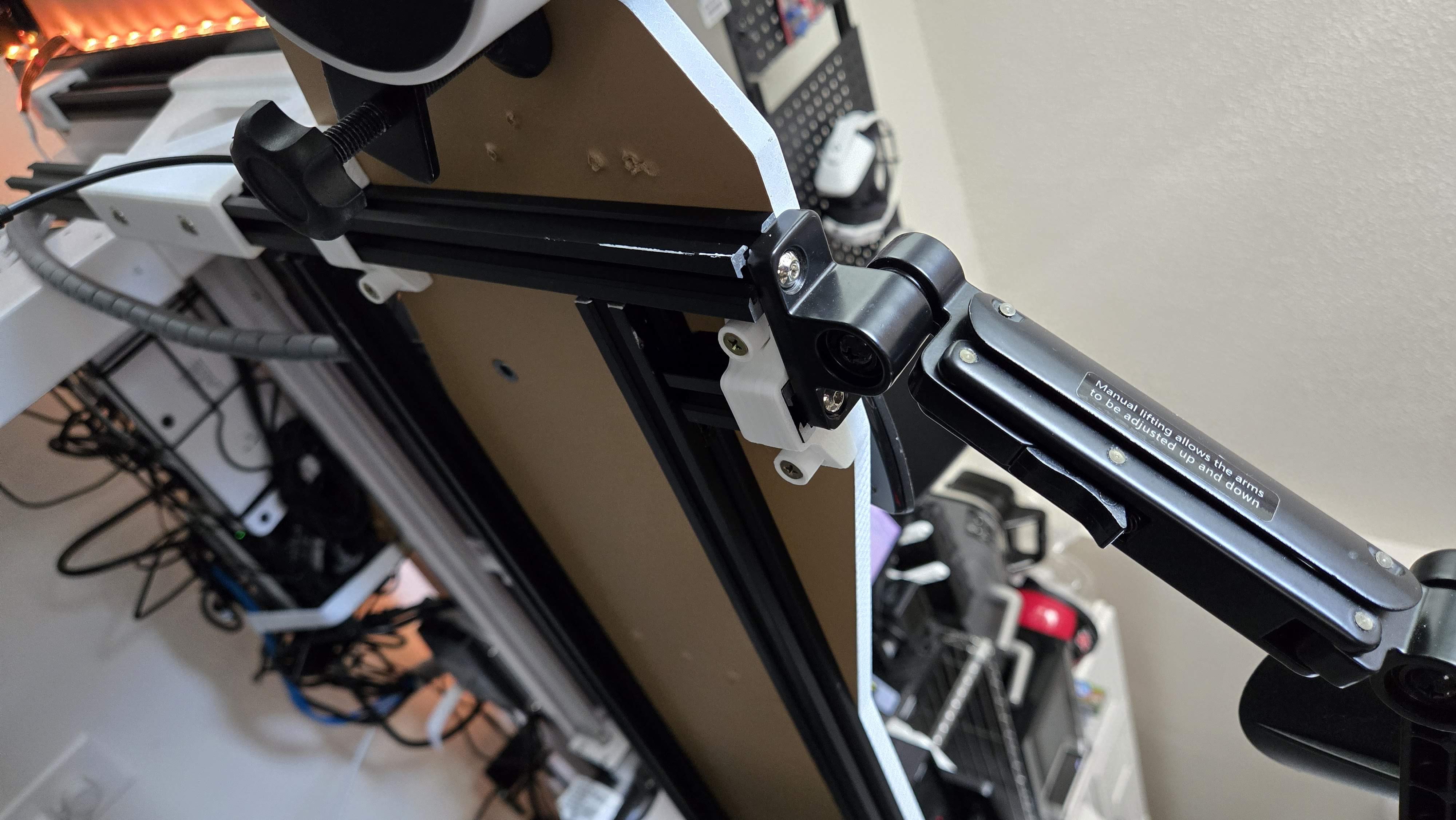
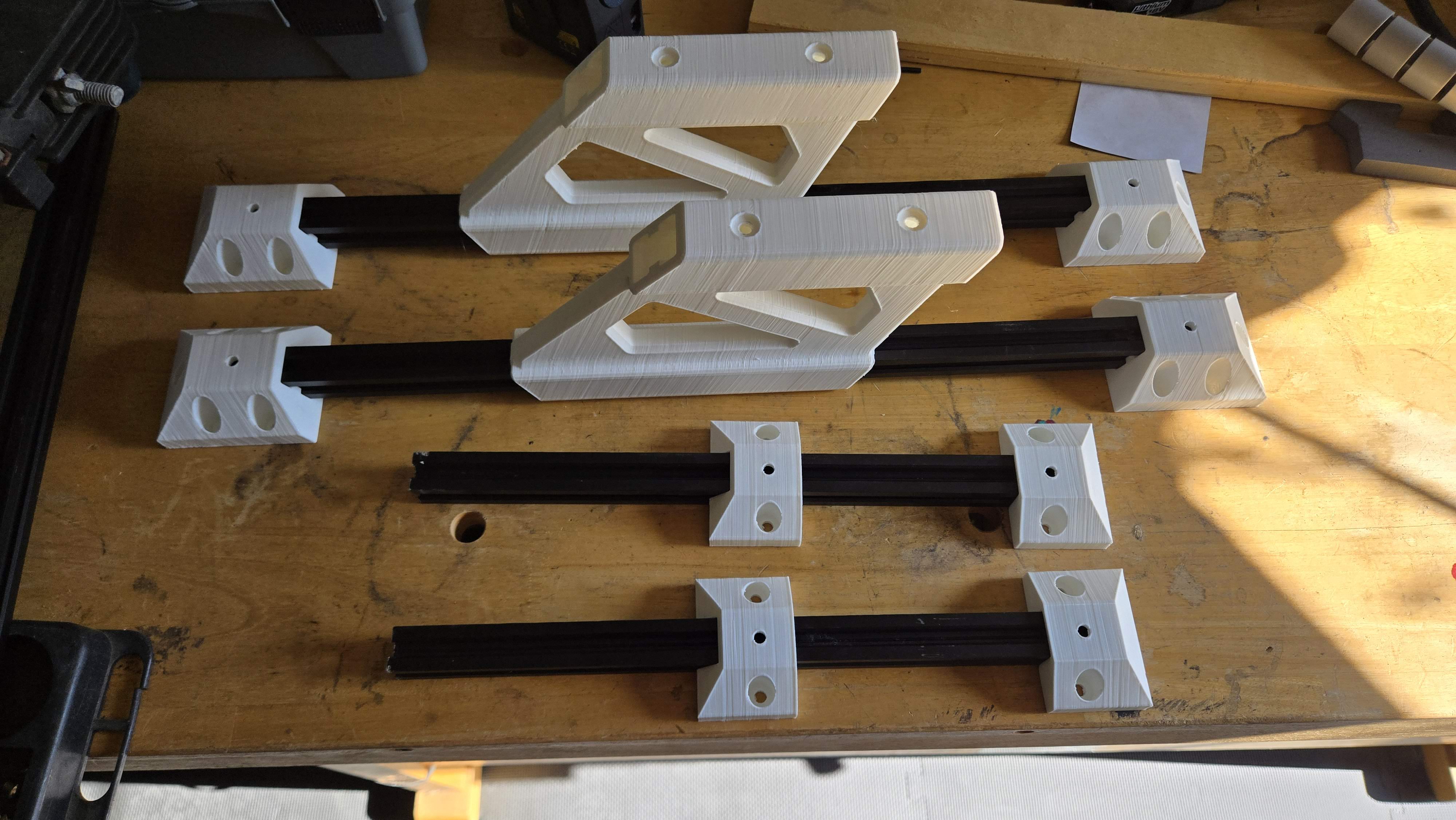
Here’s a gallery of the newly printed components:

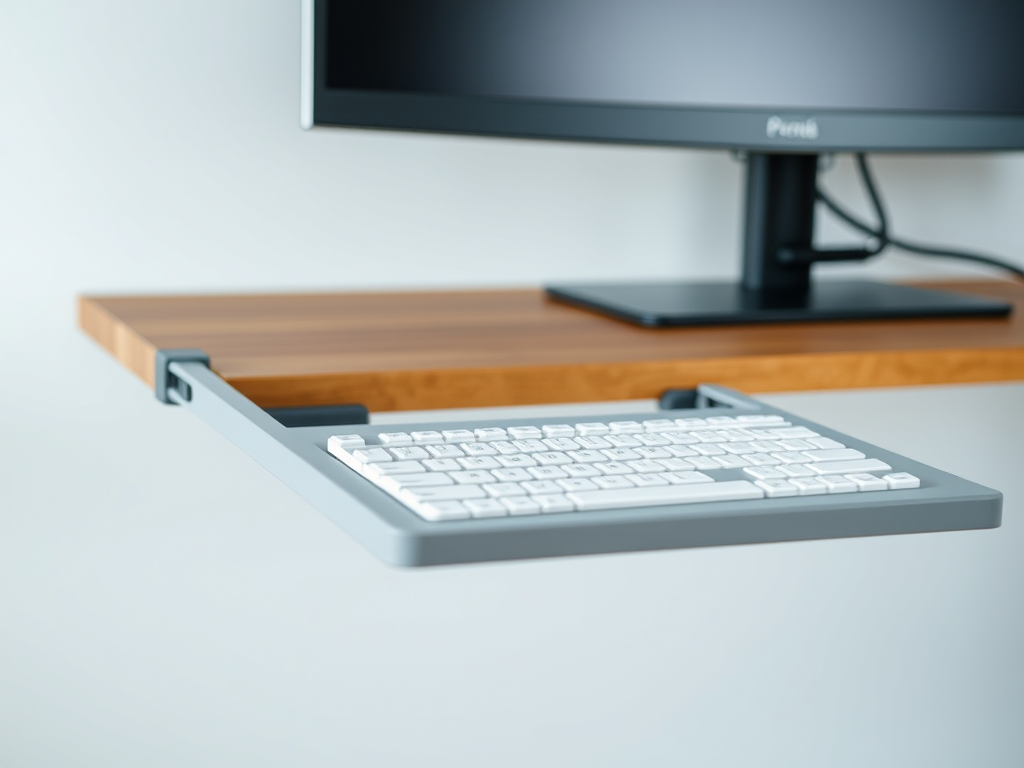
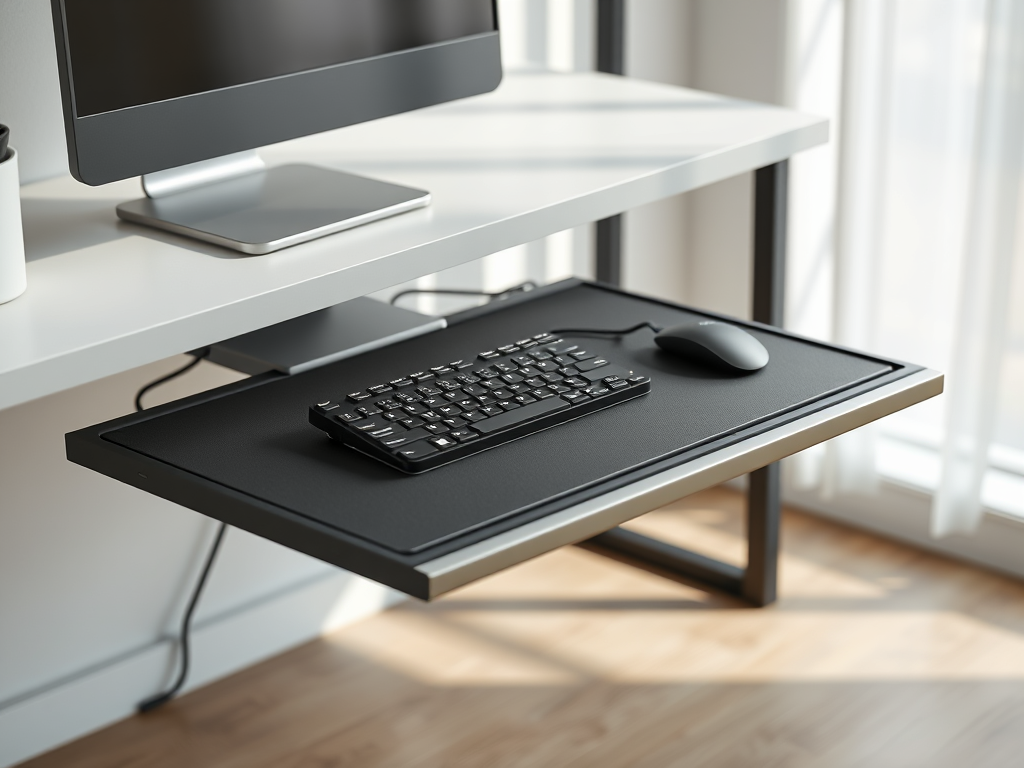
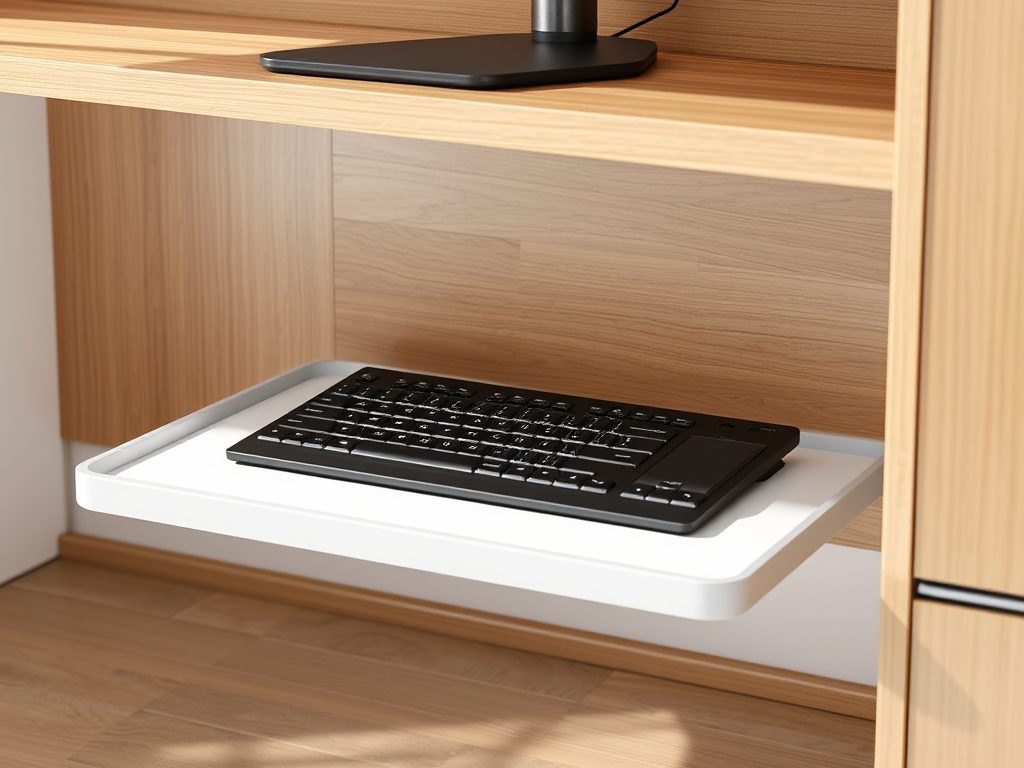
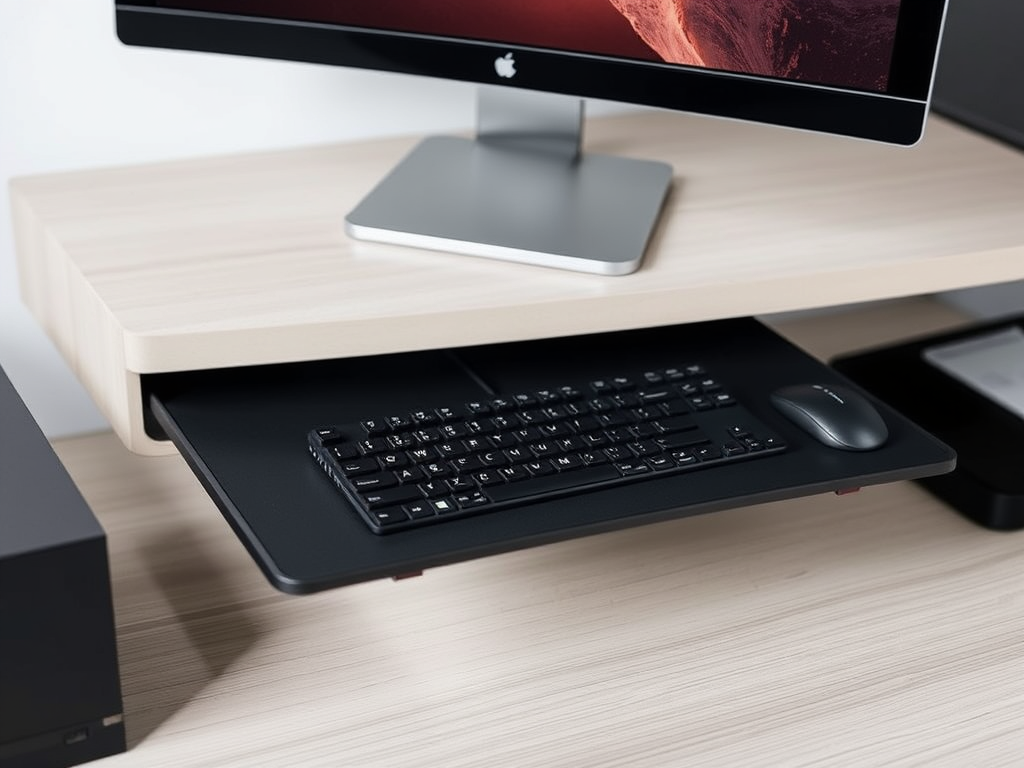
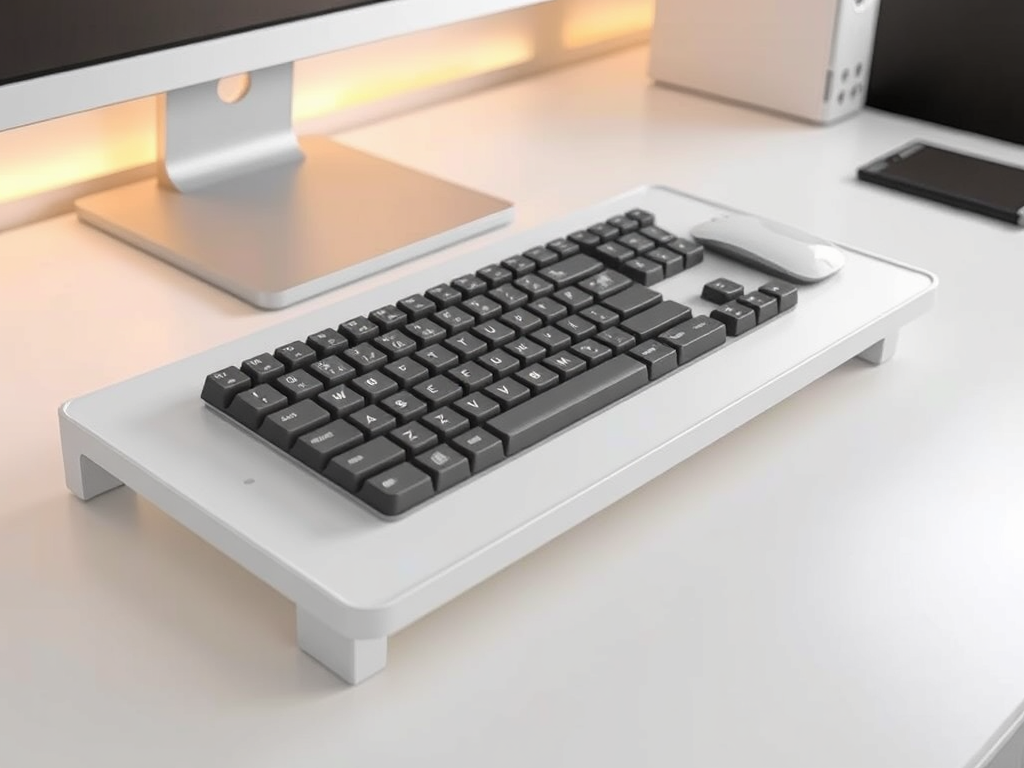
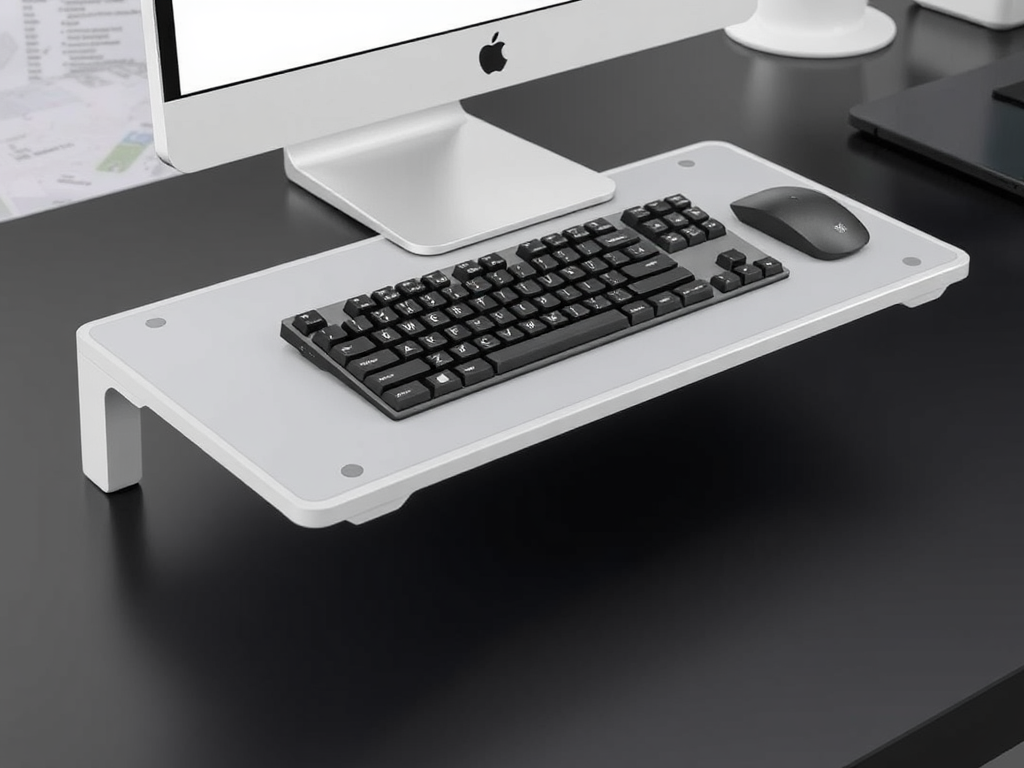
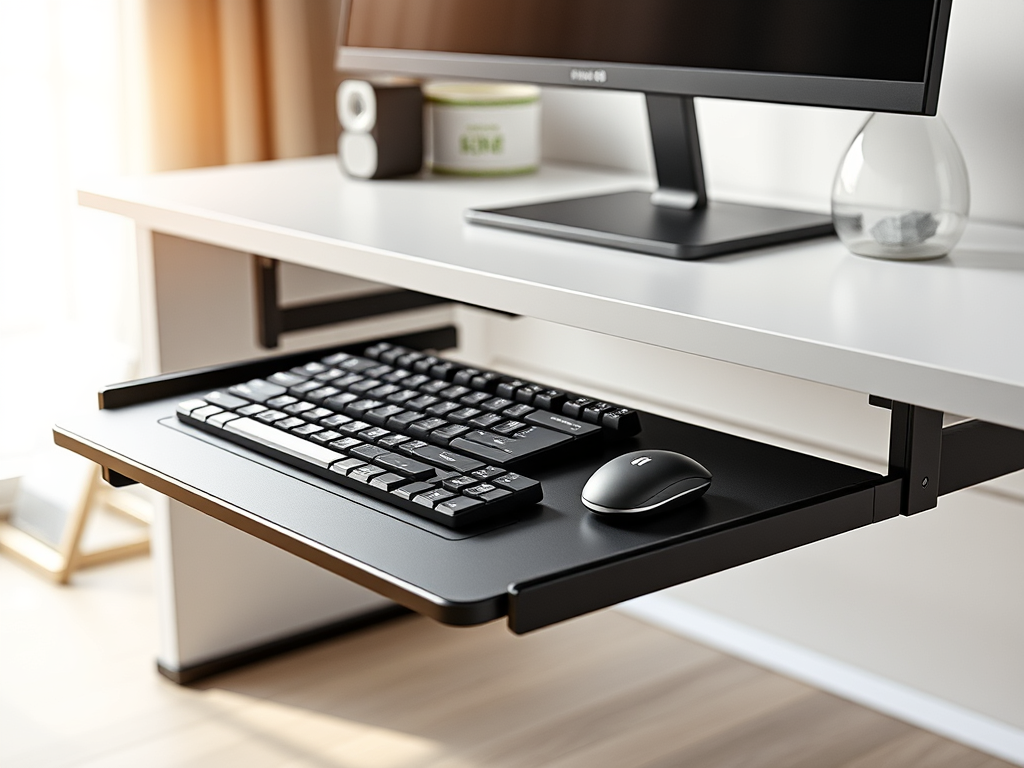
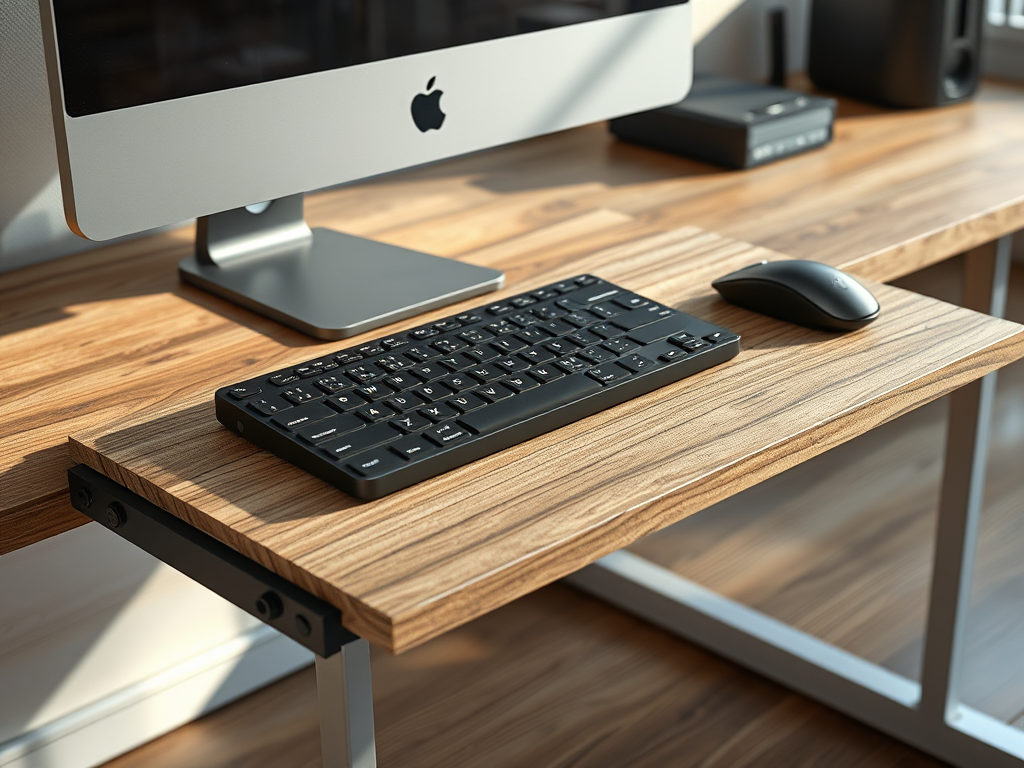
*BONUS* AI generated images for keyboard trays:

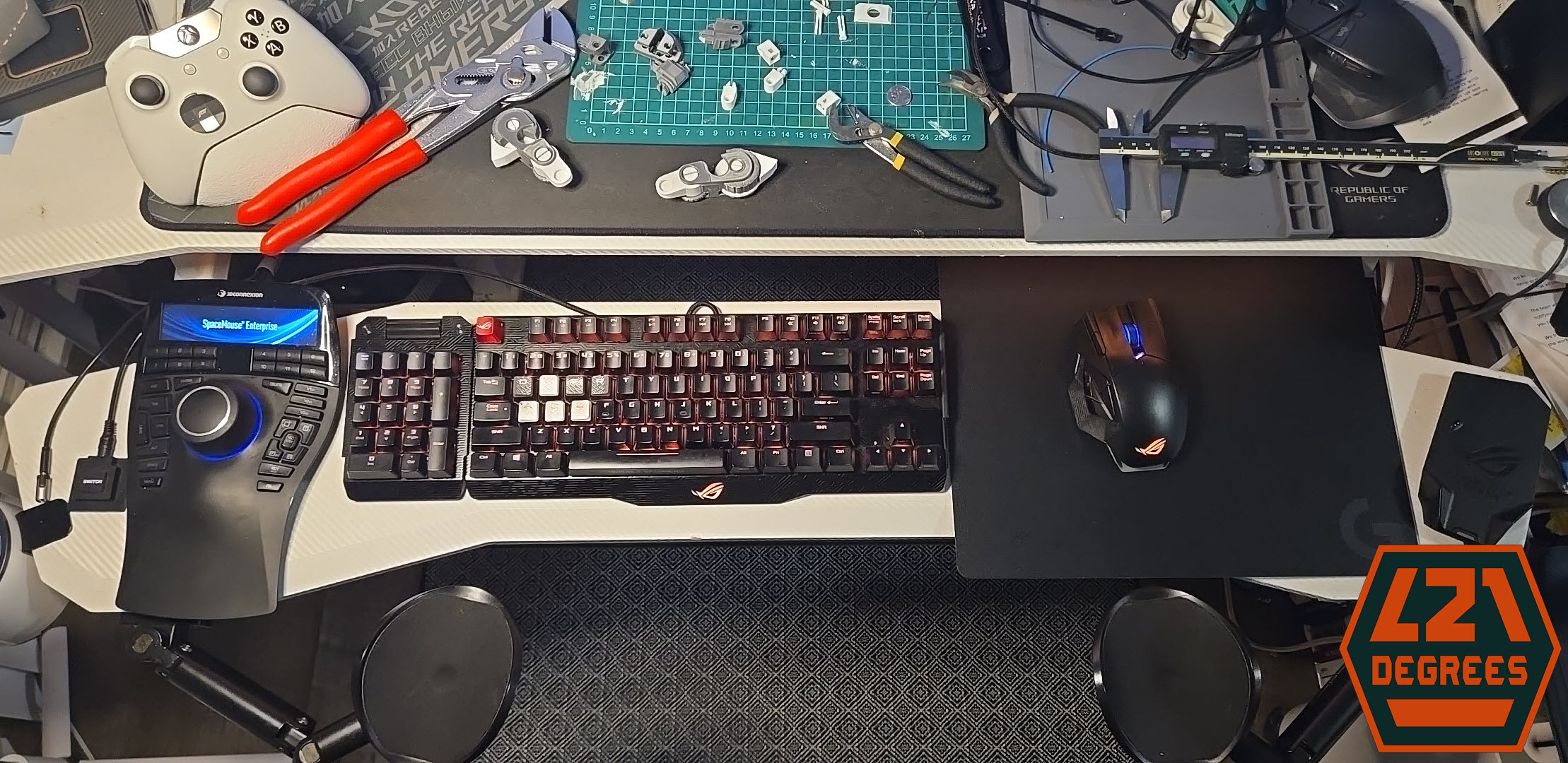
Keyboard MegaShelf, sliding keyboard tray

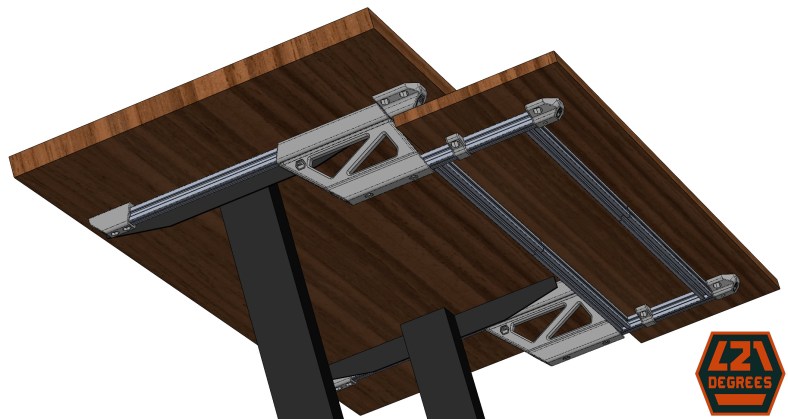
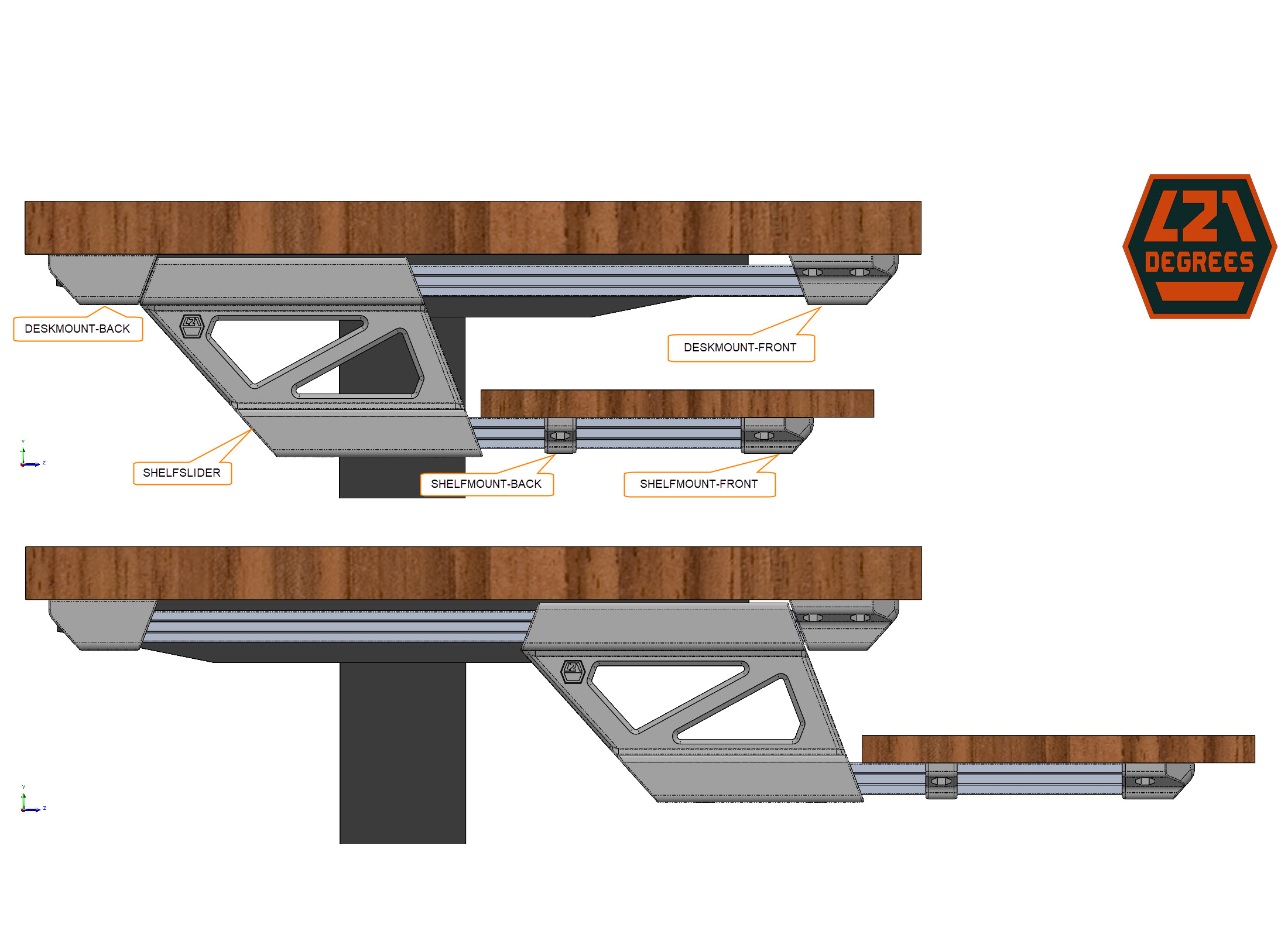
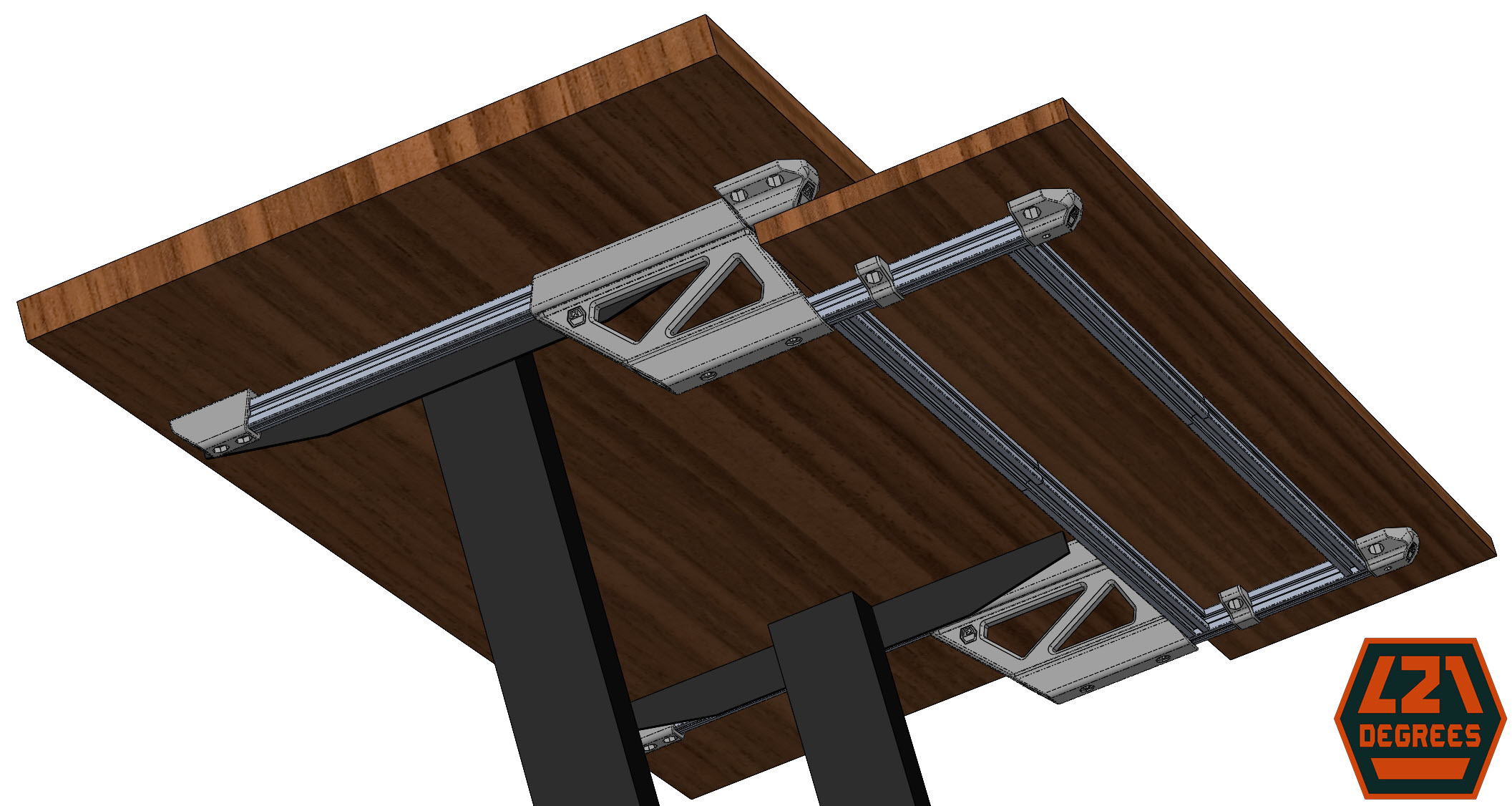
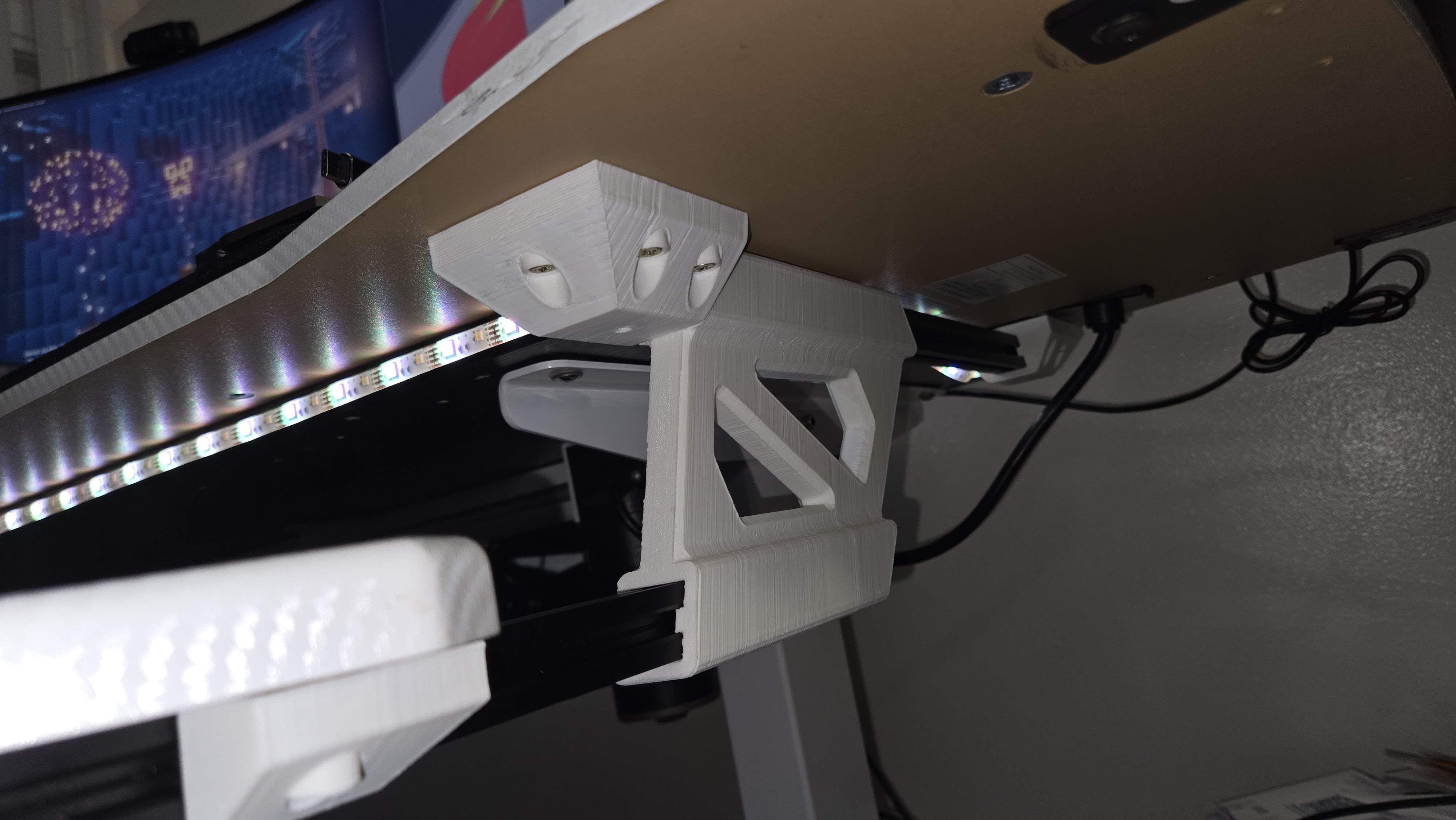
This is a set of brackets that mounts a shelf that slides under a desk.

Hi! This design is the result of my need to free desk space and lower the keyboard height as the desk is too tall for me. I spent over an hour looking for sliding keyboard trays and none met my needs/wants.

Designed in SolidWorks for Makers, printed with a Creality Ender 3 V2 printer with custom 1st Layer firmware and board.

Features:

  • Big enough to hold plenty of peripherals and more
  • Slides under desk to reduce footprint and add some dust protection
  • Solid. Very solid. Even when extended, the natural binding of the peripheral and hand weight “locks” the shelf in any position
  • Uses common or easily available materials, this aluminum extrusion is very stiff and practical
  • Can be adapted to any desk and shelf size without changing the 3D prints, fully dependent on the extrusion lengths

Designed for 3D printing, considerations:

  • The front desk mount piece uses four screws since it will hold most of the weight
  • The recommended print orientation maximizes the layers along the shear forces
  • No supports required, nada.
  • The extrusion mating parts include an inner “rib” that makes contact in the extrusion slots before the side walls to reduce sliding friction and considerably increasing the holding strength
  •  Not only functional, but also spent some time shaping for a nicer look and feel

Downsides:

  • It binds when trying to slide-in or out caused by uneven force on the ends when doing so, the solution is to frame the shelf with additional length-wise aluminum extrusion to force squareness
  • It doesn’t make tacos but it does free your desk to hold them

For the future: Can’t stop thinking about using v-slot wheels for that smooth and satisfying slide but initial thoughts makes it look clunky, obtrusive, and more expensive. But I like the challenge and more options are good so stay tuned!

All-in-all, I’m extremely happy with this solution, it’s very solid, holds peripherals clearing my desk and stows away. I’m publishing this free hoping that my time and effort go further than just meeting my needs.

Published and available to download in Maker World

Prototyping gallery:

Fanswap, 120mm fan modular cover/grille

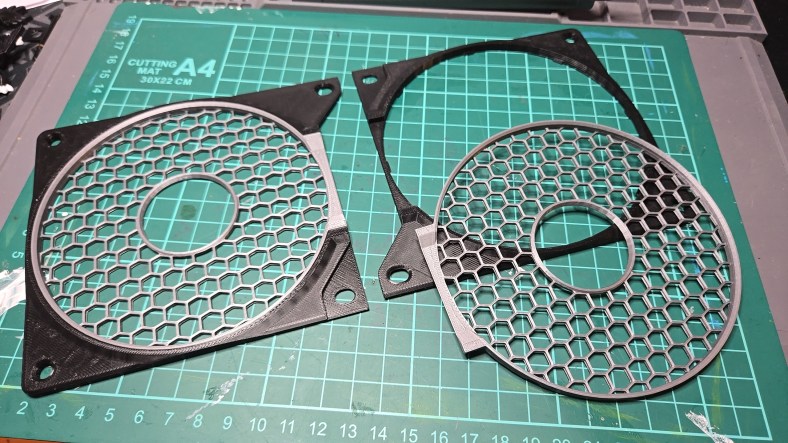
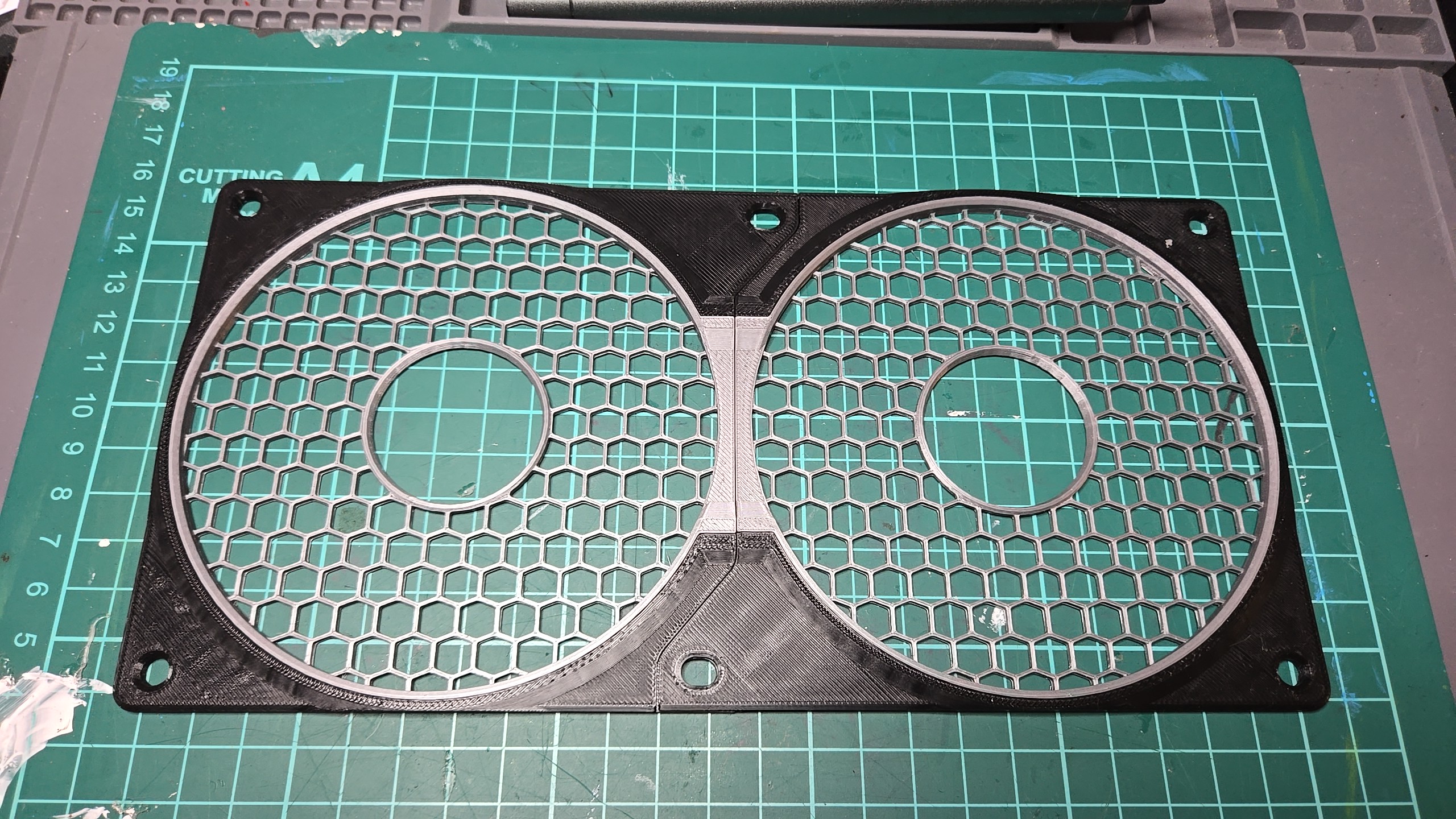
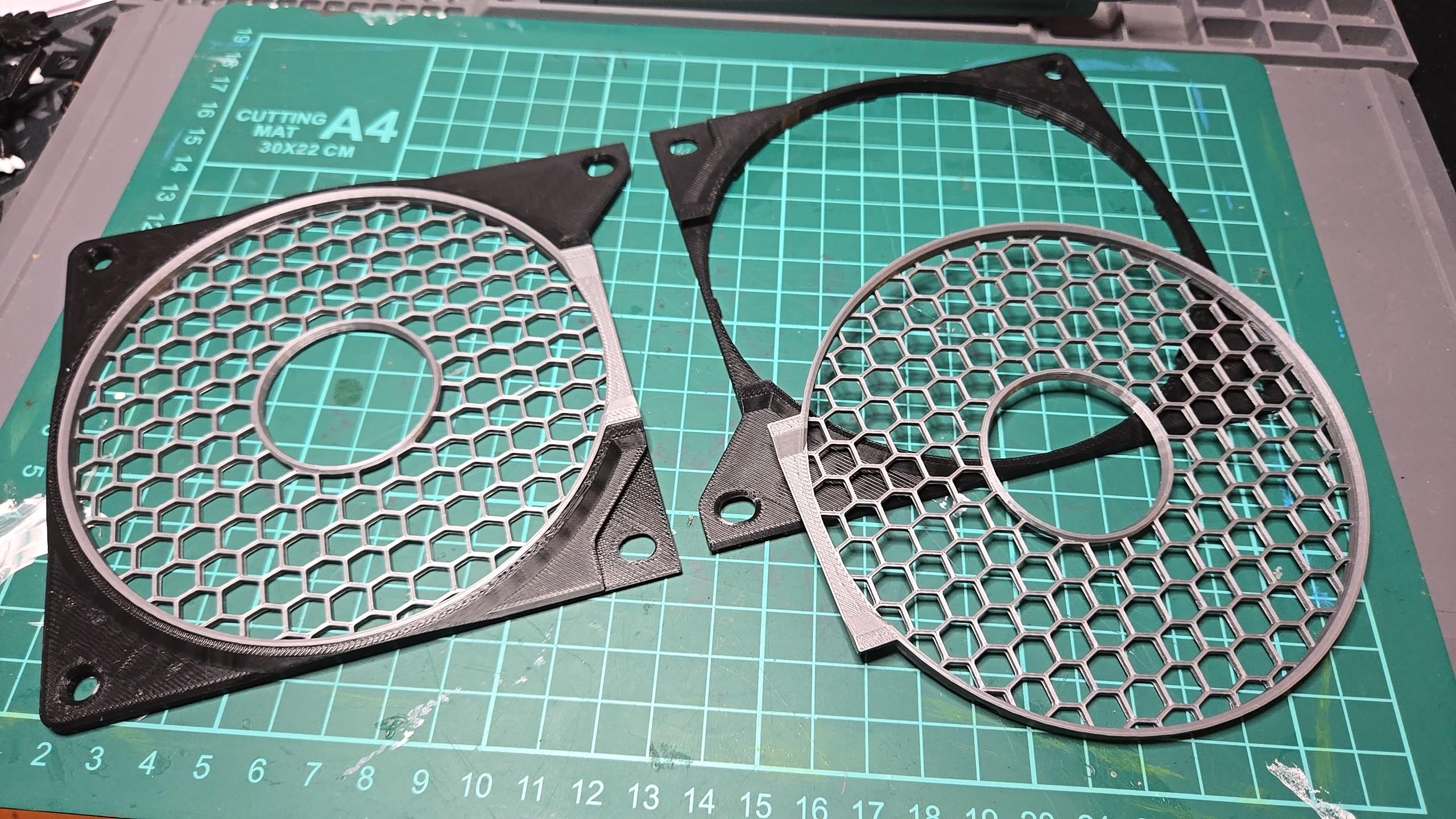
This is a 120mm fan cover, mostly common in computers. Like the million others out there, it protects the fans from foreign objects and your fingers from its blades. This design tho, also allows to swap grille colors and designs without unscrewing it plus when covering two or more fans together (as in computer radiators), it sprawls an overlapping design to make it seem like a seamless unit.
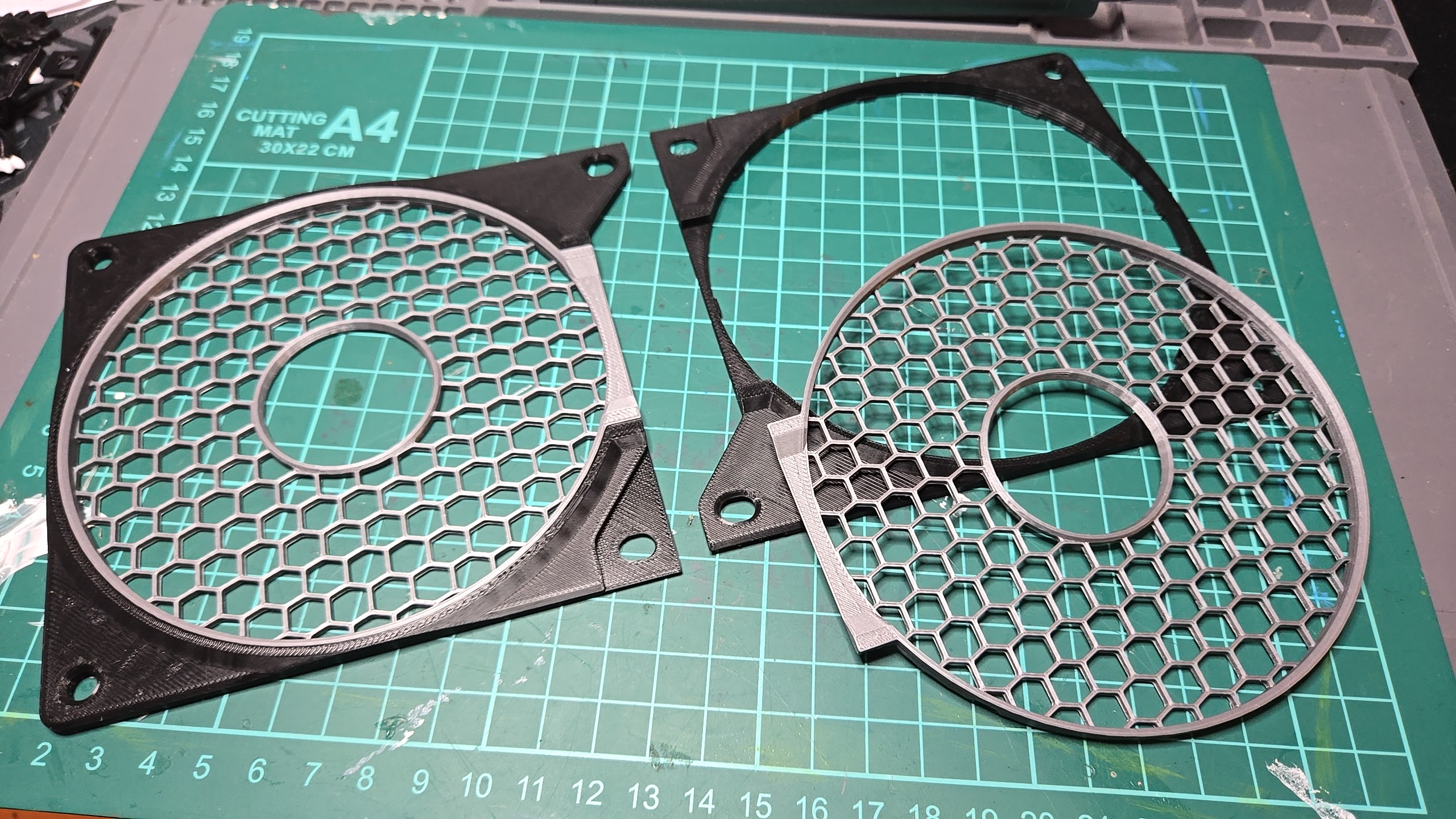
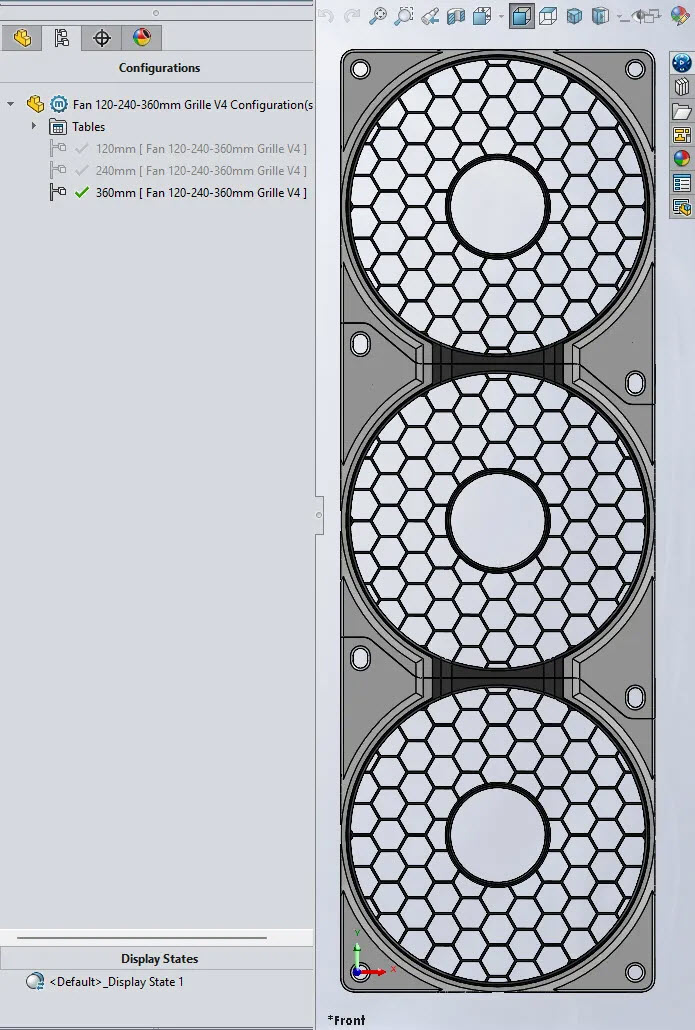
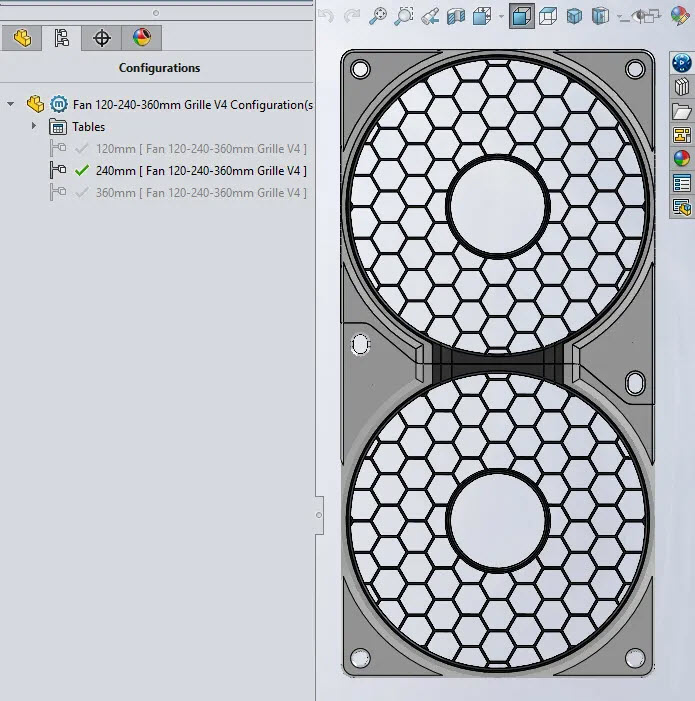
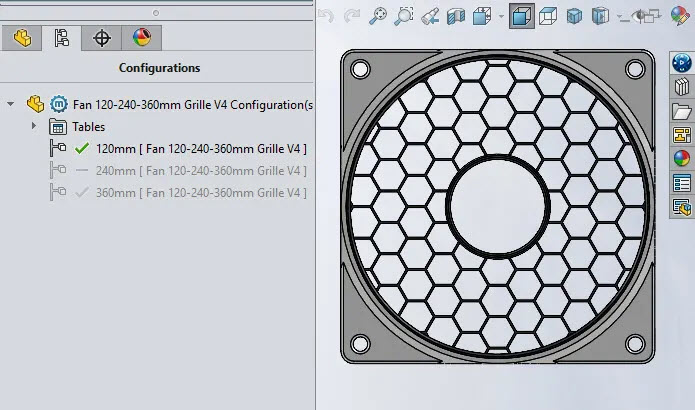
Designed in SolidWorks for Makers, this parametric design contains three configurations for single, double or triple and more fans, in double or more configurations, the screw tabs overlap the following frame and reduces mounting screws. The grille also “connects” to the next one enhancing the seamless design.
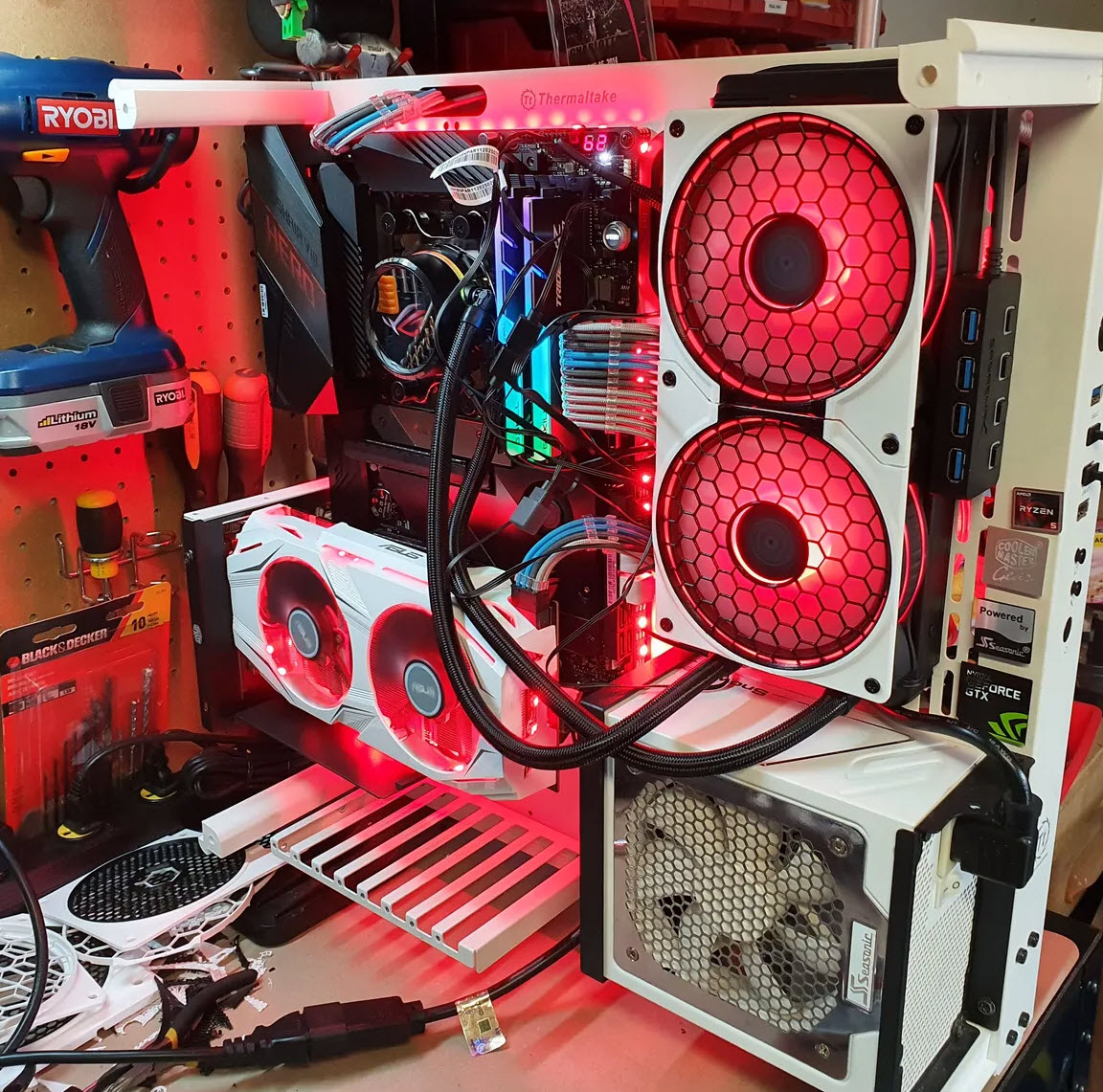
I created Fanswap as a way to mod my PC, what I wanted was not available and what I liked was way too expensive (CNC machined aluminum covers, anyone?), also the pain of changing the cover in a tight case, specially on radiators where the fan also comes off the same screws. Also, why did double and triple radiators never looked like a single cohesive unit?  

In the image above, the parts were printed in Overture black PLA and 3D Solutech Silver Metal PLA, I love this last one.

I have published the files for printing in Maker World and Printables.

Mounting bracket set for a ThinkPad P15 and P52 laptops

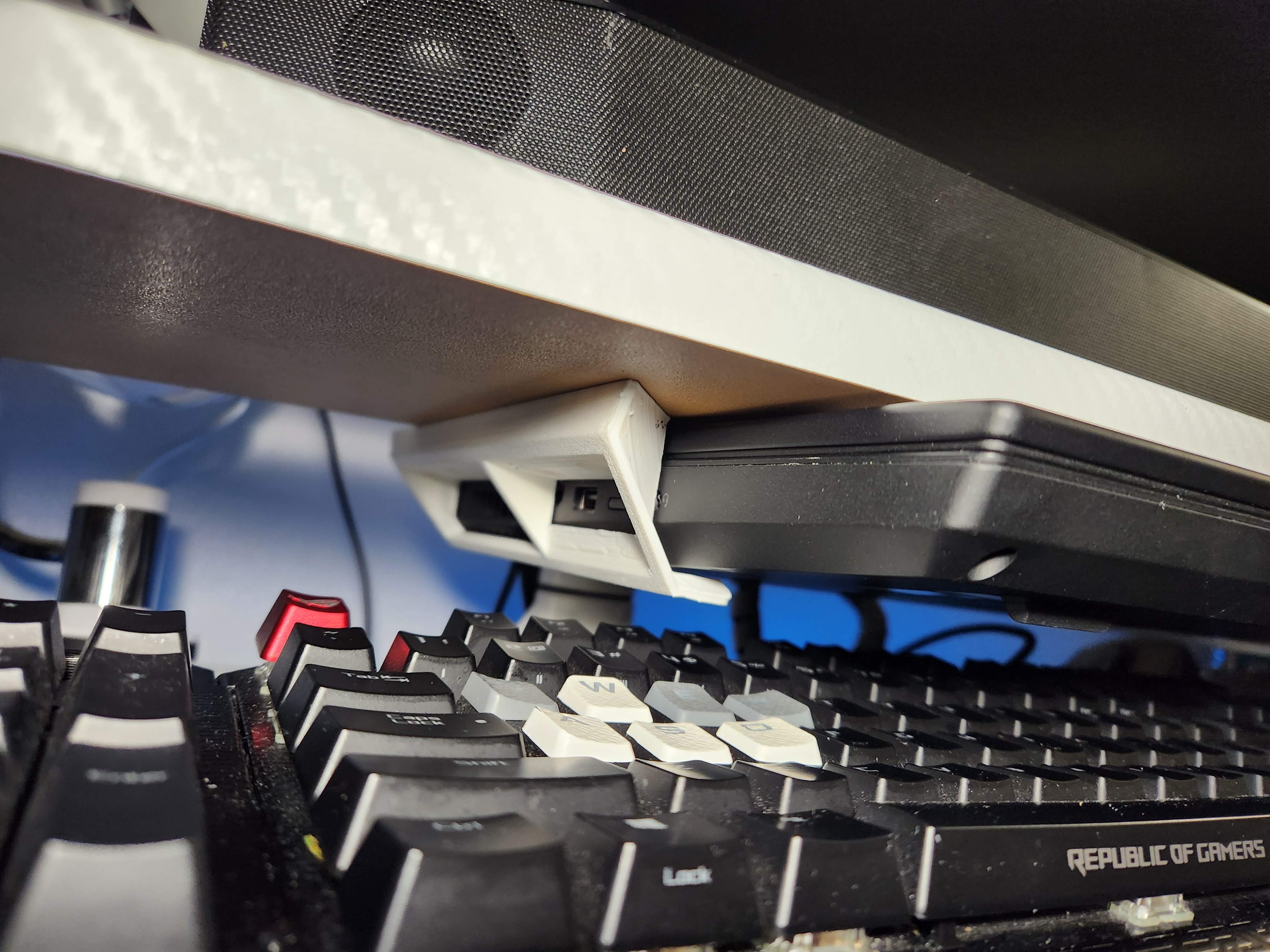
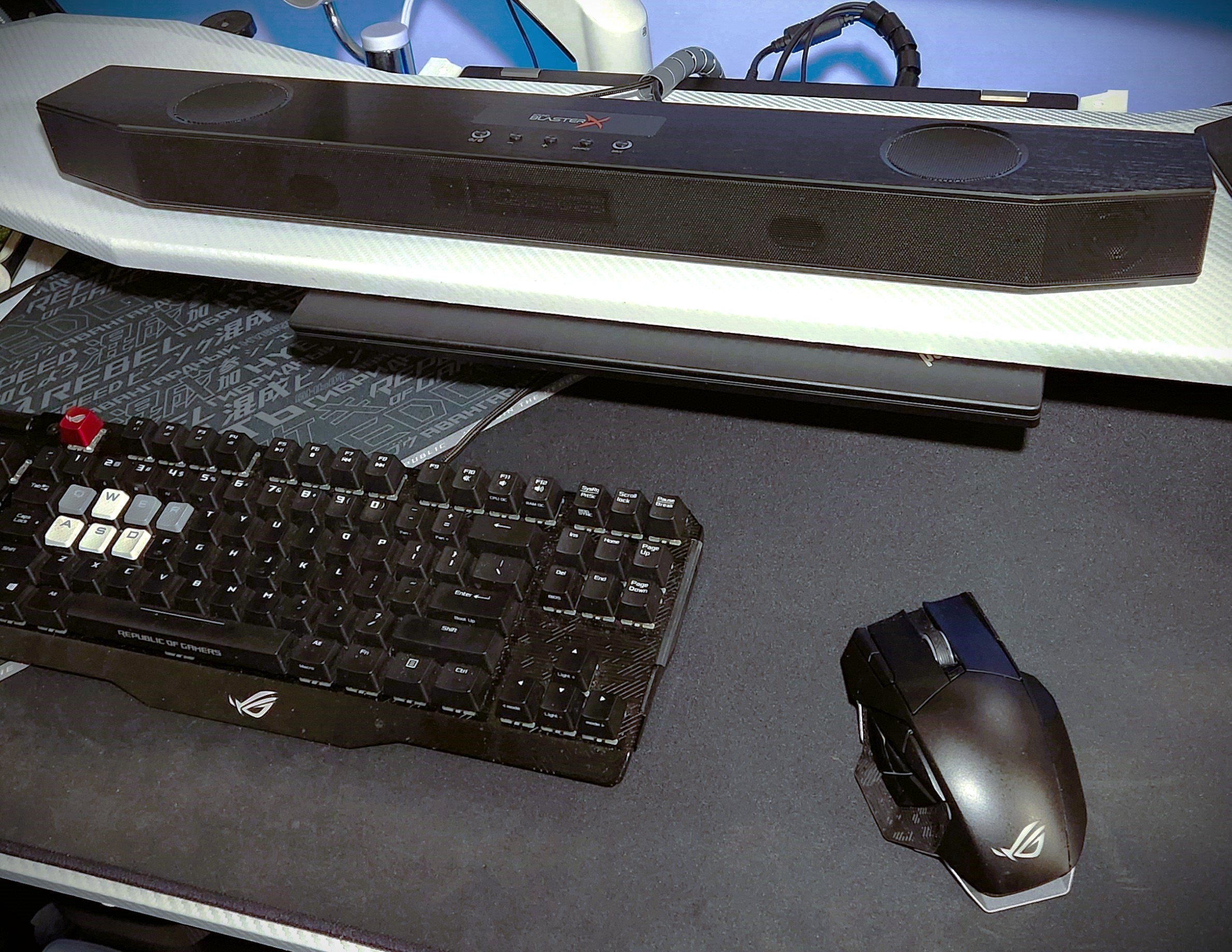
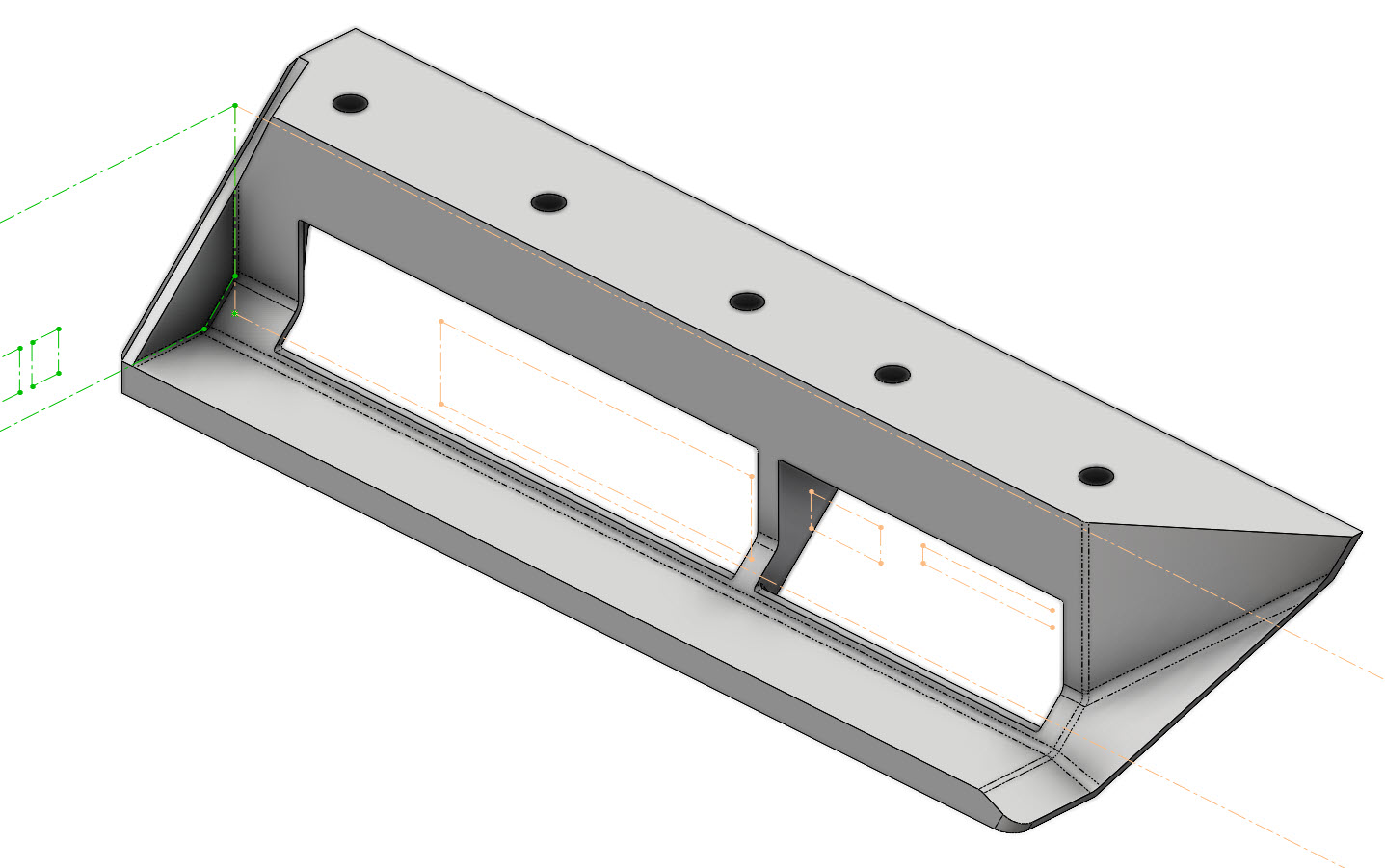
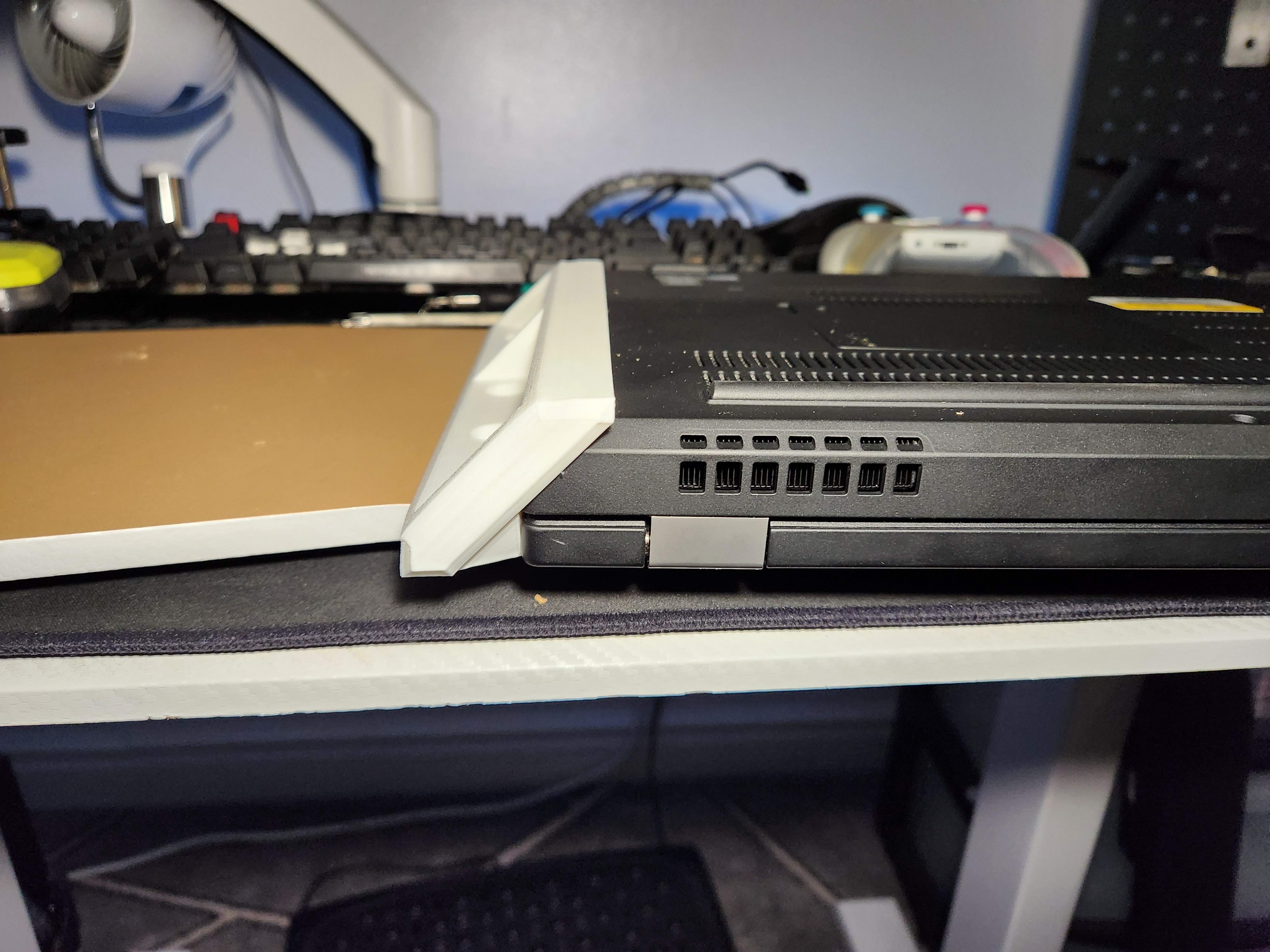
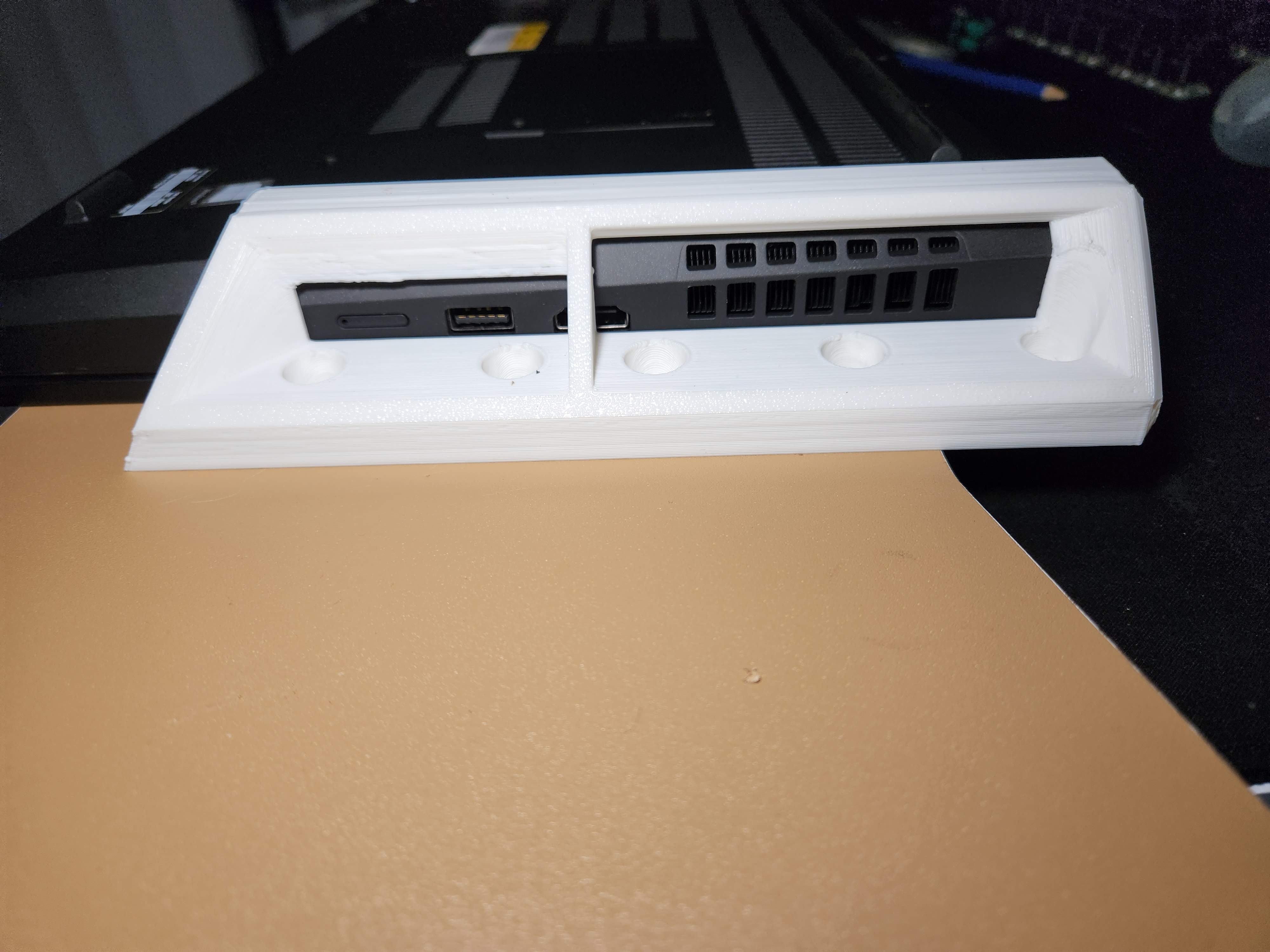
So this is a bracket set that allows a laptop to be mounted under a shelf or the desk. It has an inner bevel that mimics these laptops side profile, and yes, while I could have designed another L-bracket, I wanted to design something unique and specific where FDM (fused deposition modeling) manufacturing would shine. It also allows access to ports and ventilation plus easy insertion.

I wanted to challenge myself and forgo my injection plastic molding experience and instead focus on the most commonly available 3D printing process, optimizing for material, speed, structure and mass-manufacturing. Yeah, forget draft, forget undercuts, forget constant wall thicknesses, THIS IS 3D PRINTING BABY!!

Features:

  • Mounts a ThinkPad P15 as close to the surface as possible, it can also fit a P52 but a couple of mm looser.
  • Wide beveled opening to slide the laptop in with little guesswork
  • Clearance for ventilation and ports
  • Contoured to follow the laptop’s side chamfer
  • Back stop that prevents slide-out
  • Mounts with bolts/screws up to 3.5mm dia
  • Chamfered design that reflects the laptop’s design, it may fit other devices with chamfered/rounded backs.
  • No, it will not make a taco but the money saved by printing this instead of buying one will allow you to buy more tacos

Designed for FDM 3D printing first:

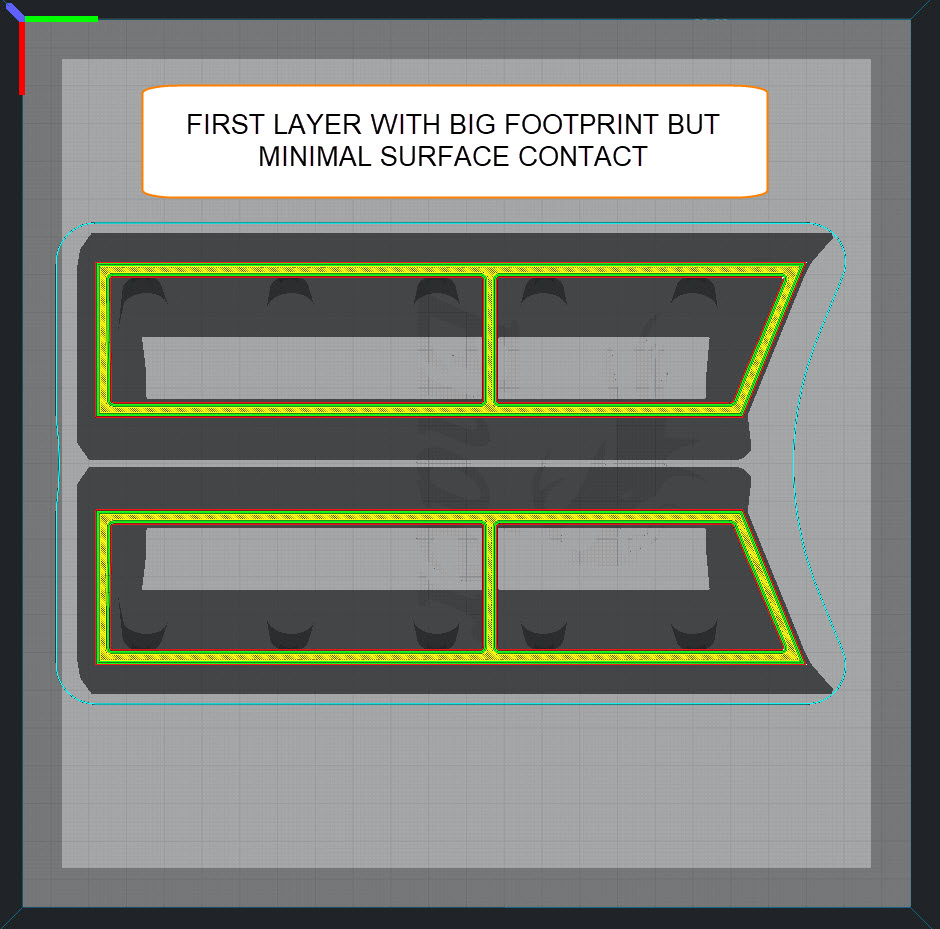
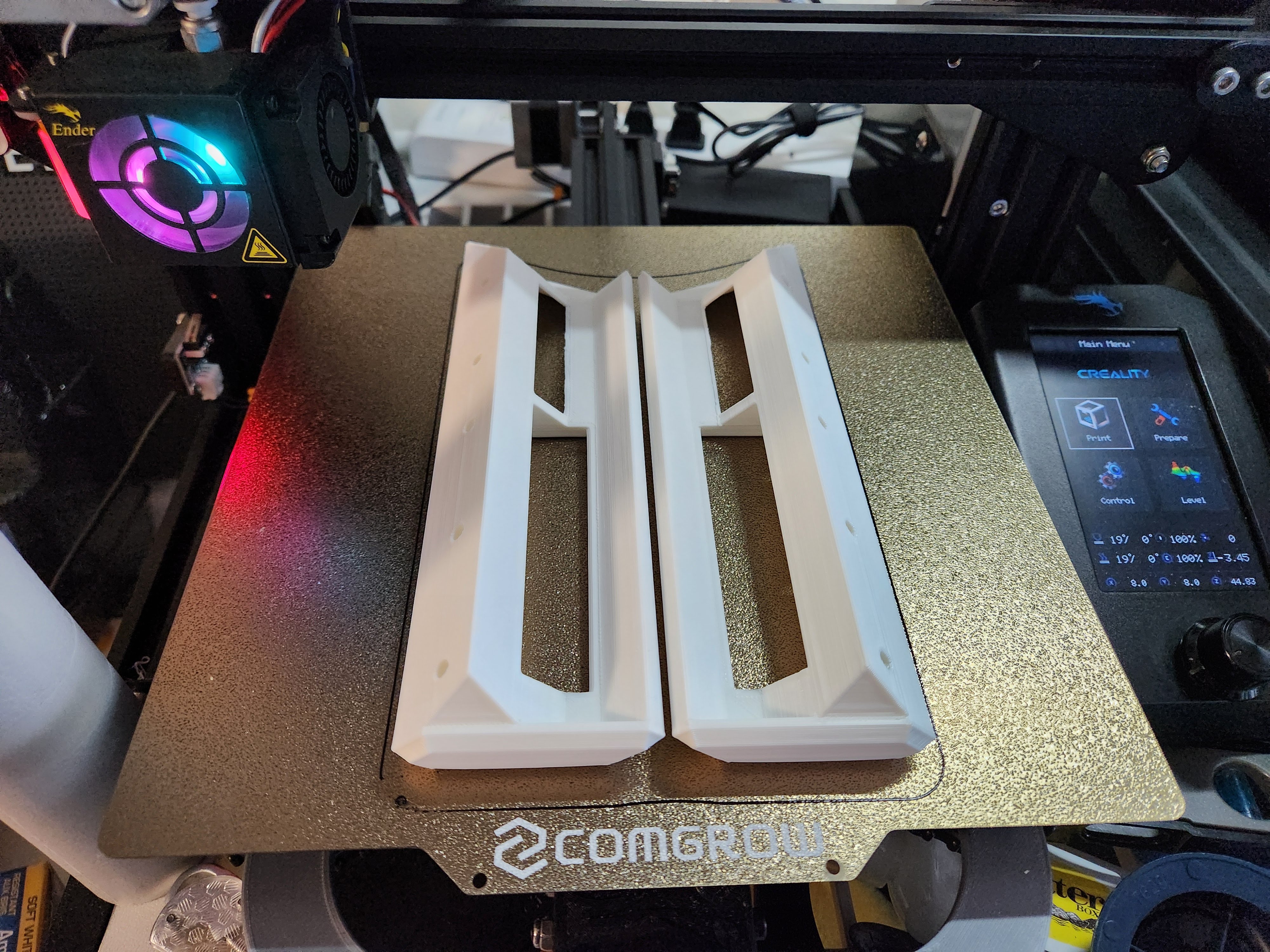
  • Big footprint with little surface contact. first layers will print faster and removal will be easier while keeping the print on the bed while printing
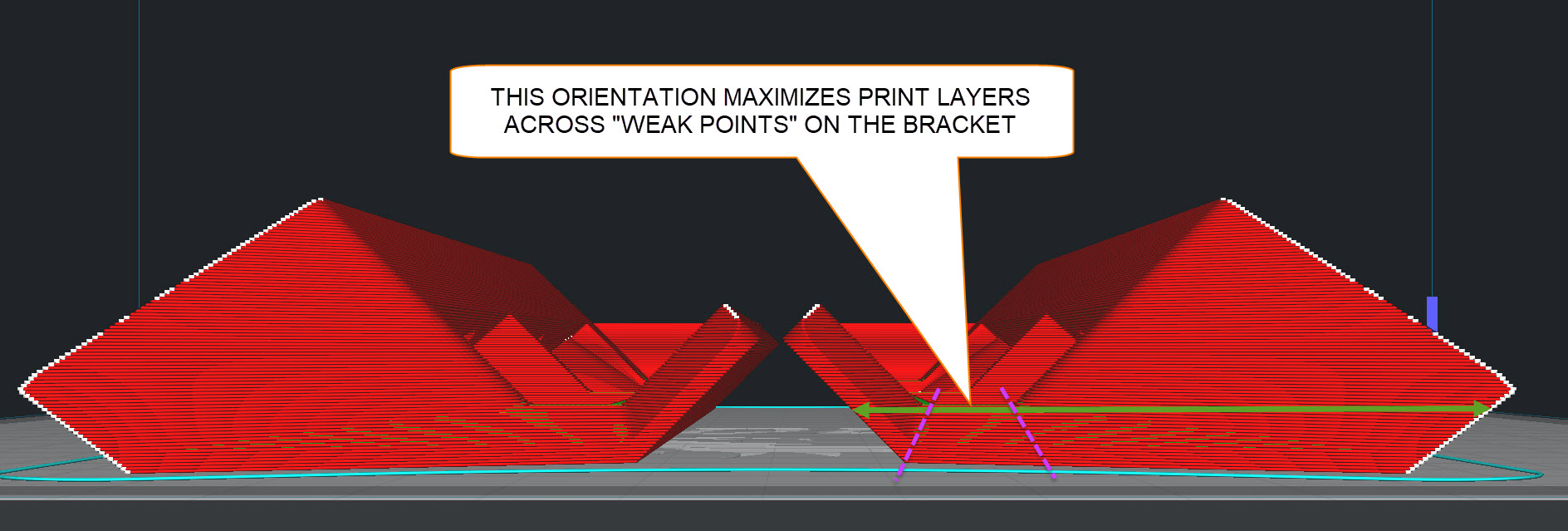
  • No support required, the saved print orientation rotates all horizontal walls 45deg which most 3D printers should be able to print without support, this considerably reduces time and material
  • Increased stiffness across the bracket “bends”, this print orientation allows to maximize layers along them, bottom layers are fully solid
  • Length adjusted to fit 250mm beds (most common 3D printer size)

You can download .step and .stl plus a Bambu P1S profile here: